If you have a blog site and are looking for a WordPress Auto Social sharing solution, then you are in luck today! With SchedulePress, which was known as WP Scheduled Posts earlier, you can now schedule and automatically share your blog posts on multiple social profiles, including Facebook groups, Pages, Pinterest, LinkedIn, X (Twitter), etc.
Scheduling your posts and social sharing is one of the hectic but daily activities for anyone who is trying to boost engagement on social media. Content marketers always suffer from a lack of the right tool that will automatically share their posts on multiple platforms. They have to share posts manually on social profiles, pages or groups, which seems difficult to maintain and time-consuming.
To handle these issues permanently, SchedulePress offers exclusive features to facilitate those who want to share their scheduled content automatically on multiple social profiles, pages or groups. It has powerful seamless integration with 7+ social platforms, including Facebook, X (formerly Twitter), Pinterest and LinkedIn, to share your posts through an automated process without taking any manual workload.
Why You Might Need Social Media Automation?
Creating separate posts manually for each social media platform’s individual profiles, pages or groups is a tough task to accomplish accurately. It is an all-in-all lengthy work process which makes the simple work difficult. On the other hand, sharing your website content on multiple social media platforms automatically will increase work productivity, efficiency and save a lot of valuable time.
You do not have to post your content manually or to remember which posts you have to share or not. Once your post goes on air, the rest of the work will be done through automation. In some cases, you can do this with direct sharing from the editorial panel. This makes content marketers or bloggers work much easier than before, which saves time, money, energy and removes hassles permanently.
For instance, you are maintaining a blog site with multiple writers who used to create content on a daily basis. It does not sound efficient if they have to always check the schedule and then prepare it for posting. Or you want to make it publish for separate pages or groups that you maintain, which will also be served by the automation process.
So to make your post sharing work faster and more efficiently, SchedulePress comes with its amazing updated automation features, besides its content scheduling function. Now, by using one tool, you can sync both scheduling and posting content on the website with social sharing facilities. Before, you had to get a separate plugin for each, which is a bit expensive and creates a hassle. This all-in-one solution is affordable and efficiently serves both purposes simultaneously.
SchedulePress Amazing Functionalities to Streamline Social Sharing
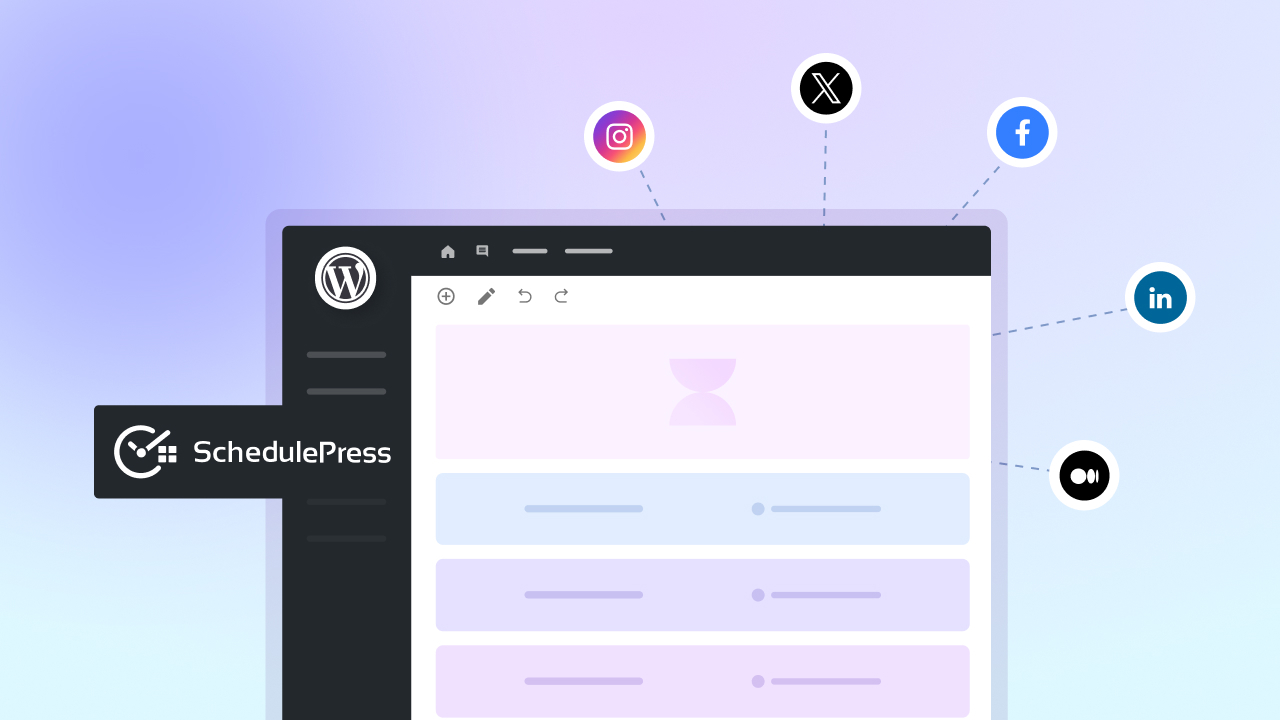
SchedulePress will automate your content scheduling process for 7+ social platforms, including Facebook, Pinterest, X (Twitter) and LinkedIn. It will manage your different social profiles, single pages and groups. It will automatically appear on the central ‘Schedule And Share’ board with connected profiles alongside scheduling options for every post. From there, you can easily choose and maintain which platform you want to showcase your blogs while publishing.
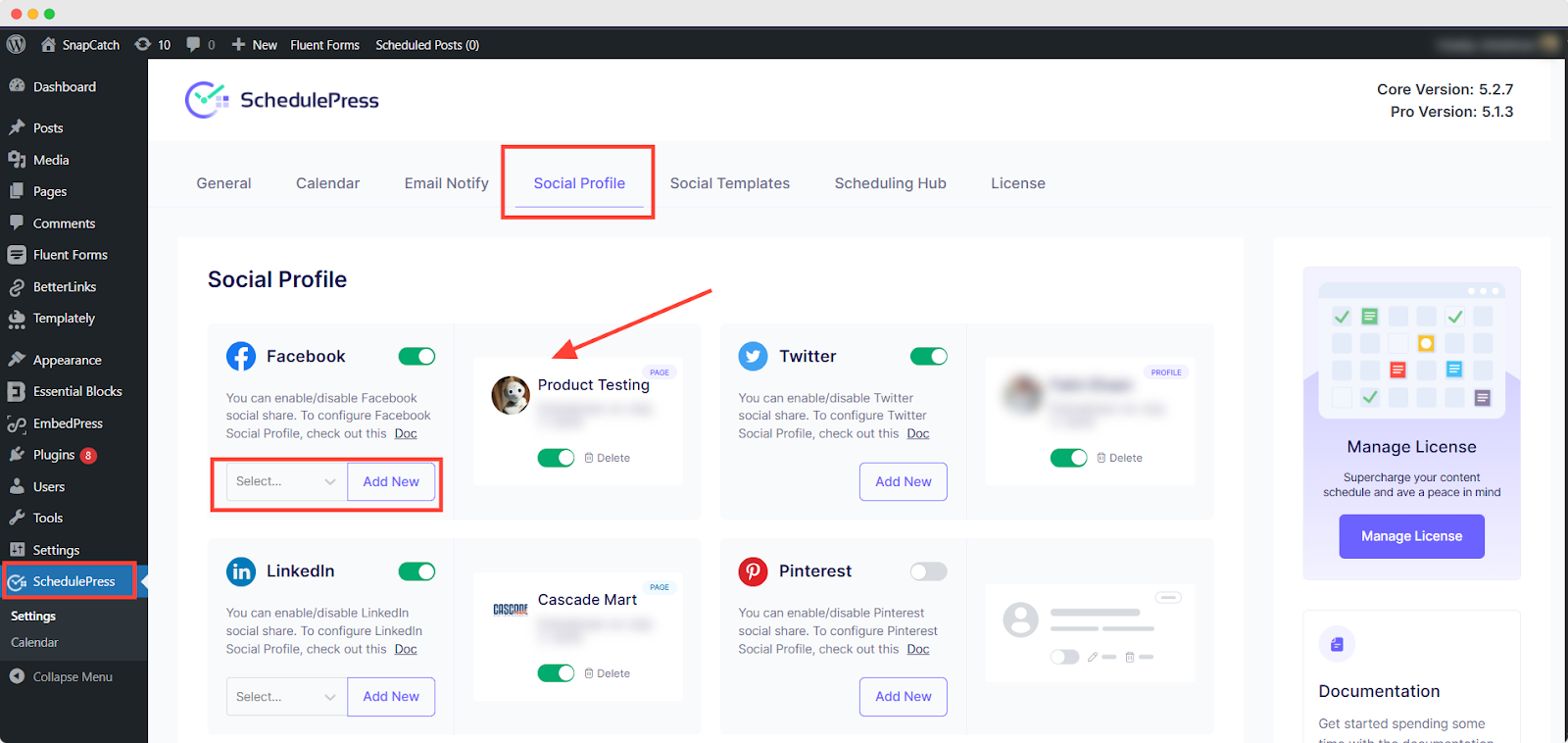
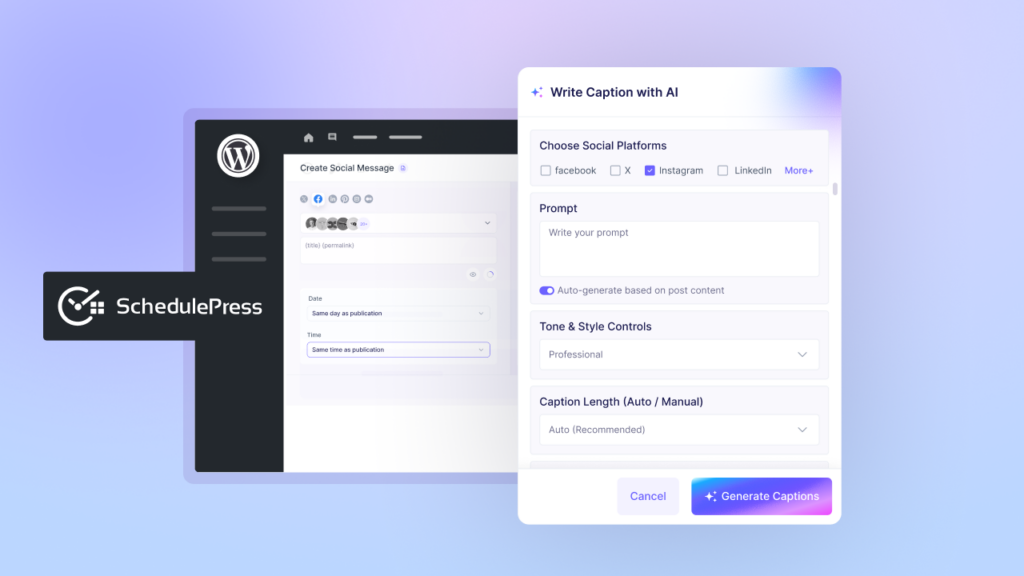
After your content goes live, it will then be posted on your social profiles in an automated process. With SchedulePress, you will be able to choose which groups or pages to publish. Plus, you can customize your social sharing content for each platform with ease. You can add hashtags, update banner images, include links, and make it stand out for visitors to boost your post engagement. It also comes with instant social sharing features from the editorial panel in case you need them for any reason. Now, let us check out how these social media sites work with SchedulePress Pro.
Get Started with Social Media Automation Process Using SchedulePress
For each social media, you have to integrate your account with SchedulePress first and then you are ready to go and explore its amazing automated features and functions.
WordPress Auto Social Sharing on Facebook
You can choose on which of your Facebook pages or groups your content will be published daily, or for a particular piece of content, too. It will make it publish on your social profile automatically when it goes live on your website. But for that, you have to configure your social account first to get started. To learn more about this, you can check out this documentation.
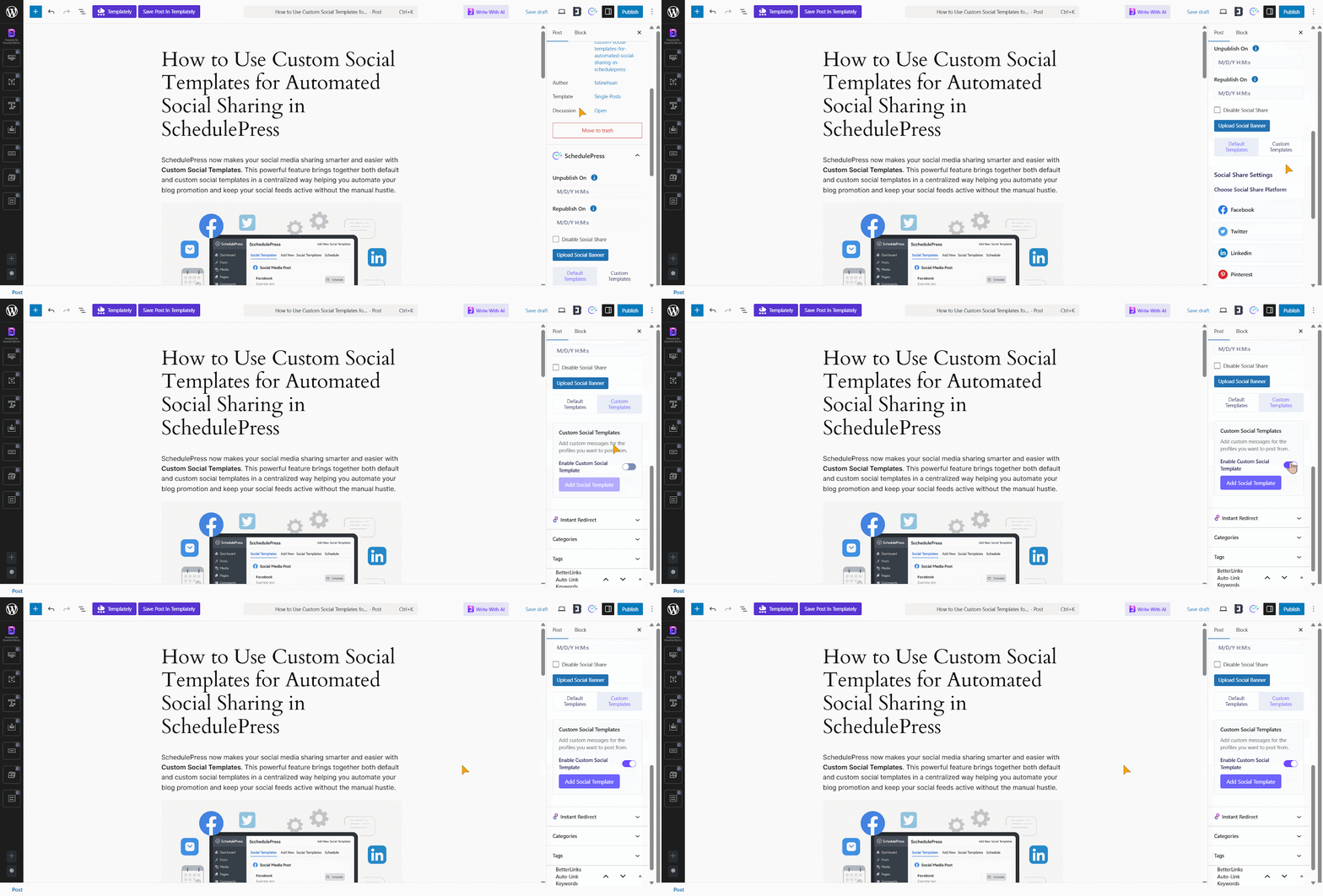
You can also customize your template representation and the overall look. You can add tags, links, metadata or any custom content for your social sharing.
Automatically Tweet on X (Twitter)
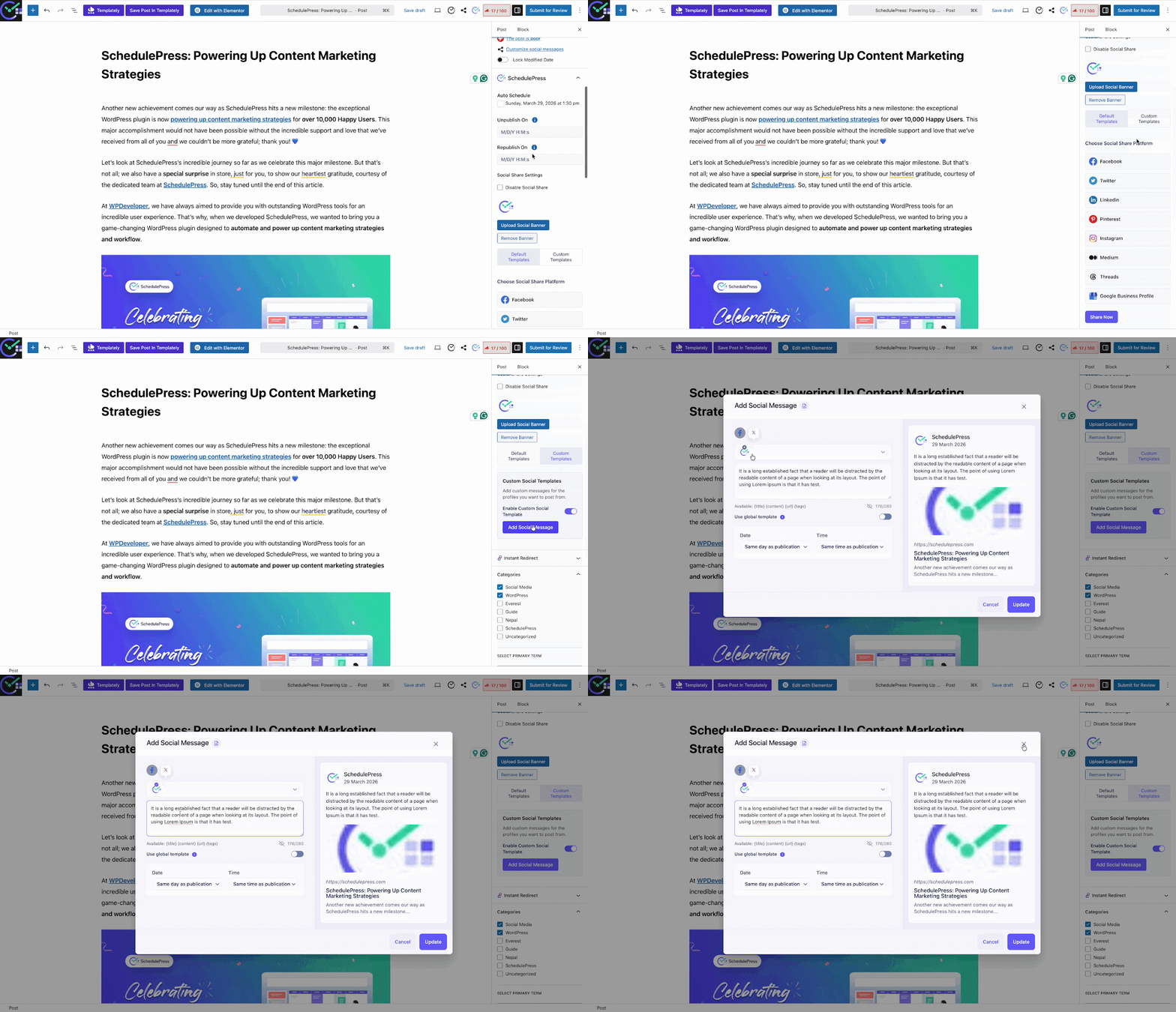
X (Twitter) account configuration is mostly similar to the Facebook account. You can check out this documentation to know more. You can customize your social sharing template content, add categories and a thumbnail image to it.
On the other hand, you can add banner images for your X (Twitter) posts and directly share them from the editorial panel at any time. Besides that, it will automatically be shared on your X (Twitter) profile when your content goes live on the website.
Automatically Publish Your Posts on LinkedIn
There is a bit of a difference here in configuring the LinkedIn Account. You have to first integrate and then you will be able to add your profile with SchedulePress. Once you have done it, you are all ready to go. You can choose your social banner image as well as other social sites. You will be able to share your content tweet directly from the editorial panel.
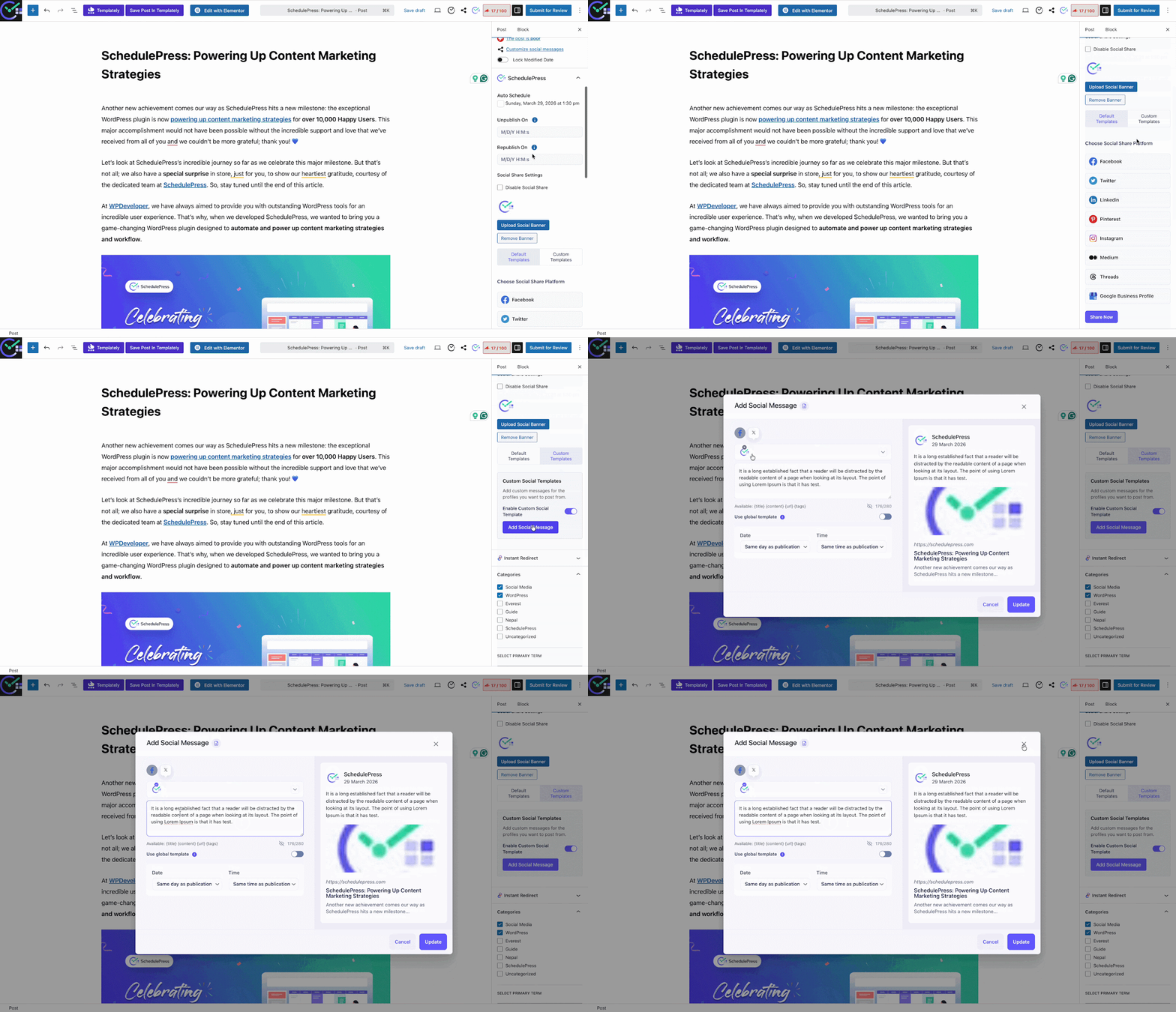
Besides that, you can customize your social sharing templates by setting up the content type, adding categories and customizing the overall content to make it look more engaging for visitors.
Pin Your Published Content Automatically on Pinterest Boards
Like others, you have to configure your Pinterest account first to automate the social sharing exclusive feature for your content. For that, you have to create an app first and then you have to integrate your account. You can check out this documentation to know more.
You can choose your preferred social sharing banner image to make your post look more interactive. Not only that, but you will also be able to select your Pinterest board or go with your default board to showcase your content automatically on your Pinterest board. You can directly share the post from the editorial panel if you want.
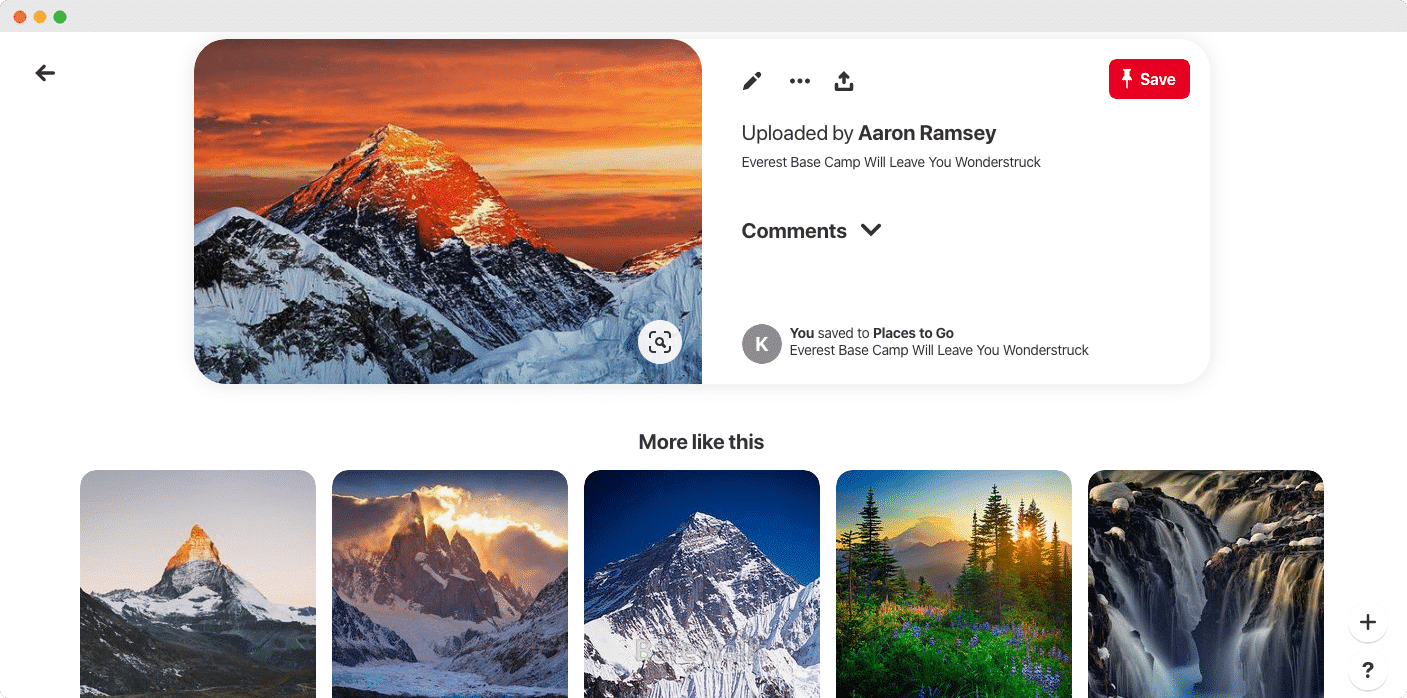
Alongside these, you can automate social sharing of Threads, Instagram, Medium and Google Business Profile.
Read more:
- Simplify Local Marketing: How to Automatically Share WordPress Posts on Google Business Profile?
- [Feature Alert] How to Auto Share WordPress Posts on Threads with SchedulePress
- How to Automatically Share WordPress Posts on Medium with SchedulePress?
- How to Auto Share WordPress Posts on Instagram: Step-by-Step Guide [2026]
Wrapping Up
It sounds amazing when you get the chance to share your daily posts on social media automatically. And if you get both scheduling and sharing content facilities on one tool, then it will boost your work far more than before. SchedulePress comes with these exact advanced features and functions to facilitate your content planning and marketing work effectively with full synchronization.
If you find this helpful, you can subscribe to our blogs for more. Plus, do not forget to join our Facebook community to share your experience and connect with other modern creators! And if you have not tried SchedulePress yet, then try this now!