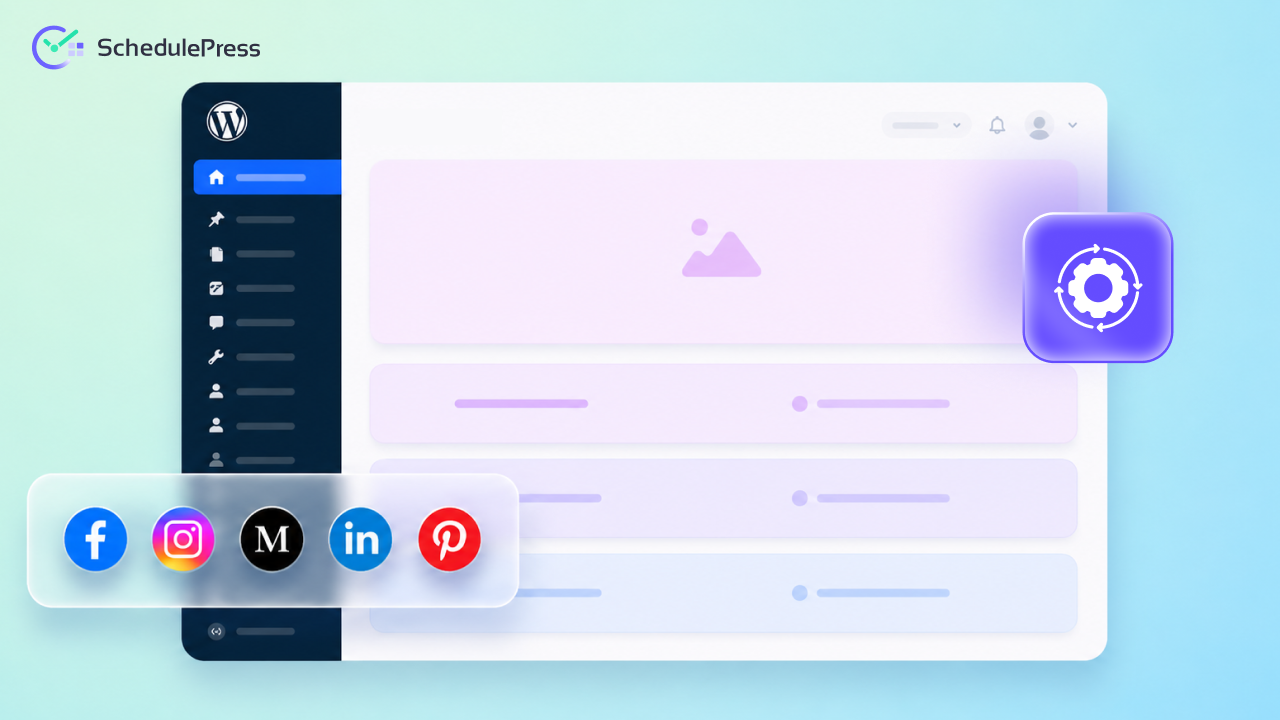
Creating great content takes a ton of effort, research and late nights. Getting that content seen by the right people is a completely different challenge. If you are running a business online, you already know that manually posting to every single platform is a massive, exhausting time sink. To truly scale your reach and get your weekends back this year, you need a rock-solid social media automation strategy that runs smoothly in the background.
The tech world is moving incredibly fast and trying to keep up by manually pasting links into Facebook or X is the shortcut for quick burnout. Let us look at exactly how you can set up a modern system that actually works for you. We will show you how to free up your schedule while keeping your audience fully engaged. It is time to let your WordPress dashboard do the heavy lifting.
TL;DR: The 2026 Playbook
Short on time? Here is the quick breakdown for building your social media automation strategy:
- Plan: Build a unified visual calendar for your WordPress content distribution.
- Automate: Use smart plugins to automate social sharing directly from your post editor.
- Repurpose: Maximize your reach through easy cross-platform promotion with tailored captions.
- Equip: Choose the right social media scheduling tools that live natively inside your dashboard.
- Centralize: Keep everything in WordPress so you never have to jump between open browser tabs again.
Why You Absolutely Need a Social Media Automation Strategy
Posting on the fly might have worked a few years ago, but 2026 demands a much smarter approach. Your competitors are likely already using an advanced social media automation strategy to stay top of mind with their audience. When you try to do everything manually, important things just slip through the cracks.
You might finish writing a great piece of content, but then you get distracted by an email and completely forget to share it with your followers. When you automate social sharing, you eliminate the daily stress of logging into multiple apps just to get a basic message out.
It completely removes the human error of simply forgetting to post during your busiest days. It also gives you total peace of mind knowing your brand is active even when you are away from the keyboard. A good system handles the delivery for you so you can focus on actual growth and community building.
It allows you to focus on engaging with your audience rather than just acting as a human publishing robot. We have found that the most successful site owners treat their social media automation strategy as a core part of their daily workflow, not just an afterthought.
Step-by-Step Process of Automating Your Content Publishing & Social Media Sharing Altogether
Wondering how to get everything altogether and manage from a single place? Well, there are easy and quick ways to do those. Even for a beginner, the process is a breeze. Let us find out.
Step 1: Centralize Your WordPress Content Distribution
The biggest mistake site owners make is treating their blog and their social channels as completely separate entities. Your social media automation strategy should actually start right inside your WordPress dashboard.
By centralizing your WordPress content distribution, you ensure that every new post is immediately lined up for social promotion before you even hit publish. You do not have to copy links or download images to your desktop just to re-upload them to your social feeds later.
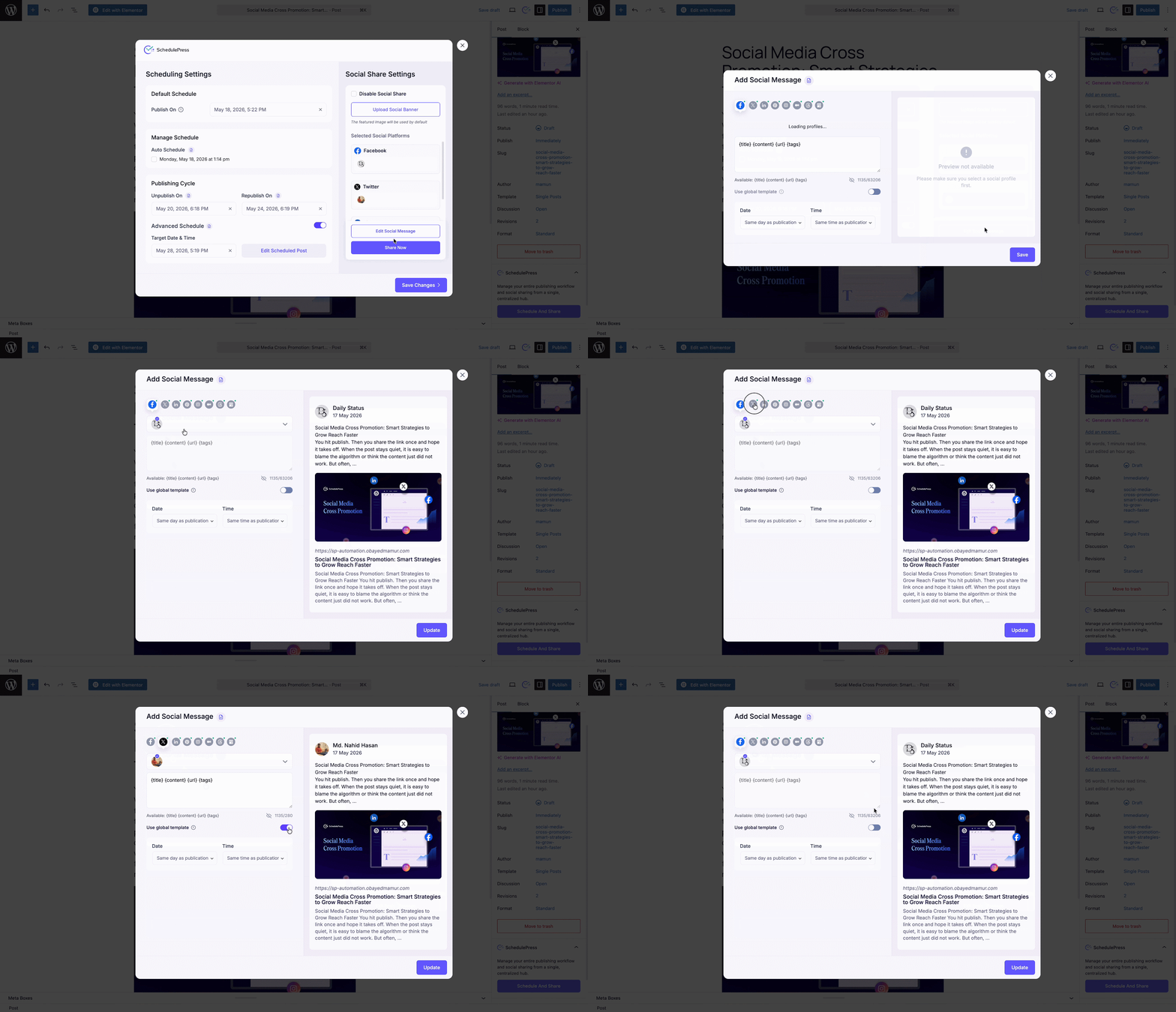
Instead, you keep your entire workflow in one single window. This is where having a tool like SchedulePress becomes incredibly helpful. It brings a centralized Schedule and Share Board right into your Gutenberg editor, giving you a complete command center.
You can literally plan your blog post and your social drops from the same screen. When your WordPress content distribution is tied directly to your publishing process, you never miss an opportunity to share. It transforms a chaotic, multi-tab nightmare into a smooth, highly predictable routine that your whole team can follow.
Step 2: Master Cross-Platform Promotion from One Screen
Every social platform has its own unique vibe and audience expectations. You cannot just blast the same message everywhere and expect great results. A winning social media automation strategy requires tailored captions for different networks.
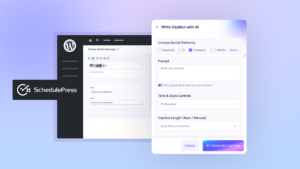
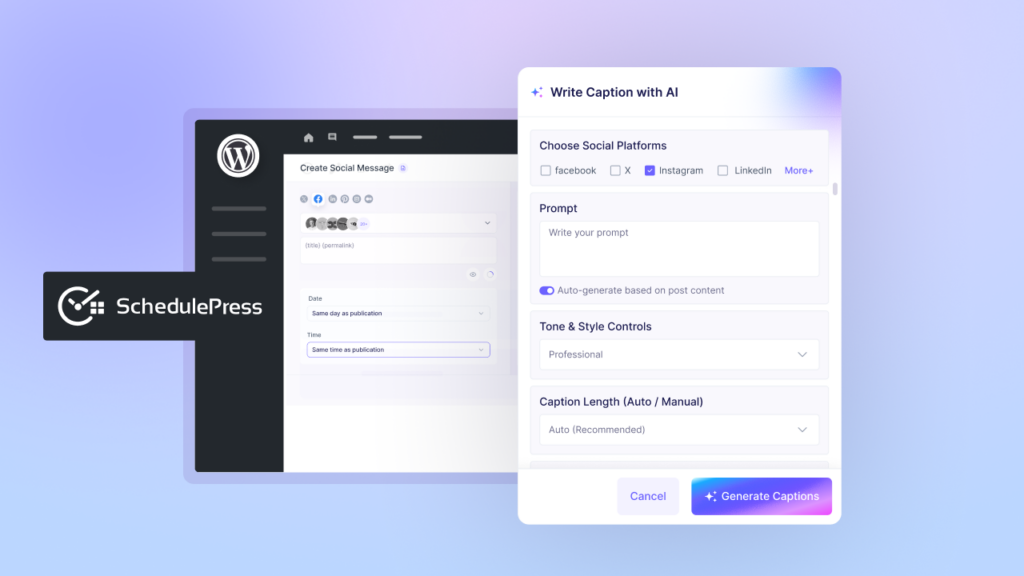
With the right setup, you can handle this cross-platform promotion efficiently without ever leaving your site. Write a professional, career-focused hook for LinkedIn, a quick, punchy text for X and an engaging question for Facebook all at the same time.
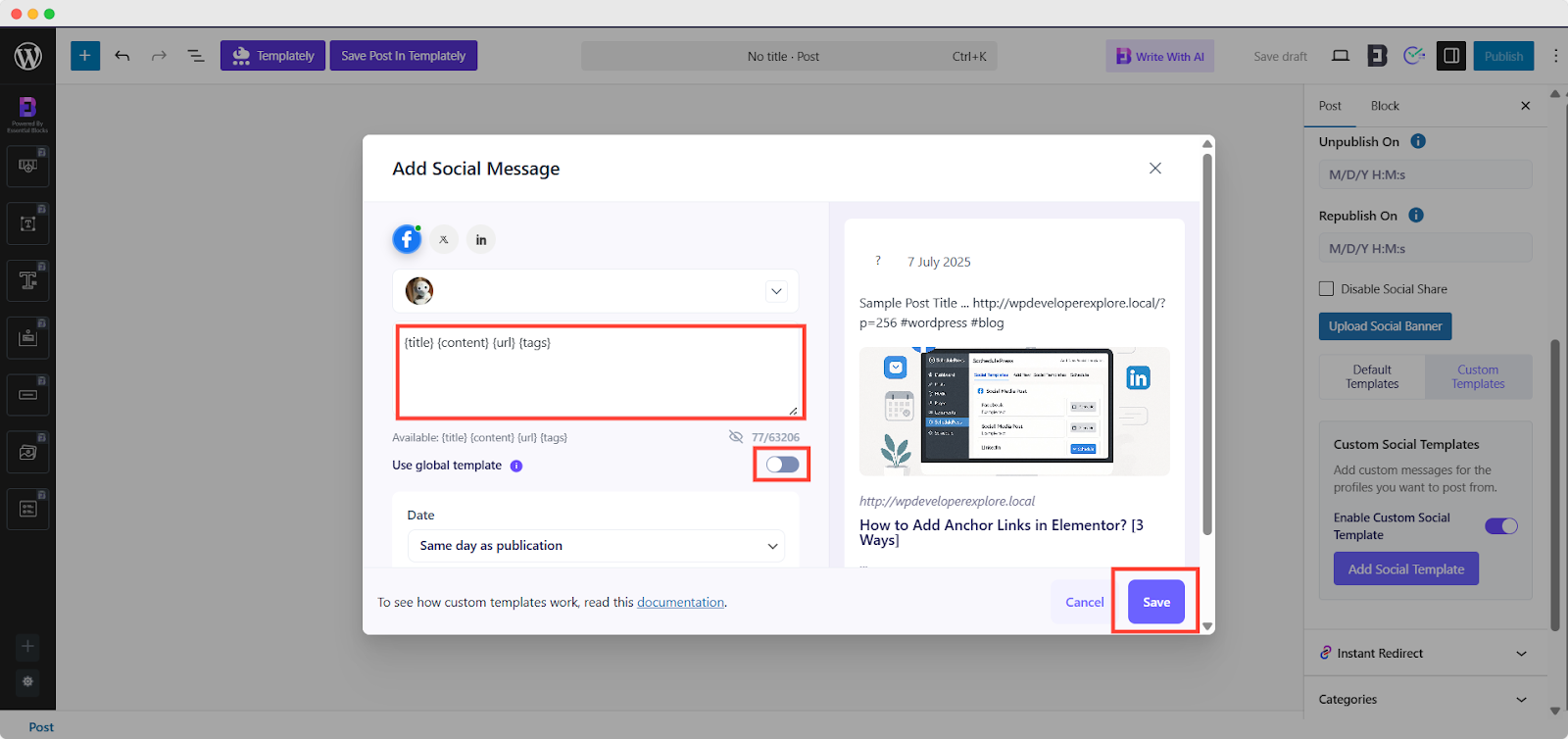
This keeps your brand looking fresh and native to each specific platform. Inside the SchedulePress board, there is a dedicated section just for this exact workflow. You can upload custom social banners for specific networks and write unique messages for each one.
If you are in a rush, you can set a global message, but having the option to manage cross-platform promotion easily is a total game-changer. It makes your social media automation strategy feel highly personalized to your followers, even though the whole process was scheduled days in advance.
Step 3: Automate Social Sharing for Maximum Impact
Timing is everything when it comes to social media algorithms. You want your content to hit feeds exactly when your audience is most active and ready to read. The easiest way to nail this is to automate social sharing alongside your blog post launches.
If you schedule a post to go live at midnight on a Saturday, you should not have to be awake to tweet about it. A robust social media automation strategy links your blog publishing times directly to your social media drops.
SchedulePress handles this beautifully by letting you set social shares to go out the exact second your WordPress post goes live. You can even take it a step further with advanced lifecycle rules. Let us say you are running a limited-time holiday sale and want to pull the post down when the weekend ends.
You can use the plugin to automatically unpublish the promotional post and handle the social updates seamlessly. You just set it up once and forget it. Learning to properly automate social sharing like this gives you back hours of your week and keeps your promotional calendar running like clockwork.
Step 4: Pick the Best Social Media Scheduling Tools for the Job
You do not need a massive, confusing enterprise suite to get this right. The best social media scheduling tools integrate seamlessly with the software you already use daily. For most website owners, external apps just add unnecessary layers of complexity and extra monthly subscription fees.
Why pay for an outside app when you can manage everything directly inside WordPress? Plugins that act as your primary social media scheduling tools keep your data and your workflow safely under one roof.
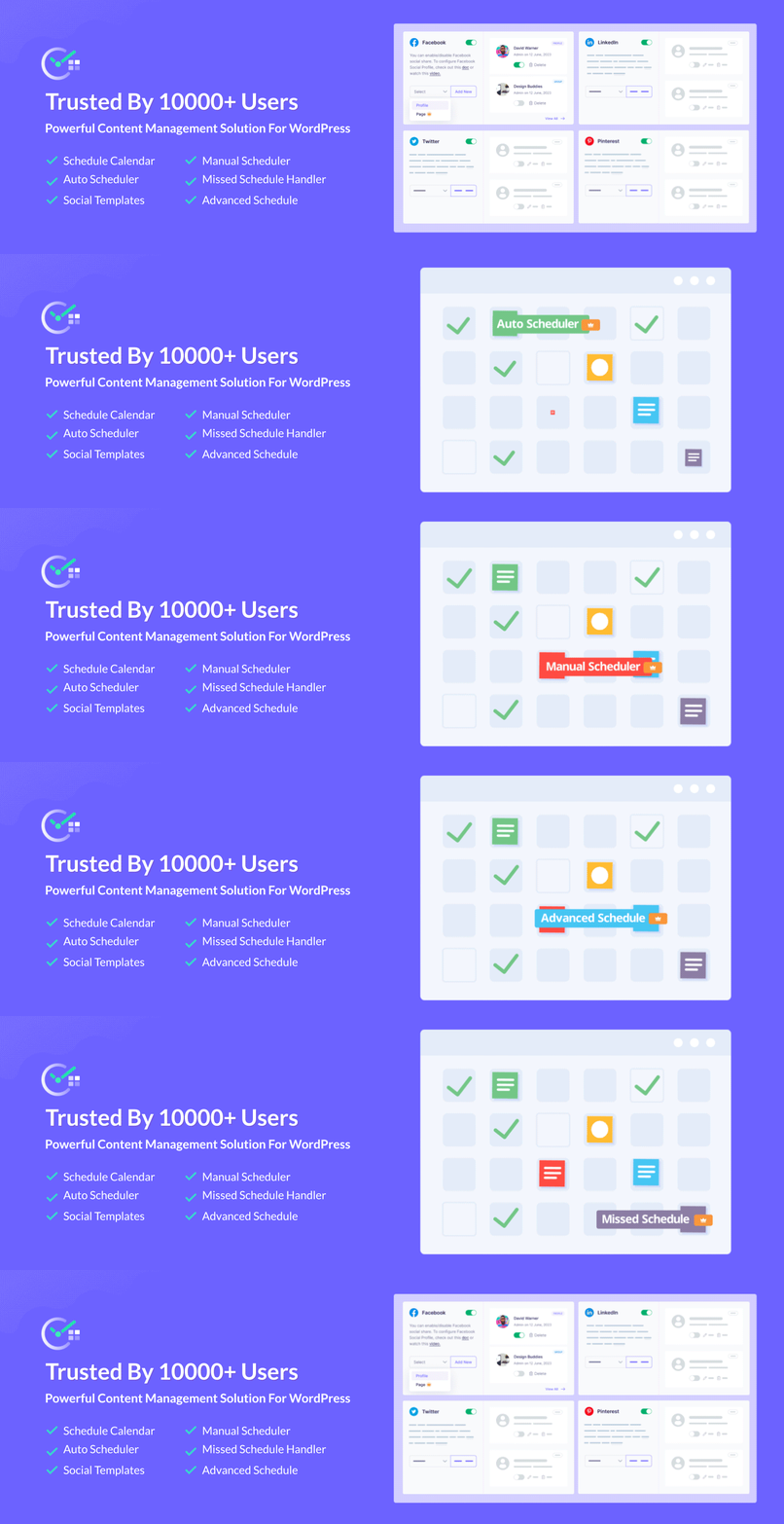
SchedulePress is built specifically for this exact purpose. It is designed to be the ultimate companion for your WordPress dashboard.
Having a highly visual calendar inside your dashboard is essential. It lets you see all your upcoming blog posts and scheduled social shares at a single glance. When you use native social media scheduling tools, your entire social media automation strategy just feels completely natural and cohesive.
Common Mistakes to Avoid in Your Workflow
Even with the best tools, it is easy to fall into a few common traps when setting up your systems. The biggest pitfall is turning into a broadcast-only brand. Remember, a social media automation strategy handles the posting, but you still need to handle the talking.
Do not just drop links and run away. Schedule time to log in natively and reply to comments. Another huge mistake is failing to utilize custom images. Social feeds are highly visual and a boring default thumbnail will get scrolled past immediately.
Make sure you are uploading specific social banners directly through your WordPress dashboard before you schedule the post. Finally, avoid ignoring your older content. A smart WordPress content distribution plan includes putting your evergreen posts back into rotation to capture new followers who missed them the first time around.
Fine-Tuning Your Social Media Automation Strategy
Setting things on autopilot is fantastic, but you cannot just walk away forever. A truly effective social media automation strategy needs occasional tweaking and reviewing to stay sharp. Take a look at your analytics at the end of each month to see what is actually working.
See which times of day are getting the most clicks and adjust your posting times accordingly. If certain types of posts are falling flat on LinkedIn but crushing it on Facebook, rethink your messaging. Use those insights to refine your cross-platform promotion tactics for the next month.
Your social media automation strategy should evolve and adapt as your audience grows. Keep testing new hooks, trying out different custom banners and finding the perfect rhythm for your specific brand. The tools will handle the heavy lifting, but your creativity is what actually drives the engagement.
Frequently Asked Questions (FAQs)
Q: Will automating my posts hurt my overall engagement?
Q: Can I use SchedulePress if I build my pages with Elementor?
Q: Can I automate social sharing for old posts?
Q: Is it better to use an external app or a native WordPress plugin?
Take Back Your Time with a Smarter Workflow
Building a loyal audience takes real time and effort, but sharing your content should not be a daily headache. By setting up a dedicated social media automation strategy, you immediately take back hours of your week. It is time to let the software handle the repetitive, boring tasks for you.
A centralized hub like the SchedulePress board turns a chaotic workflow into a smooth, predictable system. You get to manage your exact publishing dates, post lifecycles and social media promos all from one single screen.
Start building your perfect social media automation strategy today with tools built right into your WordPress dashboard. If you want more tips and tutorials like this, be sure to subscribe to our blog and join our friendly Facebook Community to stay updated with the latest WordPress trends and social media marketing insights.