If you have ever hit “Schedule” in WordPress and then found out the post did not publish on time, you already know the real problem: planning is easy but reliability is hard. A great idea can lose momentum when you have to log in at odd hours, double-check posts or manually share updates across social networks. That is why choosing a WordPress scheduling plugin is not just a “nice to have” decision. It is the difference between a calm publishing routine and a workflow full of last-minute fixes.
In this guide, let us simplify what matters, show you what to look for and explain how SchedulePress helps you plan, publish and promote from one place.
Why Scheduling Fails and What a WordPress Scheduling Plugin Should Solve
WordPress scheduling depends on how your site triggers its background tasks. If your site gets low traffic, has caching conflicts or faces hosting issues, scheduled actions can be delayed. That is when you see missed posts, draft content that never goes live and social updates that do not match your publishing plan.
A dependable WordPress scheduling plugin closes these gaps in two ways. First, it gives you visibility through a content calendar so you can see what is coming and what needs attention. Second, it adds safety nets like a missed schedule handler so your posts publish even when WordPress timing is not perfect.
Features to Separate a Real WordPress Scheduling Plugin from a Basic Scheduler
There are many tools that can “set a date” but far fewer that can support a modern editorial workflow. Use the checklist below to evaluate any WordPress scheduling plugin you are considering, especially if you want long-term consistency.
A Visual Content Calendar You Can Actually Use
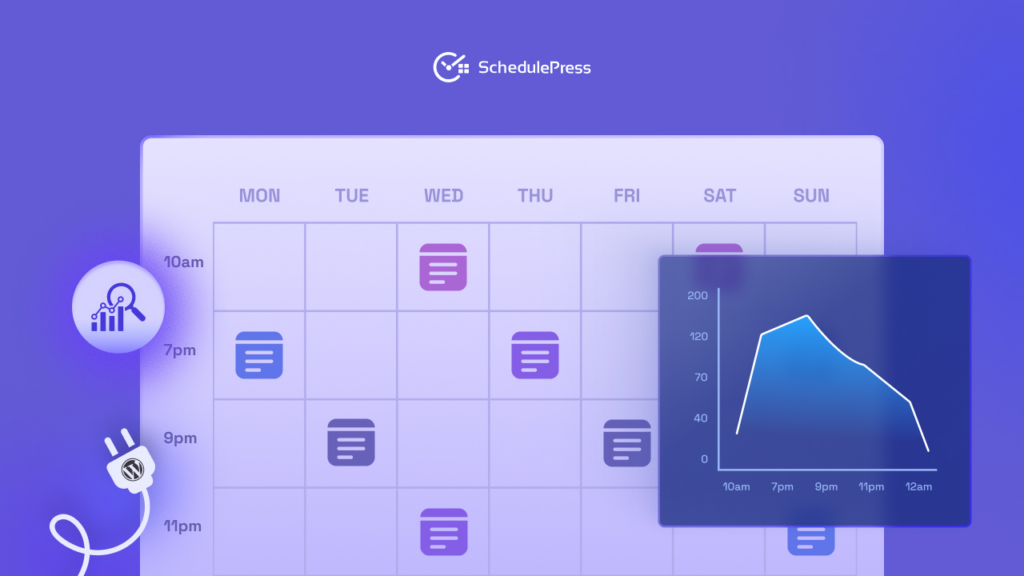
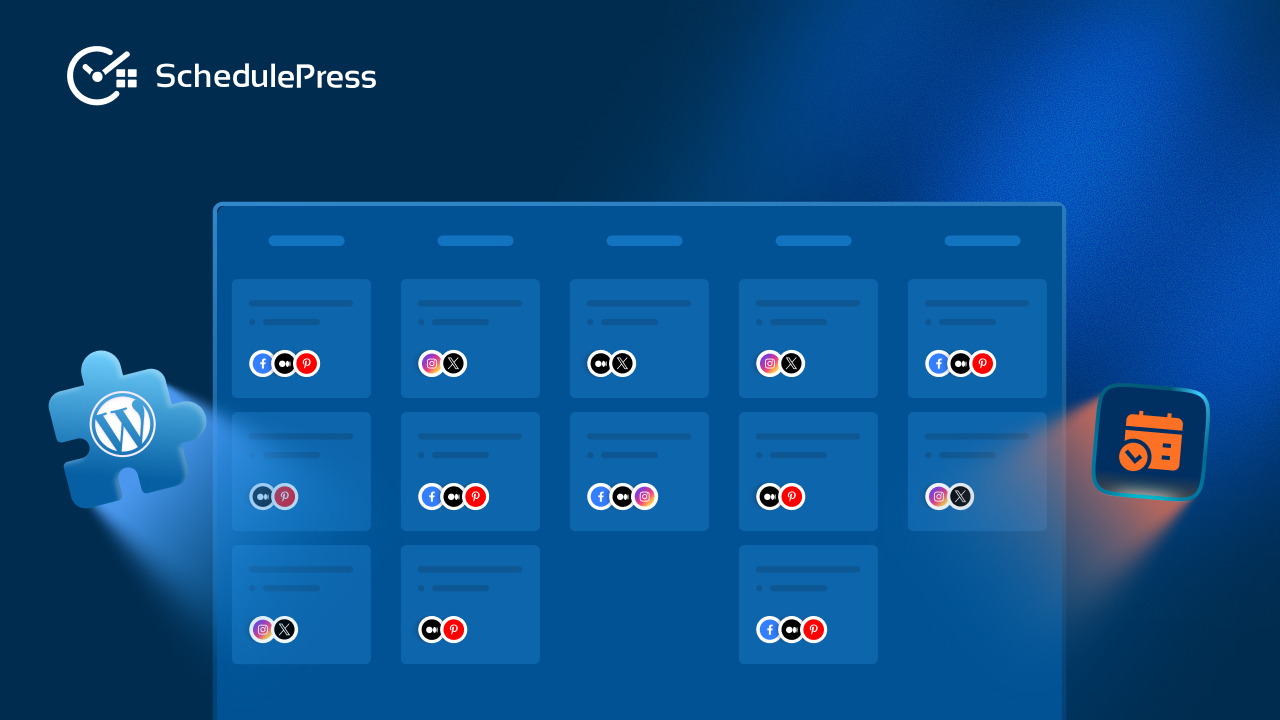
A visual content calendar should feel like a planning hub, not a list of posts. You should be able to drag and drop items, change dates quickly and understand your month at a glance. When your content calendar is visual, it becomes easier to spot gaps, avoid publishing clashes and keep your team aligned.
SchedulePress gives you a calendar view inside WordPress so planning stays close to your content. Instead of juggling spreadsheets, you can organize posts where they are written.
Automated Publishing to Reduce Manual Work
Publishing automatically is not only about scheduling one post. It is about building a repeatable system for drafts, reviews, approvals and publish dates. The best tools help you schedule in bulk and keep your queue moving without constant micromanagement.
With SchedulePress, you can plan ahead and use scheduling tools to publish consistently. This makes auto-publishing feel predictable, which is exactly what content teams need.
Missed Schedule Handler to Protect Your Publishing Promise
When a post misses its time, it can break trust with your audience. It can also disrupt email sends, campaign timing and internal approvals. A missed schedule handler acts like a safety net that checks what should have been published and helps it go live properly.
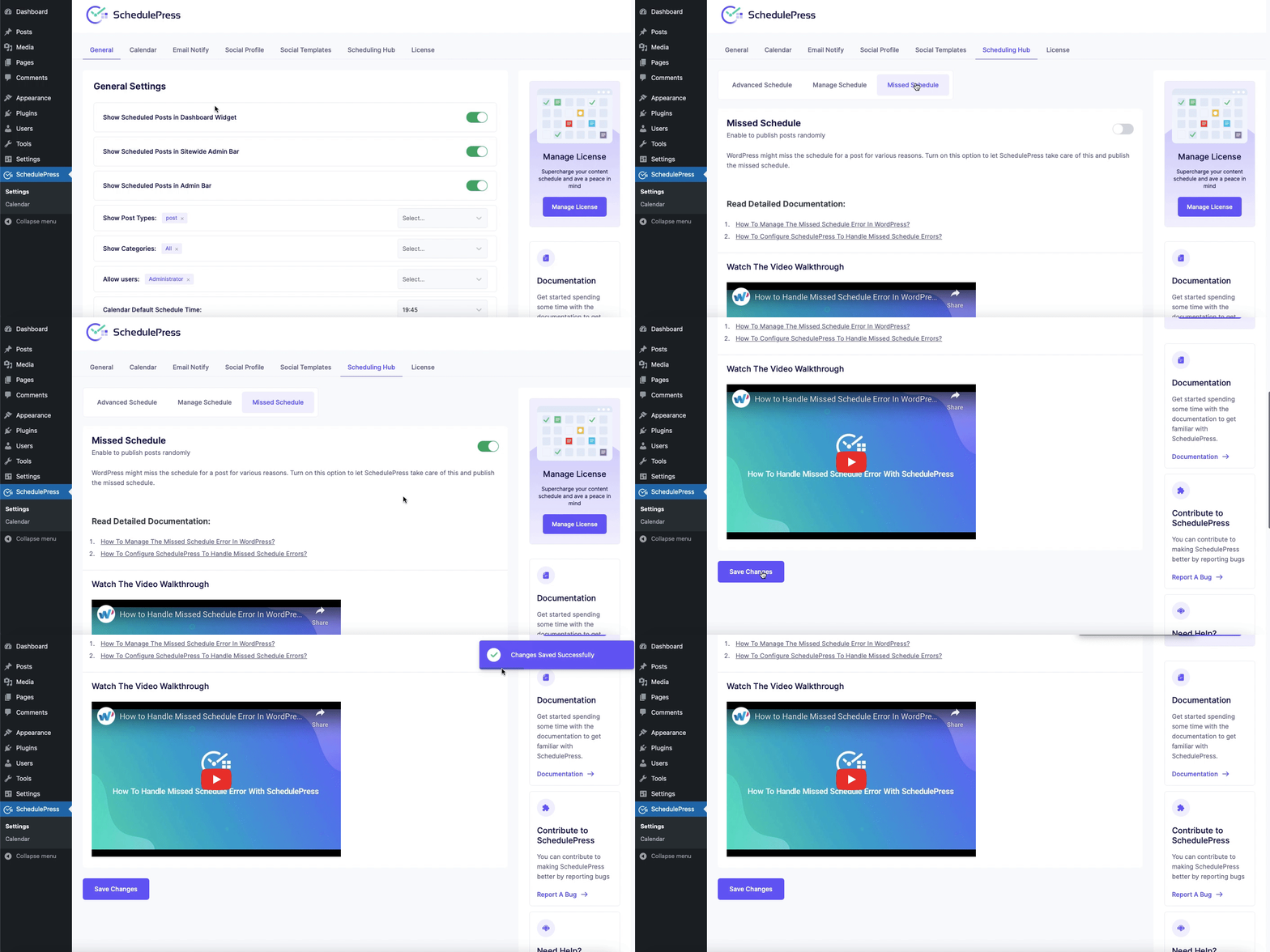
SchedulePress includes a missed schedule handler so you do not have to babysit your site. When timing issues happen, this layer keeps your schedule reliable.
Social Media Auto Sharing that Matches Your Schedule
Publishing is only half the job. If you want your content to be seen, you need promotion that happens at the right time with the right message. Social media auto-sharing helps you publish and then push the post to your connected platforms without switching tools.
SchedulePress supports social media auto-sharing so your blog posts can be shared automatically. When social media auto-sharing is part of the same workflow, your promotion becomes consistent, not occasional.
Editorial Workflow Tools that Support Teams and Campaigns
An editorial workflow is more than a calendar. It includes who is writing what, where it is in the pipeline and how you keep everything moving. A solid WordPress scheduling plugin should support multi-author planning, provide clear status visibility and help you execute campaigns smoothly.
SchedulePress is built around an editorial workflow that fits different publishing styles. Whether you are a solo blogger or a team, you can keep your editorial workflow organized and transparent.
How SchedulePress Fits Real Publishing Workflows
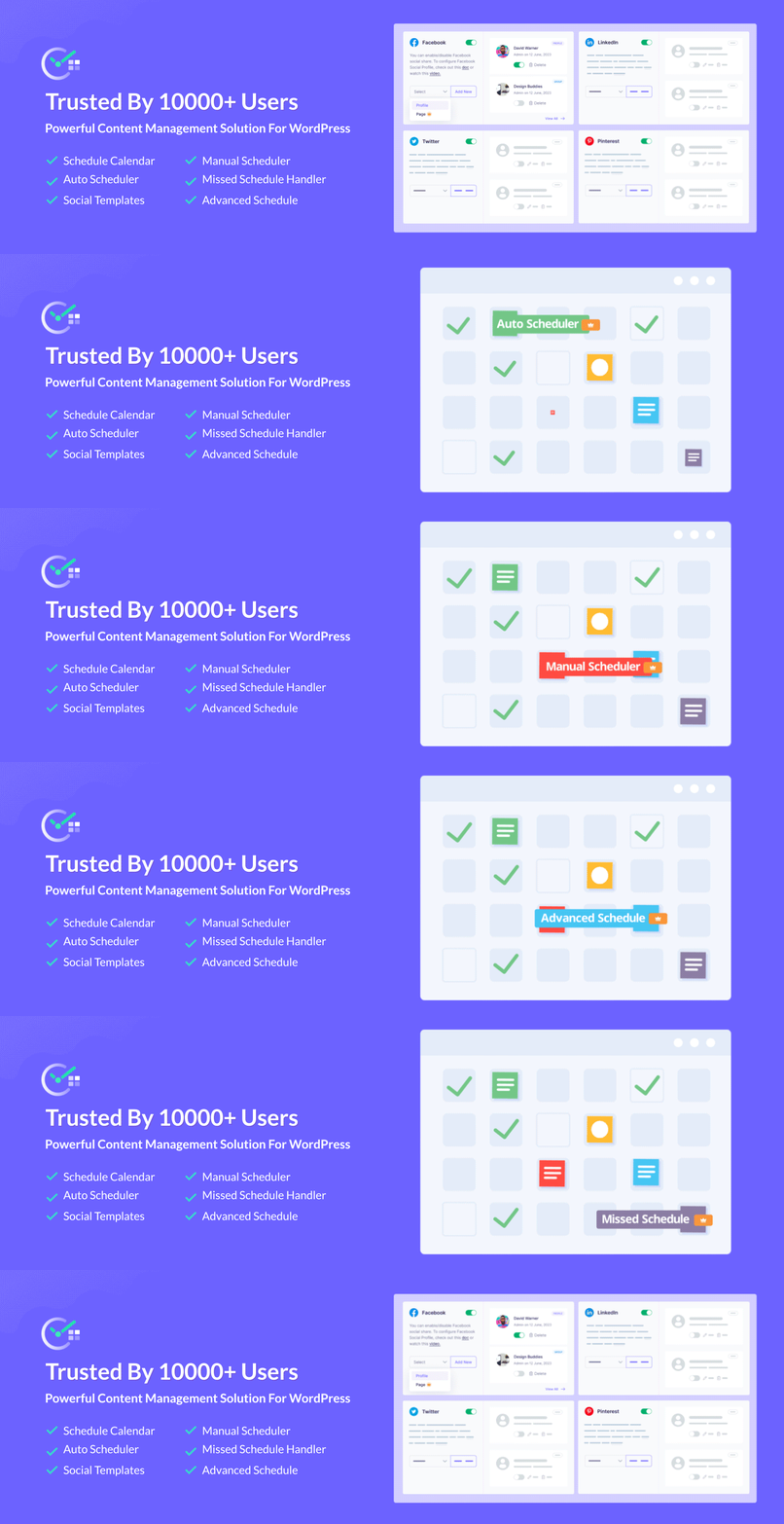
A WordPress scheduling plugin should adapt to how people actually publish. Let us look at three common use cases and how SchedulePress supports each one without forcing you into a rigid system.
For Solo Bloggers Who Want Consistency
When you publish alone, you need speed, clarity and automation. A visual content calendar helps you plan around your life. Auto-publishing helps you stay consistent even when you are busy. Social media auto-sharing ensures every post gets promotion without extra steps.
This is where SchedulePress shines. You can create drafts, schedule them and let the system handle publishing and sharing while you focus on writing.
For Businesses Managing a Multi-Author Content Pipeline
Teams need structure. You want to see who owns each post, what is ready to publish and what needs review. A content calendar makes collaboration simpler because everyone is informed what is planned, what is blocked and what is next.
SchedulePress supports multi-author planning through calendar views and clear scheduling controls. When you combine a content calendar with an editorial workflow, you reduce confusion and keep output steady.
For Agencies Juggling Multiple Client Accounts
Agencies need reliable systems and repeatable processes. You may have multiple brands, multiple publishing cadences and multiple social profiles to manage. In this environment, your scheduling solution needs to be stable and flexible.
SchedulePress helps you centralize planning inside WordPress. For agencies, a WordPress scheduling plugin must keep every client’s timeline visible without constant status meetings. Social media auto-sharing helps you publish and promote across supported channels without hopping between dashboards.
Quick setup: Get WordPress Scheduling Plugin Running in Minutes
Getting started should be simple, because complexity kills momentum. Here is a practical setup flow you can follow to make scheduling feel dependable from day one.
- Install and activate SchedulePress from your WordPress dashboard.
- Confirm your timezone settings so scheduled posts publish at the right local time.
- Open the calendar view and add your upcoming drafts so you can see the month clearly.
- Connect social profiles if you want social media auto sharing for new posts.
- Create social templates so your shares match each platform style.
- Enable the missed scheduling handler so your automated publishing stays dependable.
Once this is done, SchedulePress becomes your command center. You can plan content, schedule posts and publish with confidence.
A Simple Growth Playbook You Can Run Every Week
A calendar is powerful, but results come from habits. Let us turn your schedule into a system that drives traffic and builds audience momentum, without turning your workflow into busywork.
Batch Your Content to Protect Your Focus
Batching means writing multiple drafts in one focused session and scheduling them ahead. When your WordPress scheduling plugin holds your queue clearly, batching becomes a repeatable habit. This reduces context switching and makes automated publishing more effective.
If you publish once a week, plan four posts for the month and then schedule them. Your scheduling setup keeps the cadence steady even if your week gets busy.
Keep Evergreen Posts Working for You
Your older posts can keep driving traffic if you reshare them strategically. Social media auto sharing becomes even more valuable when you include evergreen content in your plan. Instead of constantly creating new material, you can revive what already works.
SchedulePress supports rescheduling and sharing workflows that help you keep evergreen posts visible. When your editorial workflow includes evergreen planning, you get more value from every article.
Sync Publishing with Campaigns and Launches
Product updates, seasonal events and promotions work best when content and social posts align. A content calendar helps you map the timeline. Auto publishing ensures your posts go live when your campaign needs them. Social media auto-sharing keeps promotion timely.
If you run a launch, plan the blog posts first and then schedule social shares for the hours when your audience is most active. This is easier when your scheduling workflow manages both pieces.
Common Questions about Scheduling in WordPress
People often have the same concerns when they switch from manual publishing to automation. Let us clear up the big ones so your process feels secure and predictable.
Will a WordPress Scheduling Plugin Help SEO?
A scheduling plugin helps indirectly by making consistency easier. When you publish on a steady cadence, you can build topical authority and keep your site fresh. A content calendar also helps you plan clusters and avoid random one-off posts.
Auto publishing frees time for better content, which is what SEO rewards. It is a workflow advantage, not a ranking trick.
What Happens If WordPress Misses a Scheduled Post?
This is exactly why a missed scheduling handler matters. If a post fails to publish, it can sit quietly until you notice it. With a missed scheduling handler, the system checks for missed items and helps them go live properly.
SchedulePress includes a missed scheduling handler designed to protect reliability. That means fewer surprises and fewer late-night logins.
Is SchedulePress Too Complicated for Beginners?
It is built to be approachable. A calendar interface is familiar and the setup steps are guided. You can start with basic scheduling and then add social media auto sharing when you are ready.
Most beginners see the biggest win from visibility. Once you can see your month in a content calendar, planning feels simpler.
Can I Customize What Gets Shared on Each Platform?
A good workflow lets you tailor messages. Social templates help you write platform-specific captions and keep your links consistent. This improves click-through rates and keeps your posts from feeling copied and pasted.
SchedulePress supports customizable sharing templates so social media auto-sharing still feels human. When you do this well, your editorial workflow tool becomes both efficient and authentic.
Choose the Right System, Not Just a Feature List
A WordPress scheduling plugin is the backbone of consistent publishing. You want visibility through a content calendar, reliability through a missed scheduling handler and efficiency through automated publishing and social media auto-sharing. When these pieces work together, you stop reacting and start executing.
SchedulePress brings those essentials into one workflow inside WordPress. If you want to plan smarter, publish on time and promote consistently, it is a strong place to start. If you have found this blog helpful, share your opinion with our Facebook community. You can subscribe to our blogs for valuable tutorials, guides, knowledge, tips, and the latest WordPress updates.