Consistency is what separates a blog that “sometimes posts” from a site that grows every month. The problem is not creativity; it is coordination. You need time to write, time to review and time to share. And, those tasks do not always fit into a busy week. That is where a WordPress schedule plugin earns its place.
When scheduling, planning and promotion happen in one publishing workflow, you stop reacting to deadlines and start running a repeatable system. In this guide, let us walk through what to look for, how to set it up and how SchedulePress helps you publish on time without the daily scramble.
Why a WordPress Schedule Plugin Matters More Than a Publish Button
Yes, WordPress can schedule a post. But a real publishing workflow is not just “pick a date and forget it.” You need visibility into what is coming, a place to plan topics and a way to keep promotion connected to each post.
A good WordPress schedule plugin makes your process easier in three practical ways. It turns your ideas into an organized calendar for content, keeps the production flow visible through an editorial workflow calendar and protects your timeline with automation and reliability features. When those pieces come together, you publish more consistently without increasing stress.
If you want growth, you need a system that you can maintain. A WordPress scheduling plugin is one of the fastest ways to build that system inside WordPress.
Built-In Scheduling vs a Dedicated Plugin
The built-in scheduler works for simple use cases, but it can fail in real-world conditions. Many sites rely on scheduled events that do not trigger perfectly when traffic is low or when a server temporarily slows down. That is when a post can get stuck and your plan breaks.
A dedicated WordPress schedule plugin is built to reduce those risks. It gives you a clearer calendar view, better control over timing and a safety net when scheduled publishing does not happen as planned. This is especially important during launches, seasonal campaigns and weeks when you are batching content in advance.
If your calendar matters, reliability matters too. That is why most serious publishers move beyond the default scheduler.
5 Features to Look For in a WordPress Schedule Plugin
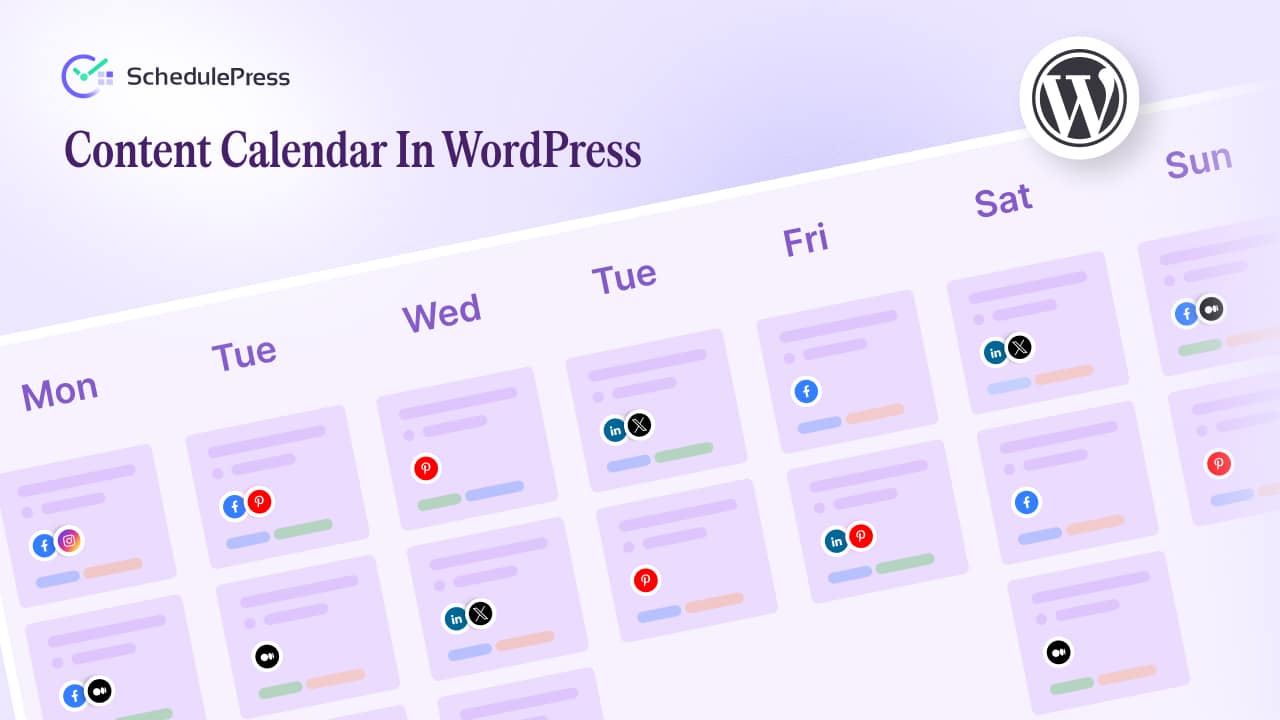
Choosing a tool is easier when you know what actually impacts day-to-day work. The best plugins are not the ones with the longest feature list; they are the ones that remove friction from your routine. Here are the five features that matter most.
1) A Planning-Friendly Calendar
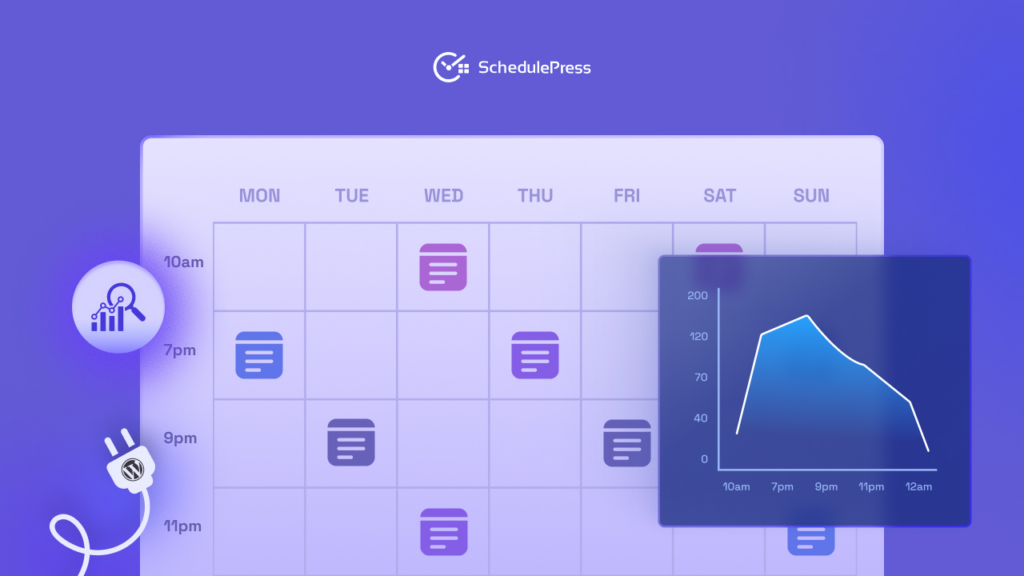
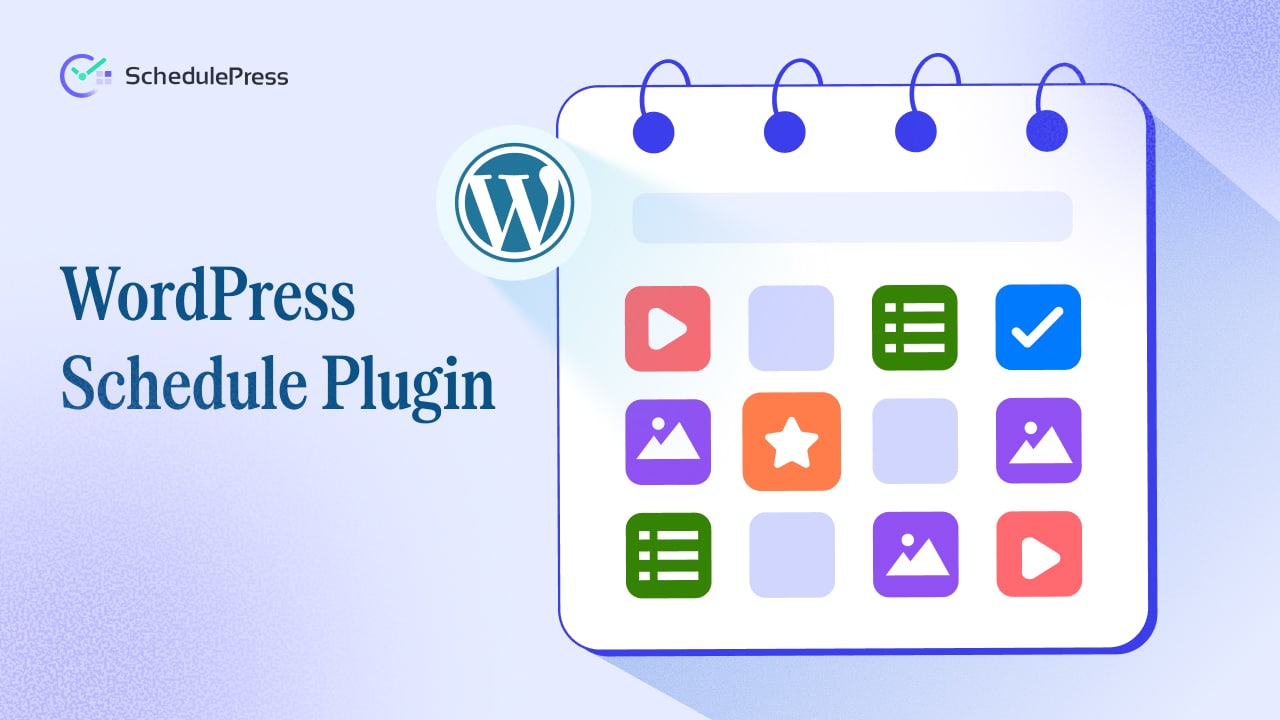
A content calendar should help you plan ahead, not only schedule finished posts. You should be able to add ideas, draft titles and campaign notes, then turn them into posts when you are ready. When your calendar supports drafts and scheduled items together, it becomes your planning hub.
A strong calendar also reduces “what do we publish next?” stress. You can look at the month, see gaps and fill them with purpose.
2) A Clear Editorial Calendar View for Execution
Your editorial calendar is the execution layer. It shows what is in Draft, what is in Review and what is scheduled. And, that visibility keeps your pipeline moving. When you can drag and drop a post to a new date, you stay flexible without breaking the plan.
A helpful calendar for editors also supports teamwork. Even if you are a solo writer today, the moment you add a contributor, clear status visibility becomes essential.
3) Auto Scheduling That Matches Your Rhythm
Timing decisions create invisible overhead. Auto-scheduling removes that overhead by turning your best posting rules into a repeatable system. Set your preferred days and time windows once, then let the tool schedule content into those slots.
Auto-scheduling is also useful when you batch content. When you have five drafts ready, you can queue them into the calendar without manually picking times for each one.
4) Social Templates That Keep Sharing Consistently
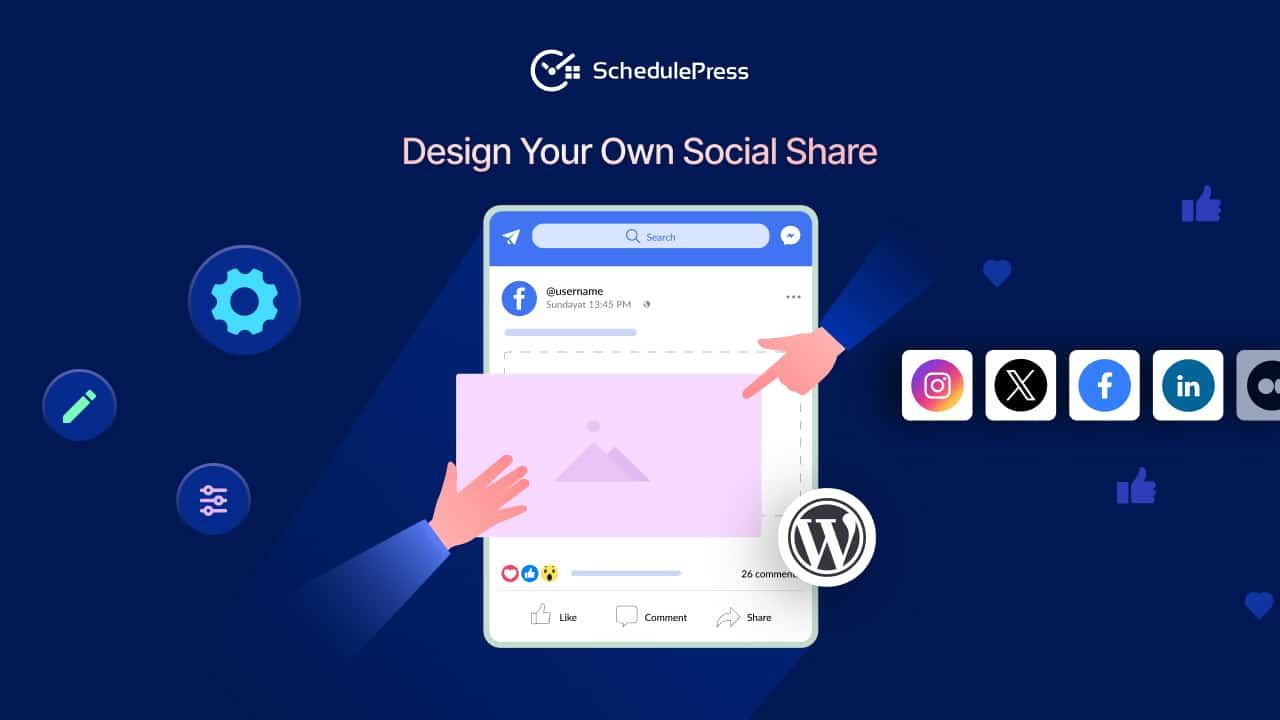
Promotion is easier when you do not start from a blank page every time. Social templates give you reusable caption structures that you can adapt for each platform. With a good and customizable template system, you can keep your brand voice consistent while still tailoring messages.
Social templates also reduce copy-paste mistakes. When titles or links change, your workflow stays cleaner because your templates pull the right details.
5) A Missed Schedule Handler for Reliability
Even a perfect calendar can fail if a post does not publish. A missed schedule handler checks for posts that should have gone live and fixes the issue automatically. It is a behind-the-scenes feature, but it protects your consistency. If you publish regularly, a missed schedule handler is not a luxury. It is the safety net that keeps your plan intact.
How SchedulePress Fits This Workflow (Without Overcomplicating It)
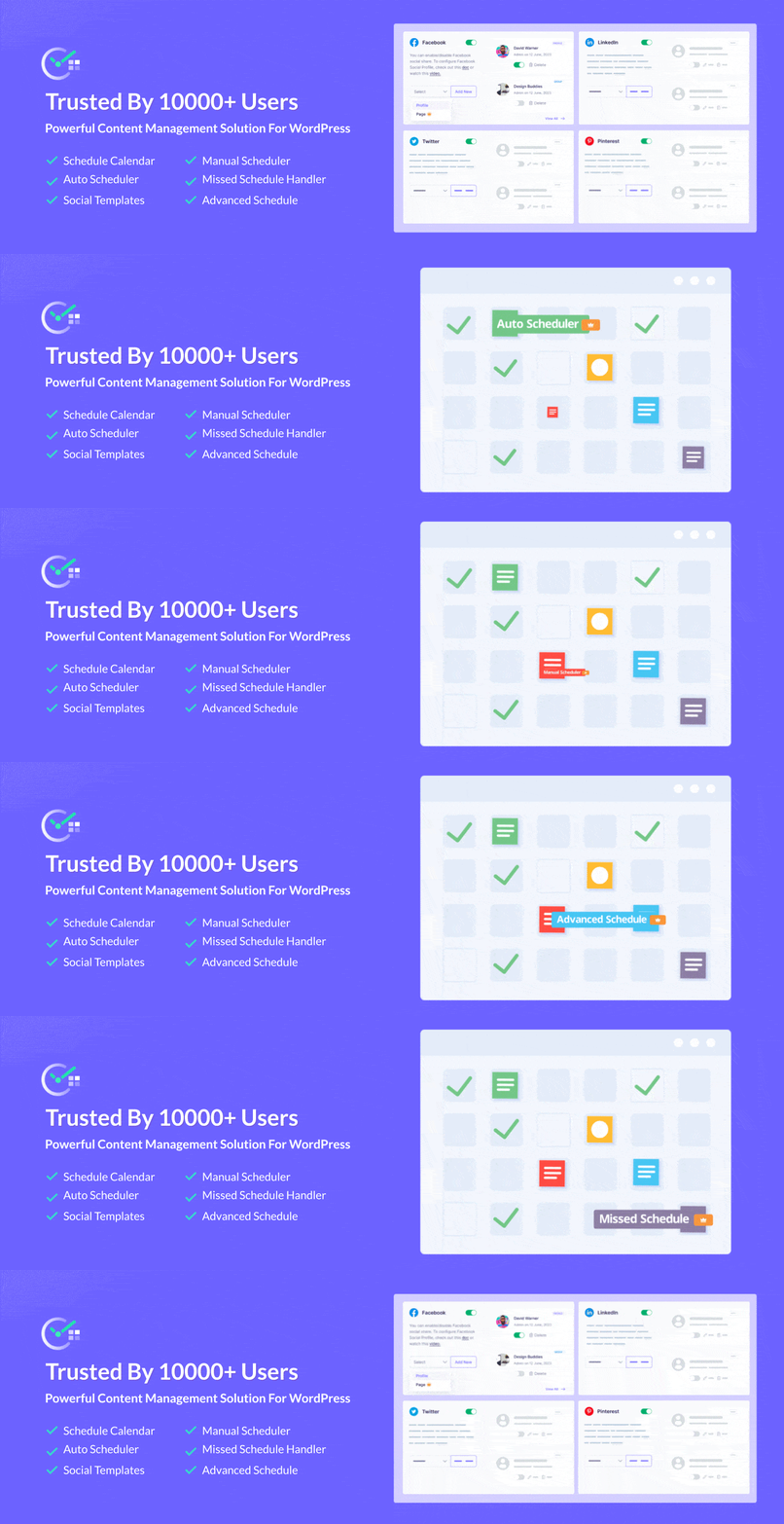
SchedulePress is designed to keep content operations inside WordPress. Instead of forcing you into an external dashboard, it helps you plan and execute where you already write. That single decision reduces friction and makes the publishing workflow easier to maintain.
As a WordPress schedule plugin, SchedulePress brings planning, scheduling and promotion into one place. You get a calendar for planning and scheduling tools that support automatic scheduling and structured sharing. It is built to help you stay consistent without turning scheduling into another full-time job.
Here is how the workflow looks in practice:
- Plan topics and drafts in your calendar, then place them into the month.
- Move posts through your editorial workflow calendar from Draft to Scheduled with a clear status.
- Apply scheduling rules so publishing times stay consistent.
- Create social templates once, then reuse them across posts.
- Rely on the missed schedule handler so your scheduled posts are less likely to get stuck.
When you combine those steps, your calendar becomes a system, not a document you forget to update.
Quick Setup: Get Started in 10–15 Minutes
Getting value from a WordPress schedule plugin depends on a clean setup. You do not need to configure everything on day one, but you should set the basics so your workflow is consistent from the start.
Follow this simple setup order:
- Install and activate SchedulePress from your WordPress dashboard.
- Open the calendar and review your posts and add upcoming ideas.
- Configure scheduling based on your audience and workload.
- Create two to four social templates for your primary platforms.
- Enable the missed schedule handler so scheduling stays reliable.
After that, start small. Schedule your next week of posts, then expand as you gain confidence.
Best Practices to Make Your Schedule Work Long Term
A WordPress schedule plugin gives you structure, but strategy still matters. Once the system is running, small habits will make it more effective and easier to maintain. Use these best practices to improve results without adding complexity.
Batch Planning Sessions
Set one weekly planning session to update your content managing calendar. When planning becomes a habit, you stop relying on last-minute inspiration. Even 30 minutes is enough to map topics, assign priorities and keep the next two weeks visible.
Balance Evergreen and Timely Content
An editorial calendar works best when it includes both evergreen posts and timely pieces. Evergreen topics keep traffic steady, while timely posts help you join current conversations. When you plan both, your content calendar stays resilient.
Use Templates, Not Copy-Paste
Treat social templates as starting points, not final text. Make small edits so each share feels natural to the platform. This keeps your promotion consistent while avoiding repetitive messaging.
Review Your Calendar Weekly
Spend a few minutes scanning the editorial calendar each week. Look for bottlenecks like too many drafts with no review date. Adjust early so the schedule stays realistic.
Protect Your Most Important Dates
For launches and campaigns, rely on reliability features like a missed schedule handler. If you are scheduling a time-sensitive post, that safety net helps protect your timeline when unexpected issues happen.
Common Questions About Scheduling in WordPress
Switching to a system often brings new questions. The goal is to make scheduling feel dependable, not fragile. Here are the answers to the most common concerns.
Will Scheduled Posting Reduce Engagement?
Scheduled posting reduces engagement only when the content becomes generic. When you keep quality high and tailor your promotion, scheduling helps you show up consistently at your best times. The tool handles timing so you can spend more time engaging with real people.
Can I Still Edit Posts After Scheduling?
Yes. Most workflows require updates, and scheduled posts should not lock you in. The best approach is to finalize key elements like the title and featured image early, then make improvements when needed without breaking the schedule.
Is This Only for Big Teams?
No. A solo creator can benefit even more because the system reduces mental overhead. A simple calendar and auto scheduling rules can be the difference between posting weekly and posting once a month.
Build a System You Can Maintain for a WordPress Schedule Plugin
A reliable schedule is not about publishing more, it is about publishing with less stress. When planning and execution live in one place, you spend less time managing and more time creating.
If you want a tool that supports planning, visibility and reliability, SchedulePress is a strong WordPress schedule plugin to consider. It helps you run a content calendar, manage an editorial calendar, use auto scheduling and keep your posts protected with a missed schedule handler. The result is a workflow you can actually stick with.
If you have found this blog helpful, share your opinion with our Facebook community. You can subscribe to our blogs for valuable tutorials, guides, knowledge, tips, and the latest WordPress updates.