Content creation moves fast. Ideas come at random hours, campaigns shift without warning and deadlines arrive sooner than expected. When your workflow grows beyond a few posts a month, keeping everything organized inside scattered spreadsheets can quickly turn chaotic. This is exactly where a powerful WordPress editorial calendar plugin becomes a game-changer. It centralizes scheduling, improves planning clarity and gives you a system that runs smoothly without constant manual effort.
SchedulePress was built to solve this problem for WordPress users who need more structure, more automation and a calendar that truly supports long-term planning. In this guide, we will walk through why the right WordPress editorial calendar plugin matters, how it enhances your content pipeline and how SchedulePress brings together visual planning and content scheduling automation to simplify your entire publishing workflow.
Why You Need a WordPress Editorial Calendar Plugin
A proper editorial calendar is more than a list of ideas. It is a living, visual document that brings order to your publishing cycle and ensures that your WordPress content planning stays aligned with your goals. Without a centralized system, it becomes difficult to track upcoming deadlines, manage team contributions and balance multiple campaigns at once. A strong WordPress editorial calendar plugin solves these issues by giving you a bird’s-eye view of your entire content strategy.
A well-structured calendar also supports more consistent publishing. Consistency improves reach, strengthens brand presence and keeps your audience engaged. It also makes your editorial workflow management easier, since every post has a clear place in your schedule. Instead of scrambling to decide what comes next, you can plan intentional content that supports your core topics and monthly goals.
Finally, when you pair your calendar with content scheduling automation, your publishing process becomes far more reliable. Automation reduces the risk of missed schedules and frees your time to focus on creating work that matters.
What Makes SchedulePress the Best WordPress Editorial Calendar Plugin
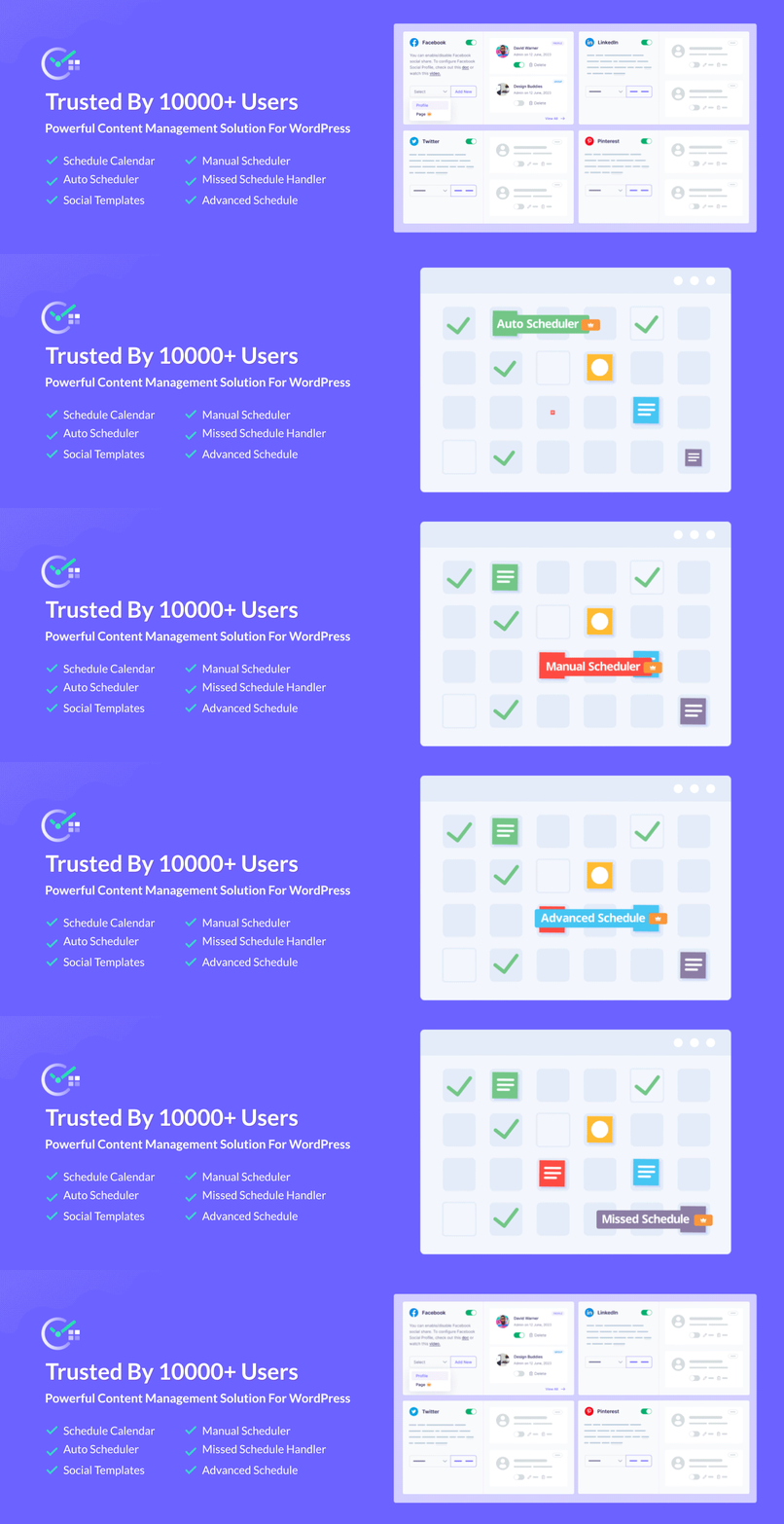
There are many calendar tools available, but few are built natively for WordPress. SchedulePress stands out because it connects planning and execution directly inside your dashboard. You do not need a separate tool or external editor. Everything lives in the environment where you already write, edit and publish.
1. A Visual WordPress Content Calendar
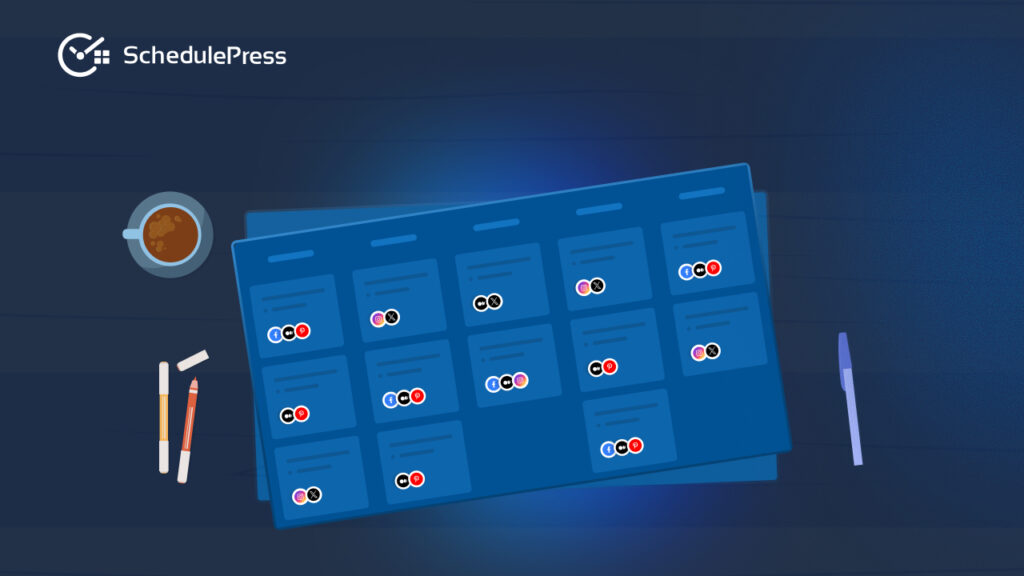
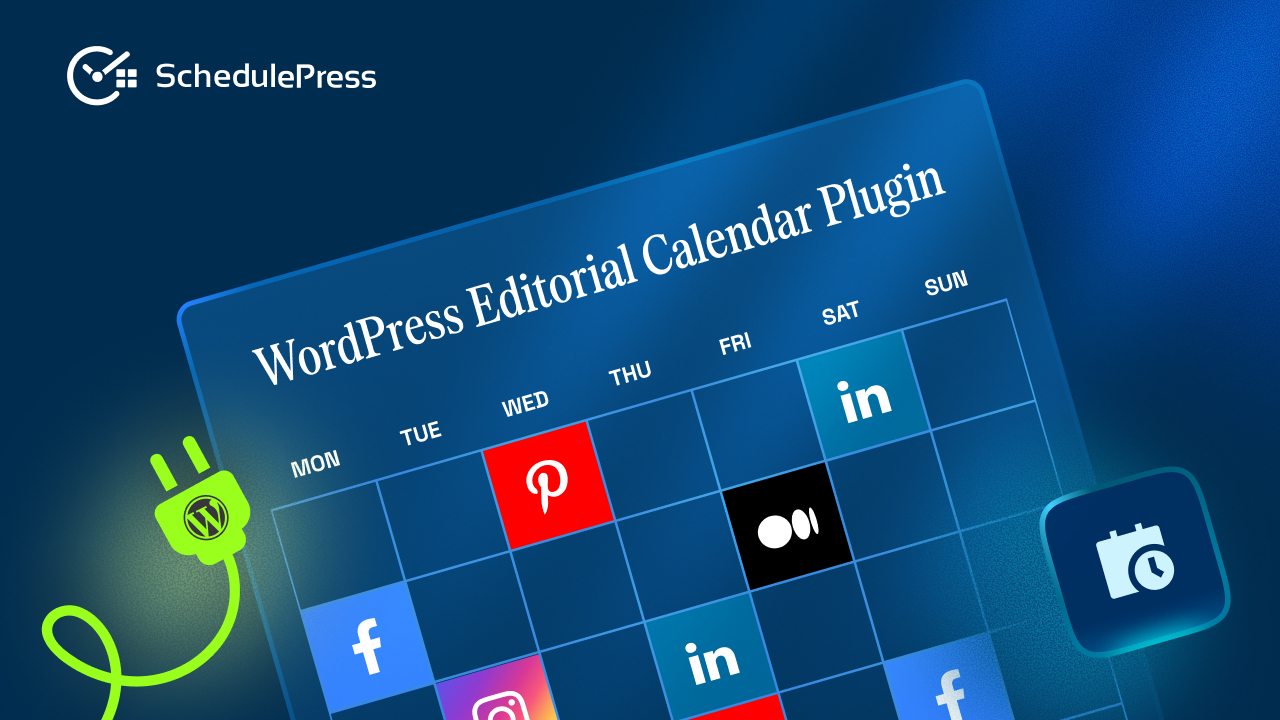
The heart of this plugin is its drag-and-drop WordPress content calendar. It allows you to map out your posts across days, weeks and months with complete clarity. You can rearrange items as priorities shift and instantly see gaps in your publishing timeline. This calendar view eliminates the guesswork that often slows down WordPress content planning.
The visual layout also supports editorial workflow management by helping you understand where each post stands. Instead of searching through drafts or relying on memory, you can simply check the calendar to know what is scheduled and what still needs work.
2. Automatic Publishing With Content Scheduling Automation
A major strength of SchedulePress is its powerful content scheduling automation. Once your posts are ready, you can schedule them far in advance and let the system handle the rest. No more logging in manually, double-checking timers or worrying about missed deadlines. The automation engine ensures your content publishes at the perfect moment, regardless of your availability.
If your site has ever encountered the dreaded “missed schedule” error, you already know how disruptive it can be. SchedulePress includes a built-in handler that detects such issues and publishes your post automatically. This reliability is one of the reasons it is considered one of the best WordPress editorial calendar plugins available today.
3. Social Media Auto-Sharing for Extended Reach
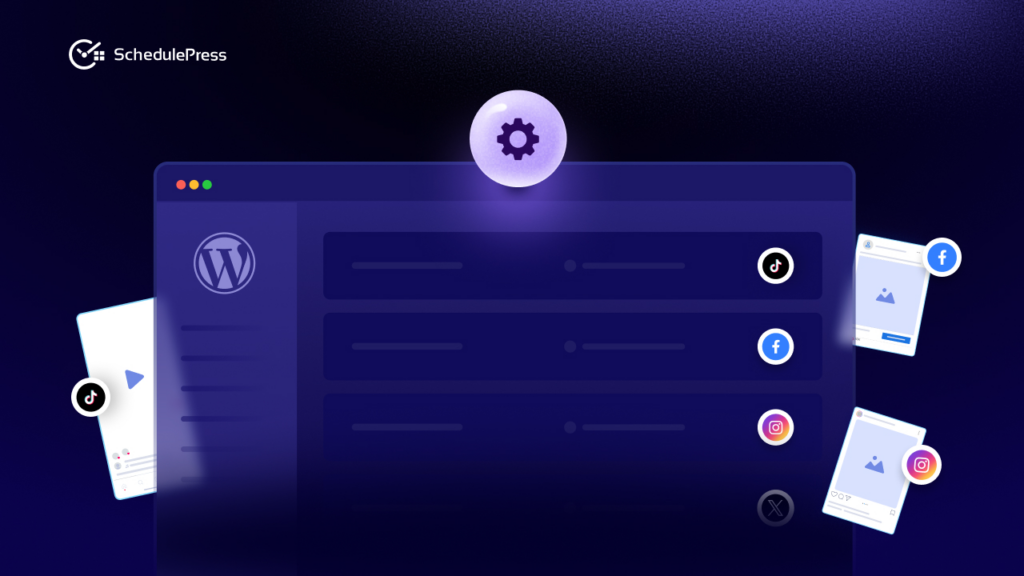
Publishing your post is only the first step. You also need to promote it. With SchedulePress, you can set up social media auto sharing across platforms like Facebook, Twitter, LinkedIn and Pinterest. This transforms your editorial planning into a full distribution system that amplifies your reach.
Instead of manually copying links, writing captions and scheduling posts individually, SchedulePress lets you create platform-specific templates that publish automatically when your article goes live. This seamless integration helps your content gain traction without adding extra tasks to your workflow.
4. Designed for Editorial Workflow Management
Whether you work solo or with a team, SchedulePress provides tools for smoother editorial workflow management. Contributors can work on assigned drafts while editors monitor progress from the calendar view. Color-coded statuses help you identify what is ready for review and what still needs editing.
This level of structure reduces confusion among team members and ensures that every part of your process, from ideation to publishing, stays organized.
How to Use This WordPress Editorial Calendar Plugin to Build a Strong Workflow
To truly benefit from SchedulePress, it helps to build a simple but powerful system around it. Below is a recommended approach and steps for integrating the plugin into your everyday routine.
You can schedule your content instantly with the drag-and-drop interface of the Schedule Calendar from SchedulePress. First, navigate to ‘SchedulePress → Calendar‘ from your WordPress dashboard. You will be able to see the full calendar with all of your scheduled posts.
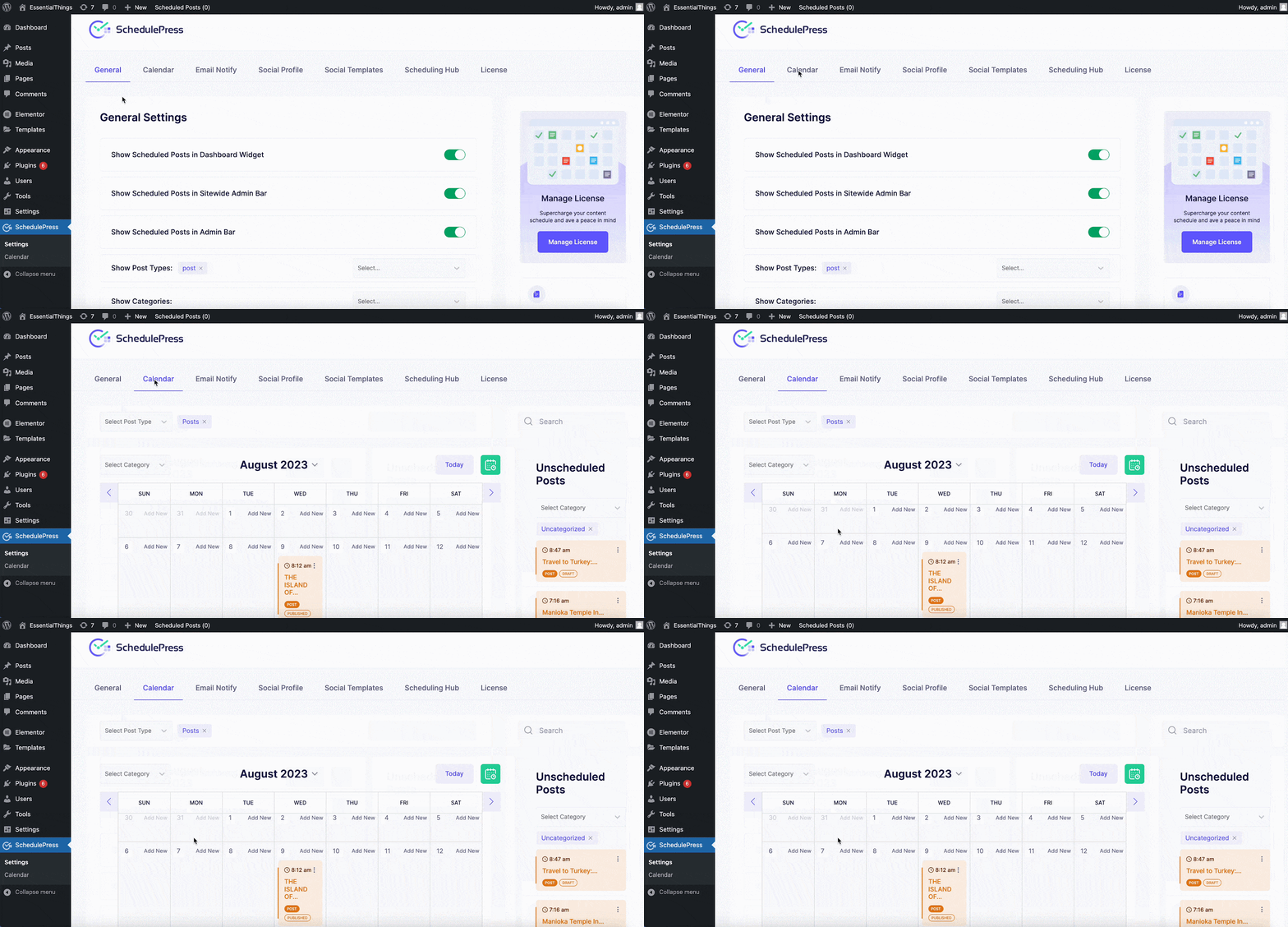
Drag and drop any scheduled post on any date within the calendar to change its scheduled date. You can even change the timing for your scheduled posts by hovering with your mouse and then clicking on the ‘Edit’ option.
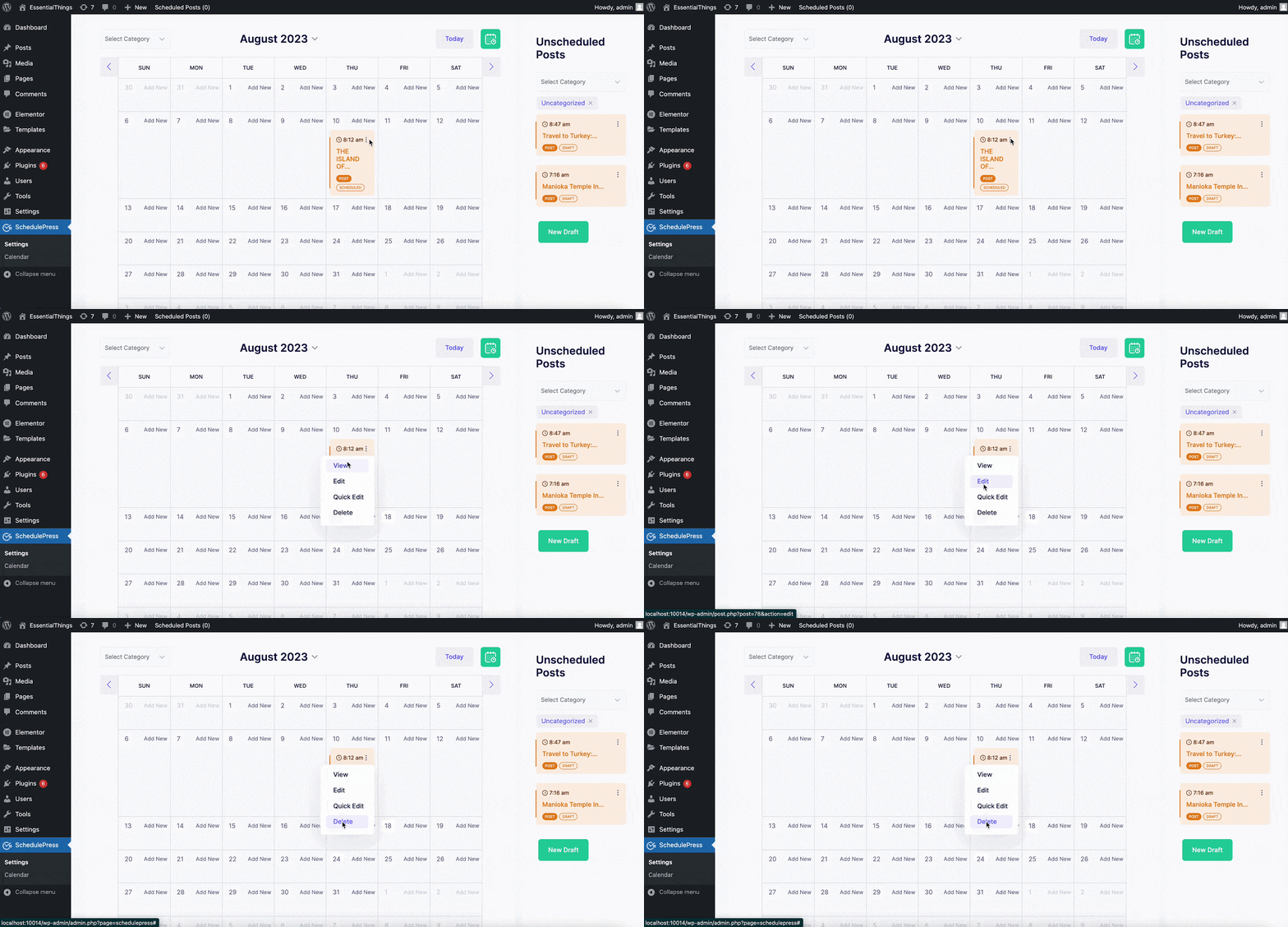
You can hover over your posts and make small changes to your posts in the Schedule Calendar by clicking on the ‘Dots’ icon appearing beside the post. You have the freedom to make quick changes to your Title, Content, or even Schedule time as well. Besides, you can do the following: ‘View’, ‘Edit’, ‘Quick Edit’, and ‘Delete’.
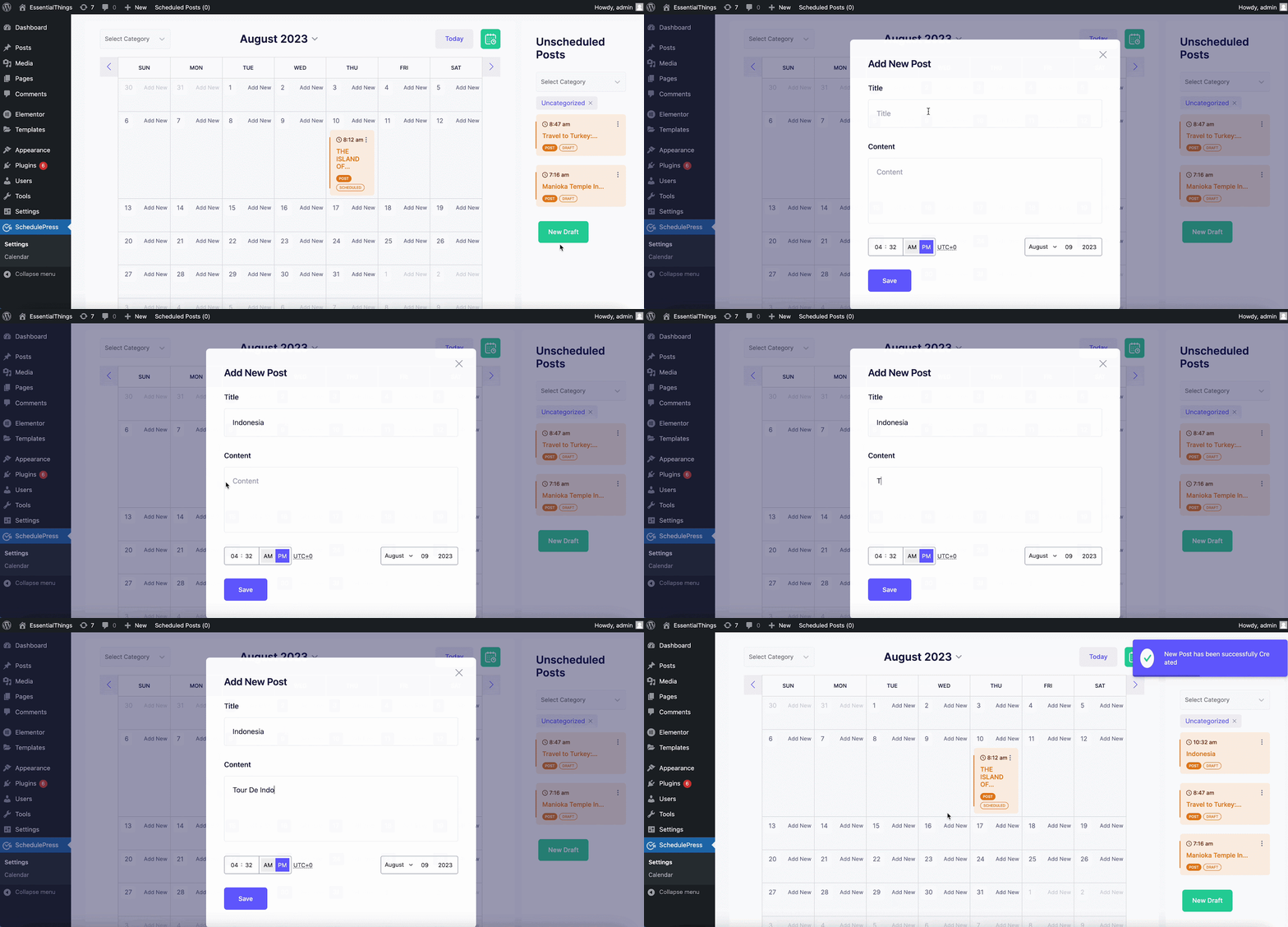
Schedule Calendar also lets you easily create new draft posts within the calendar. Just click on the ‘New Draft’ button as shown below. You can then add a title, and content and set the scheduled time for your new post all from inside this editorial calendar.
Tips to Create & Manage Content Calendar in WordPress
Below are some tips and tricks you can check to create and manage a content calendar in WordPress, so you do not mess up at all.
Set Clear Content Goals
Every strong publishing strategy begins with clarity. Before filling your calendar, outline your goals. Do you want to grow organic traffic? Improve your social presence? Publish more tutorials to support customers? Defining the purpose of your content helps you create a focused WordPress content calendar that supports long-term growth.
Once you understand your priorities, you can plan posts that address specific themes throughout the month. This turns your editorial calendar into a strategic roadmap rather than a simple scheduling tool.
Map Out Your WordPress Content Planning
With your goals in mind, begin populating your calendar. Add upcoming articles, seasonal topics and campaign-driven posts. This is where SchedulePress shines as a WordPress editorial calendar plugin, allowing you to visualize how your ideas fit together across different weeks.
You can drag drafts into new positions as your plan evolves. Maybe a product update is delayed or a new industry trend requires timely coverage. The calendar gives you the flexibility to adapt quickly without losing structure. This adaptability is essential for consistent publishing.
Build an Editorial Workflow Management System
Now that your calendar is taking shape, the next step is structuring your workflow. If you have a team, assign drafts to writers and let them update statuses as they progress. Editors can monitor all content in one place and prepare posts for scheduling.
The benefit of using a WordPress editorial calendar plugin is that everything stays centralized. You do not have to track updates across emails, chats or spreadsheets. Your entire content pipeline becomes visible at a glance.
Automate Publishing With Content Scheduling Automation
Once content is finalized, schedule posts using the automation features. This step removes a huge amount of manual work from your routine. You no longer need reminders or calendar alerts telling you when to hit publish.
The automation process ensures consistency, which is a key factor in improving SEO performance. When your content publishes reliably, search engines develop a clearer understanding of your posting frequency and relevance.
Amplify Your Reach With Social Media Auto Sharing

To complete your workflow, activate your social sharing templates. With social media auto sharing, your posts will automatically appear across multiple platforms with the correct captions and hashtags.
This ensures your announcement happens instantly without requiring you to jump between platforms. The time savings become significant over weeks and months, and your audience becomes accustomed to seeing your content shortly after it is published.
Keep Your WordPress Content Calendar Fresh and Effective
Even the best calendar requires occasional refinement. Reviewing your performance helps you decide whether you need to post more tutorials, improve your headline style or shift posting frequency. SchedulePress helps you update your calendar easily by letting you drag drafts into new time slots or reorder your publishing plan.
If you notice an older post performing well, consider creating an updated version. Your WordPress editorial calendar plugin helps you plan refresh cycles by adding drafts specifically for updates, reworks or expanded coverage. This process keeps your library evergreen and strengthens your authority.
FAQs About Using a WordPress Editorial Calendar Plugin
Can a WordPress Editorial Calendar Plugin Save Me Time?
Absolutely. Automating repetitive tasks like publishing, scheduling and promoting posts can save hours every week. When your system handles the mechanical work, you can focus on creating better content.
What Happens If WordPress Misses a Scheduled Post?
Scheduling errors can break your publishing flow. Fortunately, SchedulePress detects missed schedules and publishes the post automatically. You never have to worry about an article failing to go live again.
Is SchedulePress Easy for Beginners?
Yes. The plugin includes a setup wizard that walks you through configuration in just a few minutes. You can set up your calendar, connect profiles and manage your workflow without technical expertise.
Can I Manage Social Media Posts for Older Content?
You can. Older evergreen articles often perform well when re-shared. With social media auto sharing, you can revive your best posts and bring them in front of new audiences.
Build a Powerful Workflow With a WordPress Editorial Calendar Plugin
Learning how to manage content efficiently is one of the best investments you can make in your brand. With the right WordPress editorial calendar plugin, your workflow becomes organized, predictable and flexible. SchedulePress ties together every stage of your process, from planning and writing to automating and promoting.
If you are ready to take your workflow seriously, it is time to bring your entire system inside WordPress and let SchedulePress streamline your editorial planning and distribution. If you want more tips and tutorials like this, be sure to subscribe to our blog and join our friendly Facebook Community to stay updated with the latest WordPress trends and social media marketing insights.