A solid social media content planning template helps you organize your weekly and monthly posts in one place. When combined with SchedulePress, you get a simple, automated workflow inside WordPress to plan, schedule and share content without jumping between tools. This guide will show how SchedulePress enhances your social media content planning template and helps you manage everything directly from your dashboard.
💡 Why Your WordPress Content Needs a Social Media Plan Automated with SchedulePress
Posting consistently is difficult when you manage multiple platforms. A social media content planning template removes guesswork by helping you:
- Map out topics
- Track publish dates
- Assign tasks
- Note which platform each post goes to
- Keep an overview of what’s live and what is scheduled
When paired with SchedulePress, this social media plan becomes more than a planning sheet — it connects your planning with real automated execution inside WordPress.
From Planning to Automated Execution with SchedulePress
A social media content planning template, powered by SchedulePress, turns your workflow from reactive to proactive. It becomes your command center to:
- Maintain consistency: Keep a steady stream of content across channels.
- Align with goals: Connect WordPress posts to your main campaigns.
- Save time: Plan in batches and let SchedulePress publish for you.
- Enhance messaging: Prepare platform-specific copy using custom social templates.
The challenge is not making a plan — it is executing it without constant copy-paste across networks. SchedulePress closes this gap by taking your social media content planning template and automating the entire execution right from your WordPress dashboard.
Building Your Master Content Planning Template
Turning a big-picture strategy into a daily posting routine is where most plans break down. Your social media content planning template should act as the command center — a single source of planning that turns ideas into actual posts with a clear purpose.
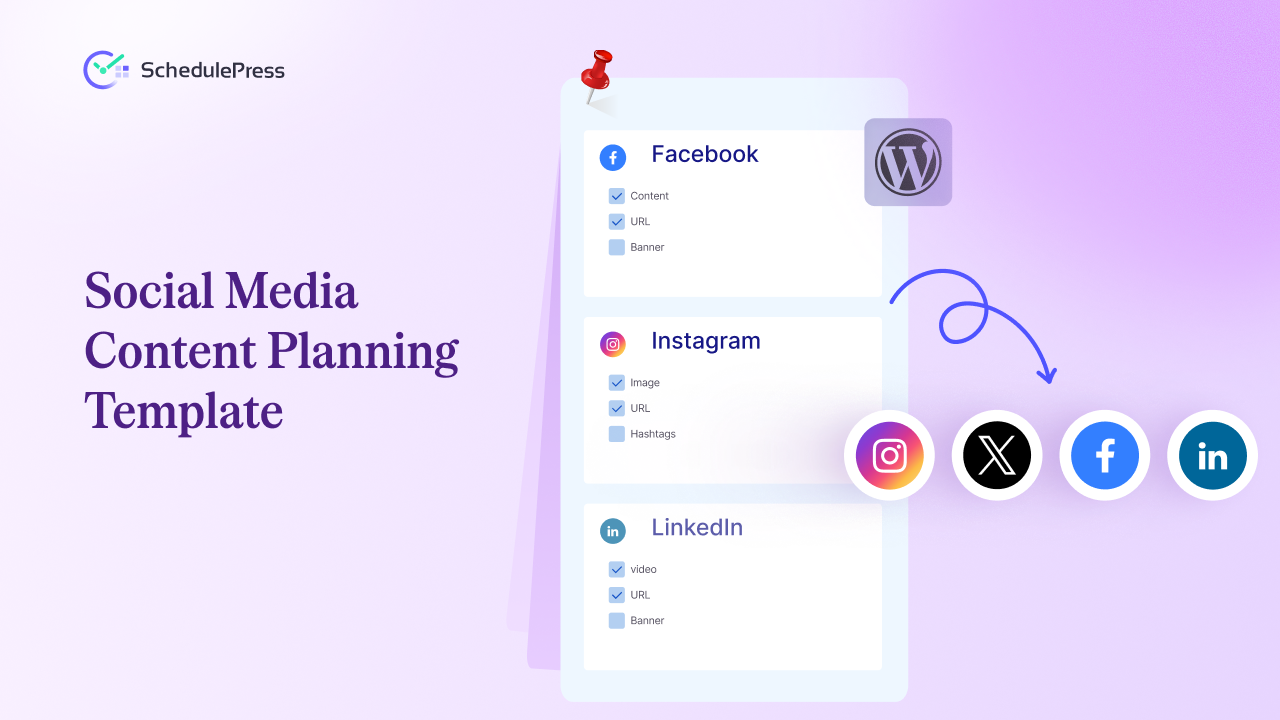
To make this easier, we have created a social media content planning template. It is built specifically for WordPress publishers who want their blog content to drive their entire social media workflow — a workflow that SchedulePress can then automate.
The Anatomy of a Powerful Template
A truly useful template goes beyond just the “what” and “when.” It helps you define the “why” and “how” behind every post. While there are many great content calendar tools, a clear spreadsheet is often the most flexible starting point before plugging everything into SchedulePress.
Let us break down the key fields in this template and why each one matters for getting real results.
Core Content & SEO Fields
These items are all about your social activity directly to your WordPress content, creating a cohesive strategy that also supports SEO.
- WordPress Post Title: The main anchor for each row. It keeps every social post tied to the primary blog post you’re promoting.
- Post Link (URL): The direct link to the article. Having it ready prevents last-minute scrambling and ensures you always send people to the right page.
- Target Keywords: Note the main and secondary keywords for the post. This reminds you to use them naturally in your social copy and reinforce on-page SEO.
- Publish Date: The date the WordPress article goes live. This becomes the starting point for your entire social promotion sequence for that content.
Platform-Specific Promotion Fields
This is where your plan becomes truly effective — adapting your message for each platform and audience. Reposting the same text everywhere is an easy way to be ignored.
- Platform-Specific Copy: Add separate columns for Facebook, X, LinkedIn, etc. This helps you write unique copy for each network — short and punchy for X, professional for LinkedIn, conversational for Facebook.
- Visual Asset Link: Keep a direct link to the image, graphic or video for each post. Visuals are essential, so planning them in advance is key.
- Hashtag Groups: Prepare groups of relevant hashtags for different topics ahead of time. This saves time and improves discoverability.
- Call to Action (CTA): Clearly define what you want people to do — read the post, comment, share, or download something — rather than adding CTAs at the last second.
A truly effective social media content planning template does not just schedule posts; it encourages strategic thinking. By separating copy for each platform, you move from simple announcements to meaningful conversations — a strategy that SchedulePress can automate seamlessly.
From One Blog Post to Many Social Assets
One strong WordPress post can fuel multiple social assets across platforms. For example, from a blog like “10 Actionable Tips to Boost Your Website’s SEO,” you could:
- LinkedIn: Share 3 top tips in a short, value-focused post that teases the full article and builds authority.
- Instagram: Plan a 4–5 slide carousel with a hook, key tips as slides, and a final “Read all 10 tips – link in bio” CTA.
- X (Twitter): Turn the highlights into a short thread: hook, 4–5 key tips, then a final tweet linking to the full post.
- Facebook: Share a graphic plus a question-based caption that invites comments, like “Which SEO tip will you try first?”
The goal is to stop thinking in terms of one generic social post and instead plan platform-specific content assets. Your template is where you map out these variations for every new blog.
The Rise of Video and Mobile-First Planning
Your content planning template should also account for video. Short-form video is now one of the most effective ways to share ideas and promote content.
Add a space in your template to plan video angles for each blog post. For example, from the SEO article:
- TikTok/Reels Idea: A 15-second clip where you point to on-screen text highlighting three simple SEO tips from the post.
- YouTube Shorts Idea: A 60-second video explaining the single most important tip, with a prompt to read the full article for the rest.
How SchedulePress Automates This Complexity
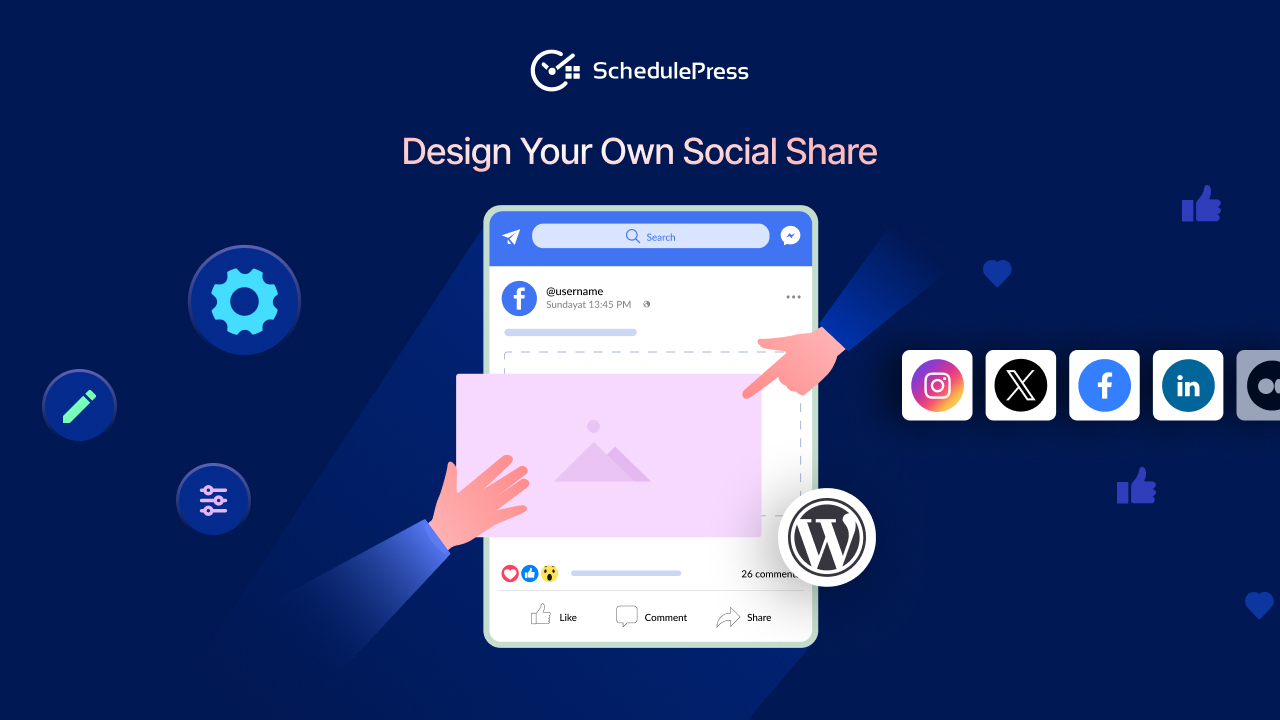
Planning all these variations is one thing; executing them without burnout is another. This is where SchedulePress becomes essential. Instead of logging into multiple platforms, you set everything up from your WordPress dashboard. You can write unique copy for each platform in one place — professional for LinkedIn, conversational for Facebook, punchy for X — and link it to the same blog post.
When the post goes live, SchedulePress automatically sends the right message to the right platform using your saved social templates. Your detailed plan turns into automated, consistent execution, ensuring your WordPress content gets maximum reach with minimal effort.
Your Social Media Content Planning Templates Automated with SchedulePress
Your social media content planning template is filled with copy, visuals, and hashtags — but it is still just a plan until you execute it. Instead of copying everything into each platform manually, SchedulePress lets you plug that plan into an automated system right from your WordPress dashboard.
Connecting Your Social Profiles
Start by connecting your social accounts to SchedulePress. From one dashboard, you can integrate: Facebook (Pages & Groups), X (Twitter), LinkedIn (Profiles & Pages), Pinterest, Instagram, Threads and Google Business Profile.
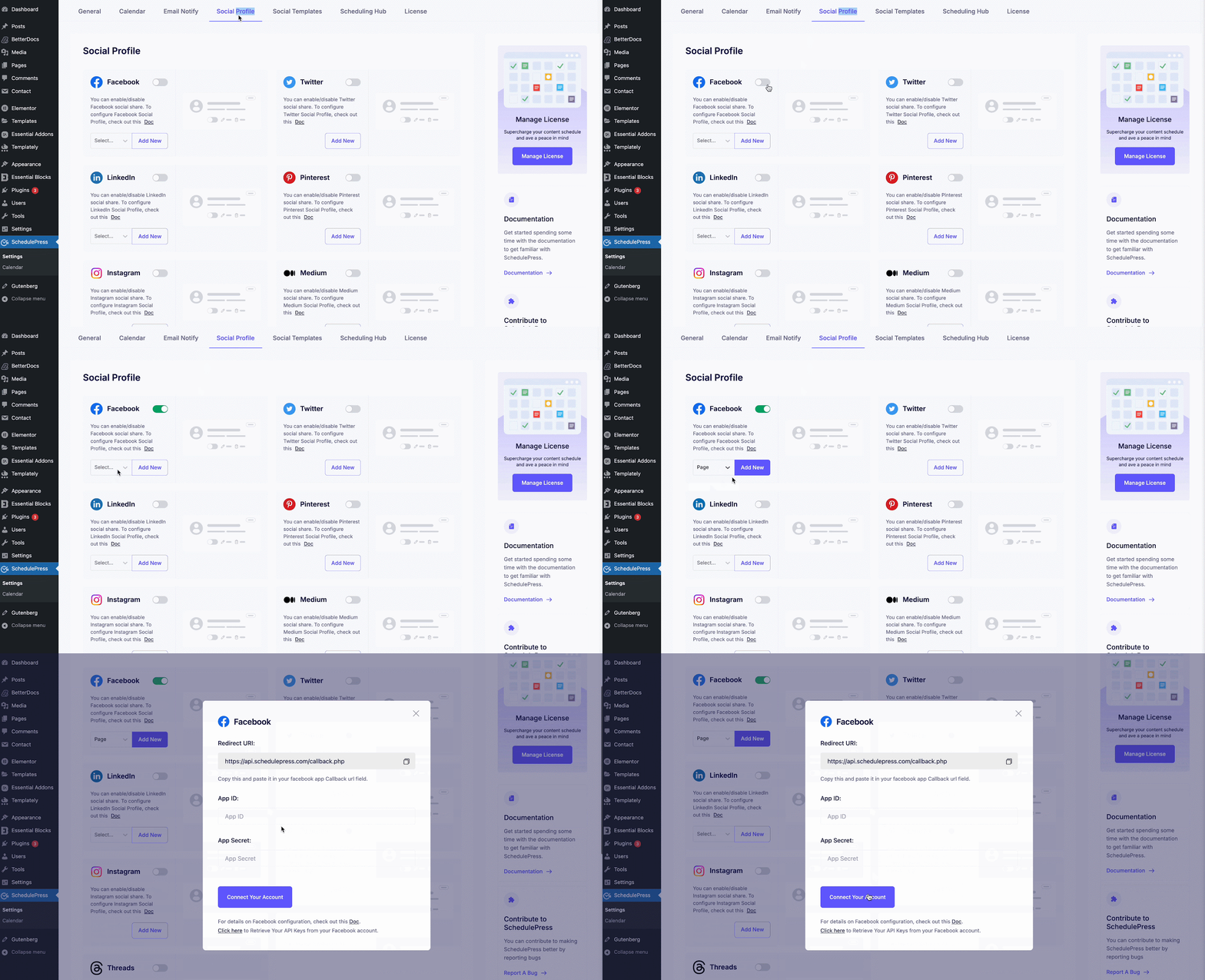
Authorize each once in SchedulePress settings and your WordPress content is ready to share across all major channels.
Building Ready Social Templates Inside SchedulePress
Turn your platform-specific messaging into reusable templates. Using dynamic fields like {title}, {url}, and {tag}, SchedulePress automatically builds posts for each network.
Example template for X:New Post: {title} {url} #WordPress #{tag}
Once set up, every new WordPress post generates the right social message without extra writing.
Setting Your Auto-Sharing Schedule
With the Auto Scheduler, you decide when posts go live — based on your best-performing days and times. SchedulePress publishes your drafts at those slots and triggers the matching social shares automatically, helping you stay consistent without manual posting.
If you want to dive deeper into this, we have a complete breakdown of the best social media automation tools and how they can change your content game.
Visualizing Your Plan with the Social Calendar
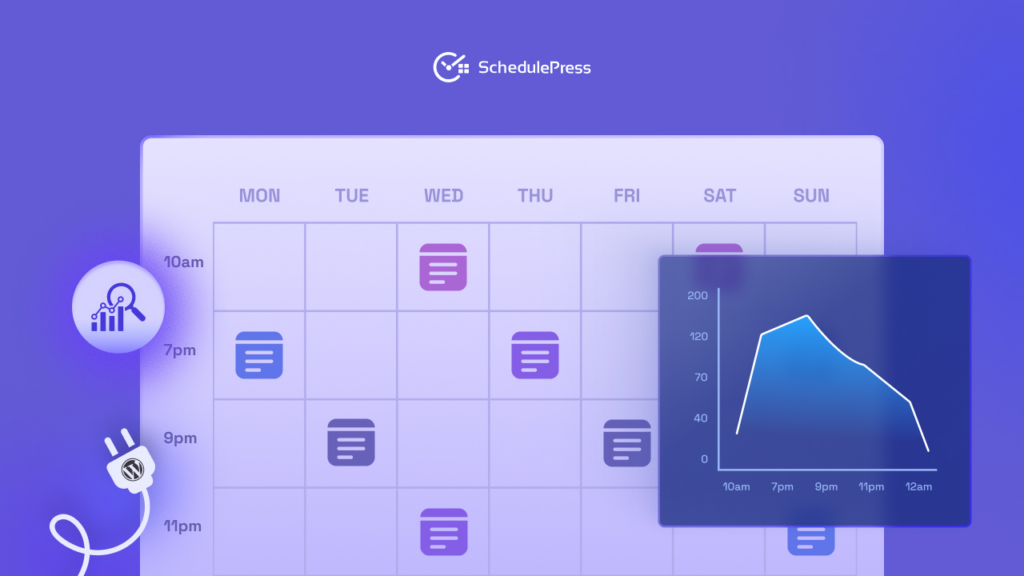
The Social Calendar shows your whole schedule in a visual, drag-and-drop view: upcoming posts, connected platforms and exact publish times.
If something needs to move, just drag it to a new date. It turns your social media content planning template into a live, manageable schedule powered by automation.
Have Questions? We Have Answers
Here are some of the most common questions people ask when they start blending a social media content planning template with an automation tool like SchedulePress. Let us clear things up so you can get the most out of this new workflow.
How Often Should I Update My Social Media Content Plan?
Treat your plan as a living document, not something fixed. Plan your big-picture WordPress content and campaigns monthly, but review your social schedule weekly so you can react to trends and what is performing.
The template gives you long-term structure, and SchedulePress adds flexibility. Its social calendar lets you drag, drop, and reschedule posts so your automation can adapt quickly.
Can I Use This Template Without An Automation Tool?
You can definitely use the template on its own — it is a great way to organize your ideas and add structure to your process. But the real time savings come with automation. Without a tool, you are still copy-pasting titles, links, and images into every platform.
Does SchedulePress Support Custom Post Types?
Yes. SchedulePress integrates deeply with WordPress, so it can automatically share WooCommerce products, events, portfolio items, and any other custom post type on your site.
📝 Get Your Social Media Content Planning Template Today
Ready to turn that strategic plan into effortless execution? SchedulePress is the missing piece that connects your content calendar to powerful, reliable social media automation. It is time to stop copy-pasting and start saving hours every single week.
If you want more tips and tutorials like this, be sure to subscribe to our blog and join our friendly Facebook Community to stay updated with the latest WordPress trends and social media marketing insights.