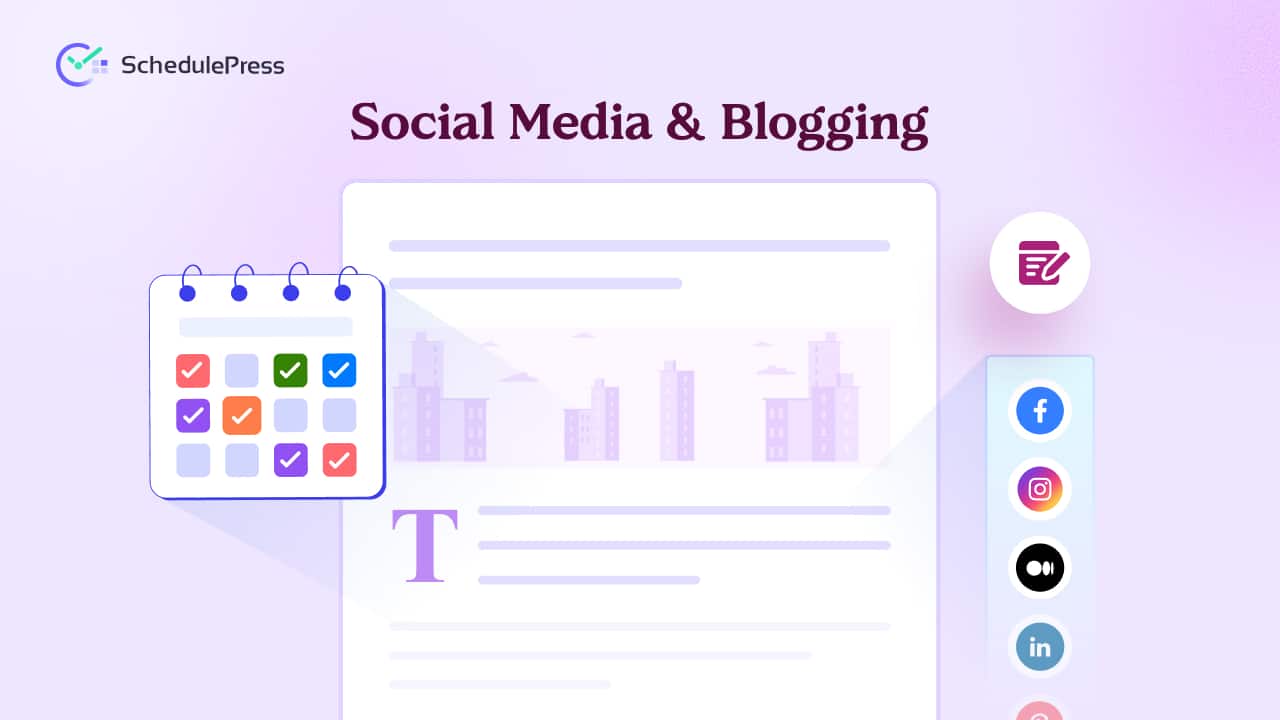
If you are serious about growing a WordPress site, you cannot treat publishing and promotion as two separate jobs. Social media and blogging work best when they move together, because your blog builds long-term traffic while your social channels create daily discovery. When you connect them into one system, you stop posting “when you remember” and start building momentum with intention.
This guide shows a practical workflow for social media and blogging that keeps your content consistent, your promotion predictable and your growth measurable, all from inside WordPress with SchedulePress.
Why Social Media and Blogging Work Better Together
Social media and blogging are not competing channels. They are two parts of the same growth engine, where the blog holds the depth and social media delivers reach. When you publish a strong article but do not promote it with a plan, you lose time, traffic and compounding results.
When you run blogging and social sharing as a single workflow, you create a repeatable loop: publish, share, learn and improve. Over time, this loop becomes easier to maintain because your content calendar and scheduling tools do most of the repetitive work.
The Real Problem: Great Posts With No Distribution System
Most people do not struggle because they lack ideas. They struggle because they do not have a structure that connects writing to sharing. They publish, they share once, then they move on and the post disappears.
A simple system fixes this. It starts with a content calendar, continues with a clean blogging workflow for WordPress and ends with promotion that runs consistently without feeling robotic. This is where social media and blogging stop being stressful and start being scalable.
Step 1: Build a Content Calendar That Connects Blogs and Social
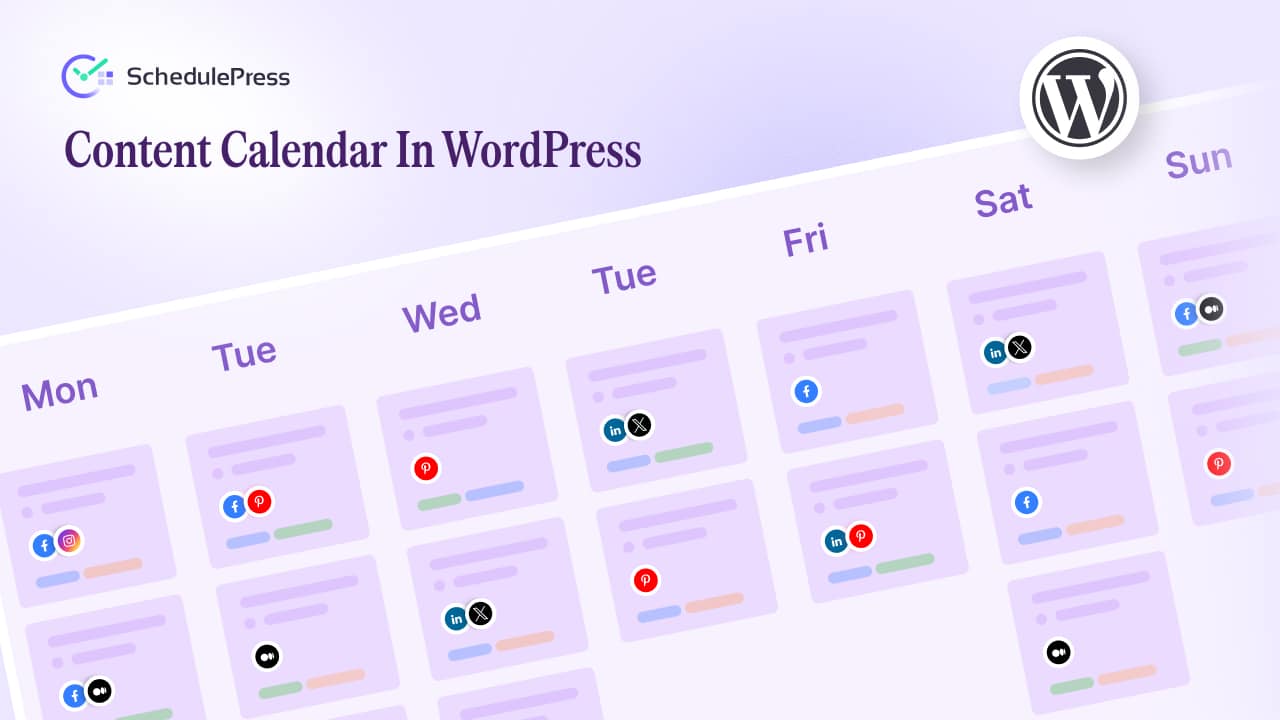
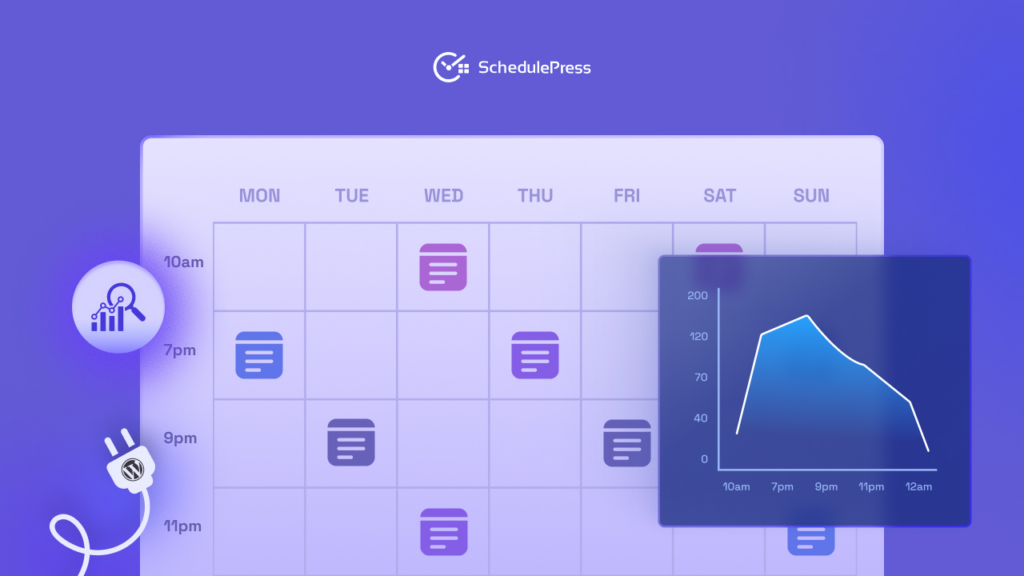
A content calendar is the foundation of consistent growth. It helps you plan what you will publish, when you will publish and how you will promote afterward. Without a content calendar, your schedule becomes reactive and your content quality usually suffers.
Start by mapping your month using themes and goals. Then assign each blog post a matching set of promotional posts so blogging and social media stay connected instead of scattered.
A simple content calendar structure you can reuse:
- Weekly theme: one focus topic for the week
- Core blog post: one main article that carries the value
- Support content: 3–7 smaller social posts that pull highlights from the blog
- Repurpose plan: one format upgrade like a carousel, short video or infographic
When you plan like this, your content calendar becomes your safety net. You always know what to write next and you always know what to share next.
Step 2: Create a Repeatable WordPress Blogging Workflow
A blogging workflow is not just writing and hitting publish. It is a repeatable set of steps that protects quality and reduces last-minute chaos. When your workflow is clear, social media and blogging feel lighter because you are not reinventing your process every time.
Here is a reliable WordPress blogging workflow you can follow for every post:
- Draft with speed: get the first version done before you polish
- Optimize for readers: tighten headings, add internal links and improve scannability
- Finalize visuals: featured image, screenshots or simple graphics that match the topic
- Schedule the publish date: choose a day that fits your content calendar
- Prepare promotion assets: captions, snippets and repurpose notes before you publish
SchedulePress supports this workflow by keeping publishing and promotion close together. When your blogging workflow lives inside WordPress, you stop jumping between spreadsheets, notes and multiple platform tabs.
Step 3: Turn One Blog Post Into a Week of Social Content
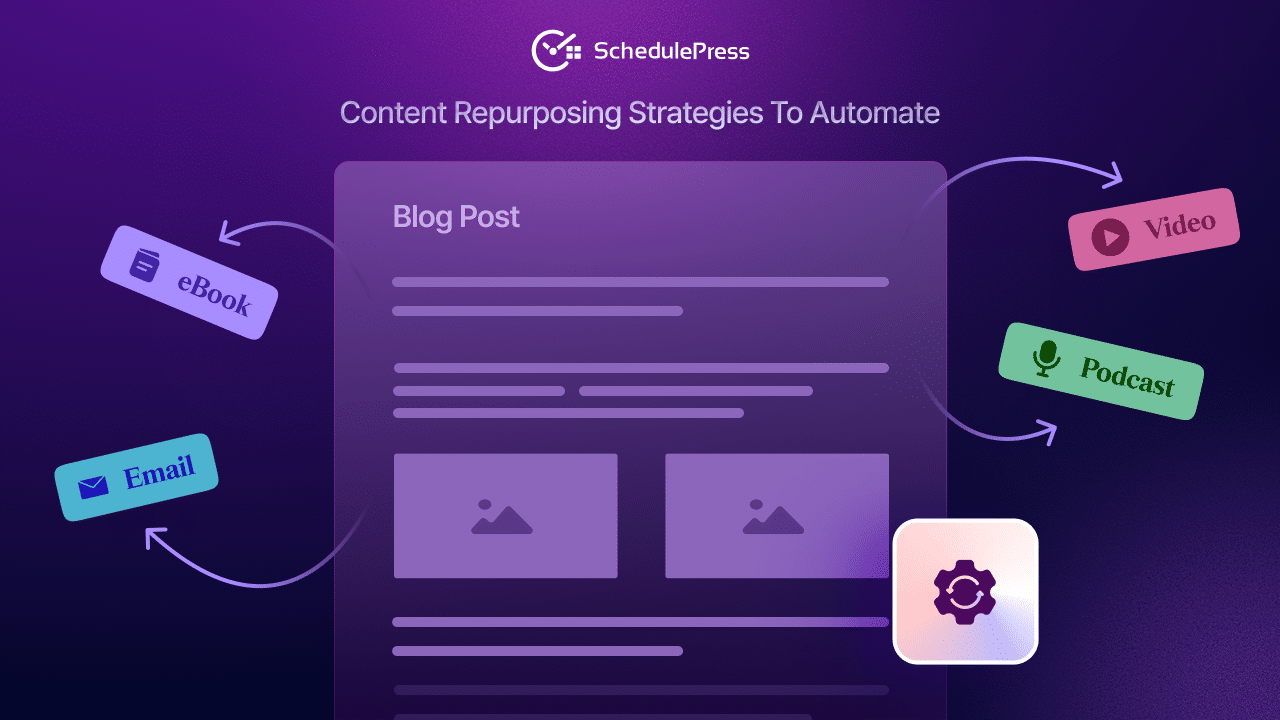
The fastest way to make blogging and social media sustainable is repurposing. You do not need new ideas every day. You need multiple angles from the same idea, packaged for each platform.
Before you publish, pull 5–10 “shareable pieces” from the blog:
- A strong opinion or takeaway for LinkedIn
- A quick tip list for Facebook
- A punchy hook and link for X
- A short script idea for Reels or Shorts
- A step-by-step description for Pinterest
This is also where your content calendar becomes more powerful. Instead of planning “a blog” and “some posts,” you are planning a simple distribution sequence that makes your output feel bigger without increasing your writing workload.
Step 4: Use Social Media Scheduling That Still Sounds Human
Social media scheduling saves time, but only when it does not turn your content into generic link drops. The key is preparing messages that fit the platform, then letting automation publish them consistently at the right times.
With the SchedulePress plugin, you can set up social media scheduling from the post editor so each platform gets its own caption. That means you can write a short conversational post for Facebook, a professional insight for LinkedIn and a crisp hook for X, all tied to the same blog URL. This is exactly how social media and blogging stay aligned without you doing everything manually.
To keep your tone natural, follow three simple rules:
- Lead with value first, then place the link
- Change the opening line across platforms so it does not feel copy-pasted
- Write like you are talking to one person, not “broadcasting” to everyone
When your social media scheduling is planned inside the content calendar with SchedulePress, your promotion becomes consistent and your writing gets rewarded for longer.
Step 5: Set Up Auto Social Sharing Without Repeating Yourself
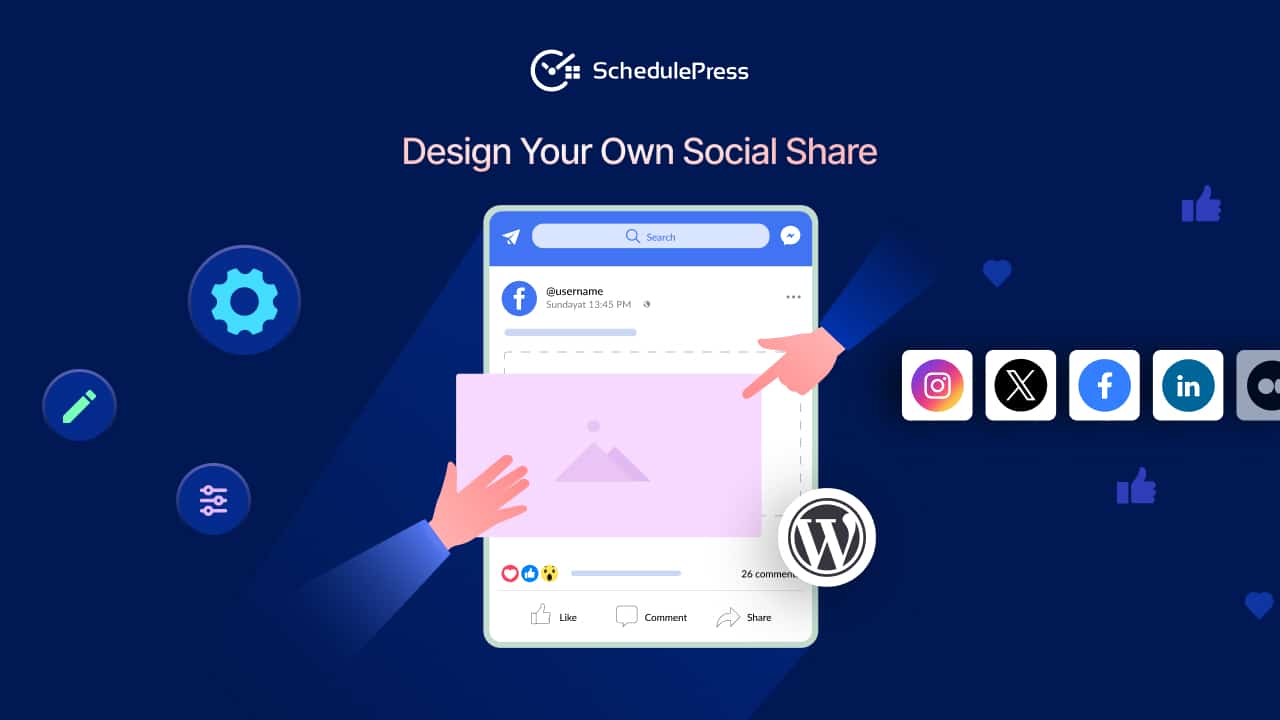
Auto social sharing works best when it follows a structure. Instead of rewriting captions from scratch every time, you can create reusable templates that pull details from your post automatically. This is a major advantage when your posting volume increases and your team grows.
SchedulePress social templates can include dynamic tags such as:
- {title} to pull the post title
- {excerpt} to pull a short summary
- {url} to pull the link
A clean auto social sharing template example:
- “{title}” is live. Here is the key takeaway: {excerpt} Read more: {url}
On top of that, the custom social templates feature of SchedulePress lets you use platform-specific social shares for 7+ social media platforms. Use auto social sharing to handle the repetitive parts, then add one custom line per platform to keep it personal. Done right, blogging and social media scale without losing your brand voice.
Step 6: Keep Evergreen Content Working for You
Most blogs have older posts that are still valuable, but they do not get seen because they are buried in the archive. Evergreen content fixes that, because it stays relevant long after the publish date. The smart move is to give evergreen content a second life through planned resharing.
Plan evergreen content reshares inside your content calendar so they do not feel random. You can schedule a rotating share sequence where older posts reappear every few weeks with refreshed angles and updated captions.
A simple evergreen content resharing plan:
- Pick 10–20 evergreen posts
- Group them by category
- Set a reshare frequency that matches your audience tolerance
- Refresh titles, intros or featured images over time
When evergreen content is part of your strategy, social media and blogging become more efficient because your best work keeps generating traffic without extra writing.
Step 7: Measure What Works, Then Improve the System
If you want growth, you need feedback. You do not need complex dashboards to start, but you do need consistency in what you measure. Review performance weekly so you can refine your content calendar, improve your social media scheduling and strengthen your blogging workflow.
Start with a few signals that matter:
- Clicks: which posts drive traffic back to your blog
- Engagement: saves, shares and comments per platform
- Reach: which formats get discovered most often
- Consistency: whether you are actually following the content calendar
When you review these patterns regularly, blogging with social media become a loop you control. You stop guessing and start repeating what already works.
A Weekly Routine That Makes Social Media and Blogging Sustainable
A good routine prevents burnout. It also reduces decision fatigue because you know what you are doing each day. Your content calendar becomes the source of truth and your blogging workflow becomes predictable.
Here is a simple weekly flow you can follow:
- Monday: review results, update your content calendar and select one blog topic
- Tuesday: write the draft and outline repurpose angles
- Wednesday: edit, optimize and finalize visuals
- Thursday: set up social media scheduling and auto social sharing templates
- Friday: publish or schedule the post and queue evergreen content reshares
This routine keeps social media and blogging consistent even when your week is busy. It also makes teamwork easier because everyone can see what is coming next.
Frequently Asked Questions (FAQs)
Will automation hurt engagement?
Automation does not hurt engagement when you use it to publish consistently and you still show up to reply. The real damage usually comes from low-effort link dumping and repetitive captions. If you pair auto social sharing with platform-specific messaging, your posts feel natural and valuable.
SchedulePress gives you structure so you can spend more energy on conversations. That human time is what increases trust and long-term engagement.
Can I schedule different captions for different platforms?
Yes, and you should. Each platform has its own tone, formatting preferences and audience behavior. A good social media scheduling setup respects those differences so your content feels native everywhere.
When you do this inside WordPress, blogging with social sharing stays aligned because the blog post and social captions live in one workflow.
What if I update the post after scheduling?
Content changes happen, and a good system should account for that. When your blogging workflow for WordPress is organized, updates are easier because your process is not dependent on manual posting across multiple platforms.
This is also why a content calendar matters. It keeps your schedule flexible without turning your workflow into chaos.
Final Thoughts: Build a System You Can Repeat
Social media and blogging become easier when you stop relying on motivation and start relying on structure. A content calendar gives you direction, a WordPress blogging workflow gives you consistency and social media scheduling gives you reach without daily manual effort. When you add auto social sharing and evergreen content into the mix, your growth engine keeps running even when you are busy.
If you want to make blogging with social sharing repeatable inside WordPress, SchedulePress is built for exactly that. It helps you plan, schedule and promote from one dashboard so your strategy stays consistent.
If you have found this blog helpful, share your opinion with our Facebook community. You can subscribe to our blogs for valuable tutorials, guides, knowledge, tips, and the latest WordPress updates.