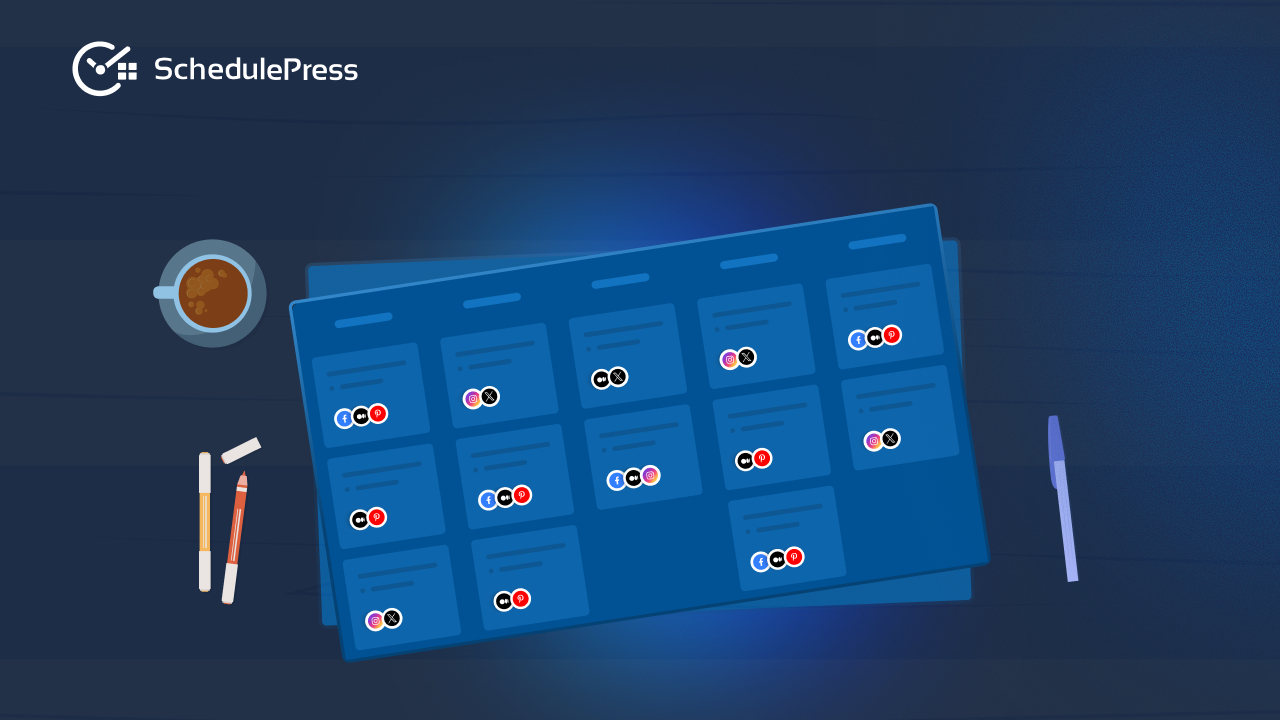
If you have ever published three posts in a week and then disappeared for a month, you do not need more motivation. You need a system. A reliable editorial calendar example gives you a clear view of what is coming, who is responsible and when each piece goes live, so your content does not depend on last-minute energy.
This guide keeps the original direction from your source blog and trims repeated points. You will see ten practical formats you can copy, plus a simple way to decide which setup fits your team and workflow in WordPress.
Why an Editorial Calendar Matters for Consistency
An editorial calendar is the difference between “we should publish more” and “this is what we publish next Tuesday.” It helps you plan topics ahead, balance content types and avoid publishing collisions like two similar posts going live back-to-back.
It also reduces stress. When your plan is visible, you spend less time guessing what to write next and more time improving content quality.
What a Strong Editorial Calendar Example Should Include
Before you choose a format, make sure the essentials are covered. A good editorial calendar example is not only dates on a grid. It is a planning tool that connects ideas to execution.
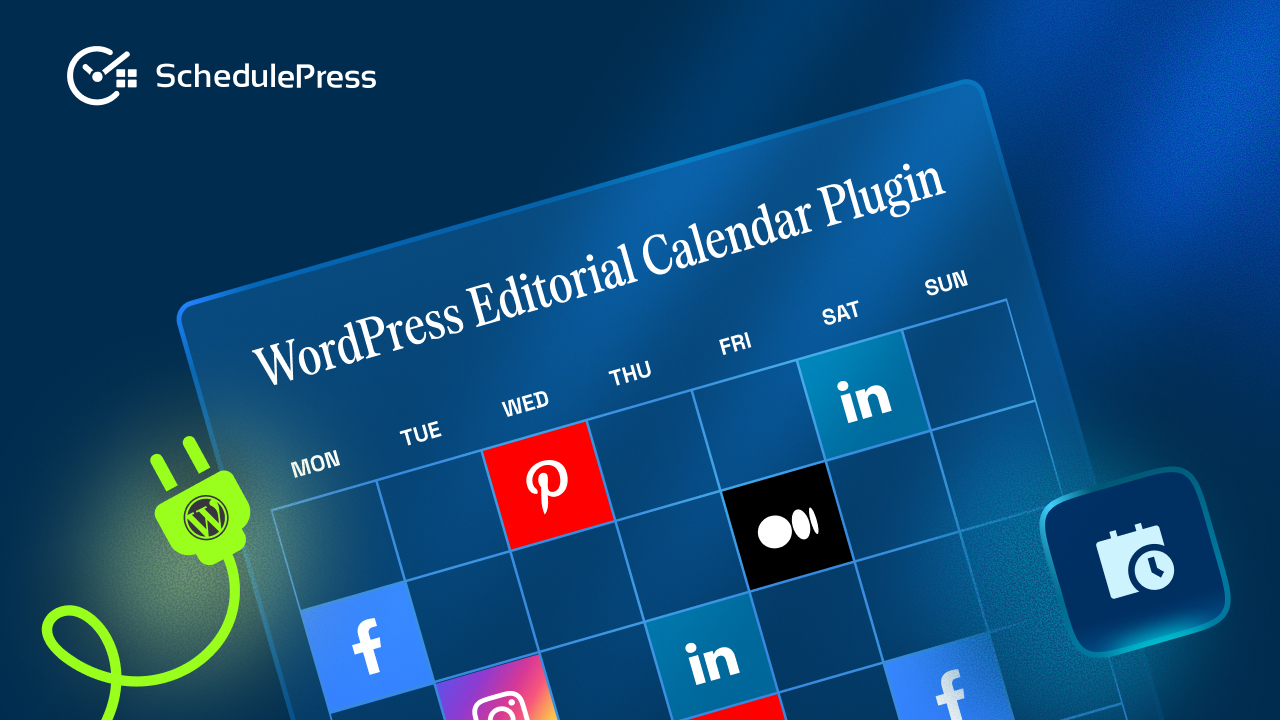
At minimum, include publish date, content title, status and owner. If you publish across multiple channels, add content type, target keyword and distribution notes so your plan supports a clear editorial workflow instead of a simple to-do list.
How to Pick the Right Editorial Calendar Format
Do not start by copying someone else’s board or template. Start by matching the system to your reality. A solo blogger needs speed and clarity, while a team needs roles and visibility.
If you are unsure, pick the simplest editorial calendar example that you can maintain for 30 days. You can always upgrade later when your publishing schedule grows.
1. Spreadsheet Calendar for Simple Content Planning
A spreadsheet is often the first editorial calendar example people try because it is familiar. You create columns for title, date, status and notes, then fill the rows as you plan your month. It is fast to start and easy to share.
This format works best for solo creators or small teams who want lightweight planning without extra tools. The downside is that spreadsheets become messy when you add approvals, assets and multiple channels.
Best for: beginners, solo bloggers, small teams
Watch out for: version confusion, manual updates, limited workflow visibility
2. Google Calendar Style Schedule for High-Level Planning
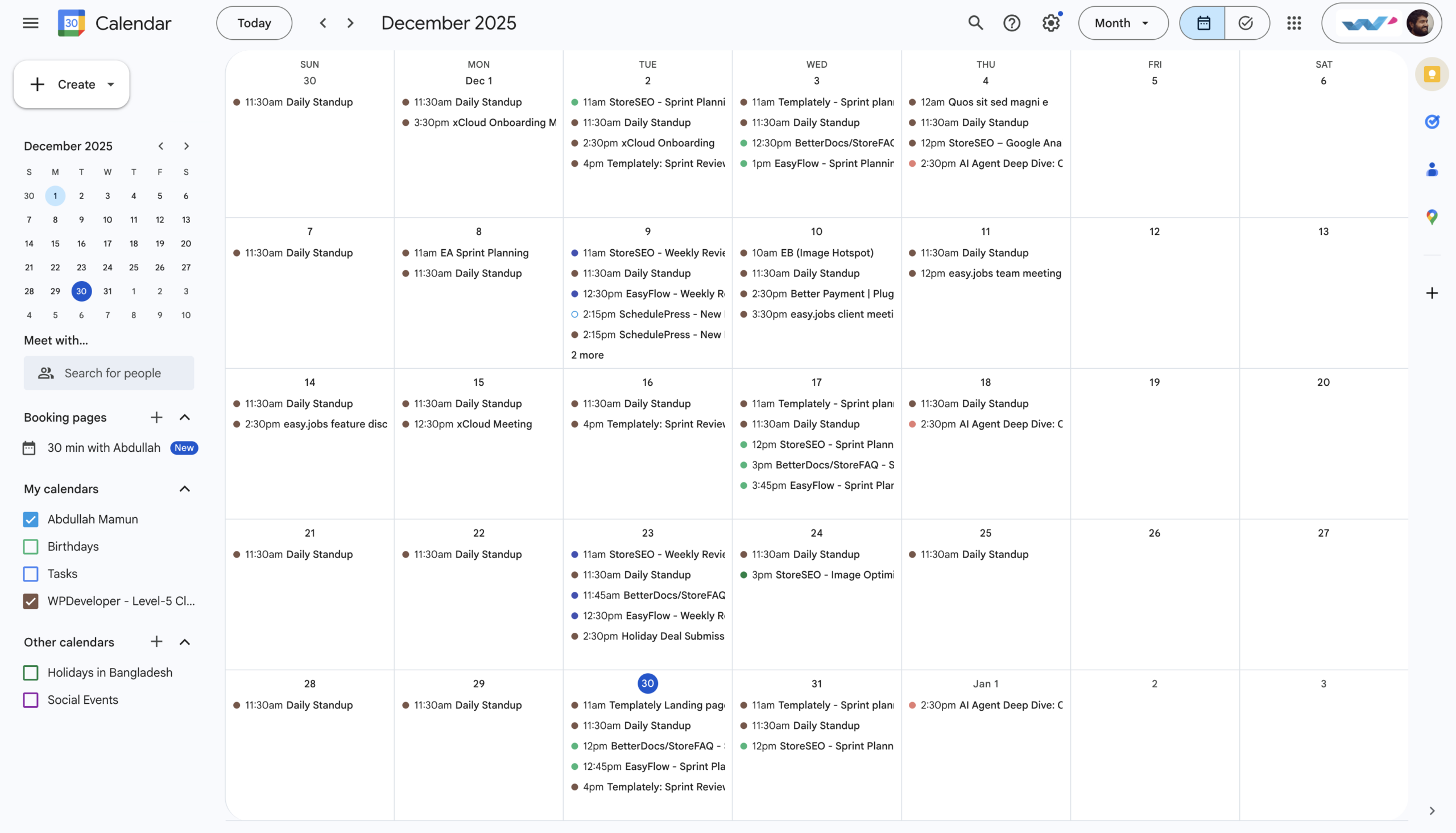
A calendar app view is a clean editorial calendar example for high-level planning. You can block publish dates, label post types and spot empty weeks quickly. This approach keeps planning visual and makes the post publishing schedule easy to understand.
It is not ideal for tracking details like drafts and approvals. Many teams use it as a top layer while managing tasks elsewhere.
Best for: visual planners, simple publishing cadence
Watch out for: weak status tracking, limited planning detail
3. Trello Board Calendar for Drag and Drop Scheduling
A Trello-style board is a popular editorial calendar example because it matches how content moves. You can create lists like Ideas, Drafting, Editing and Scheduled, then drag cards across stages. It makes the editorial workflow feel visible and keeps tasks organized.
If you add a calendar view, you also get a stronger content calendar perspective. The risk is overbuilding the board with too many labels and making it hard to maintain.
Best for: teams that like visual task movement
Watch out for: cluttered boards, inconsistent card updates
4. Notion Database Calendar for Flexible Editorial Workflows
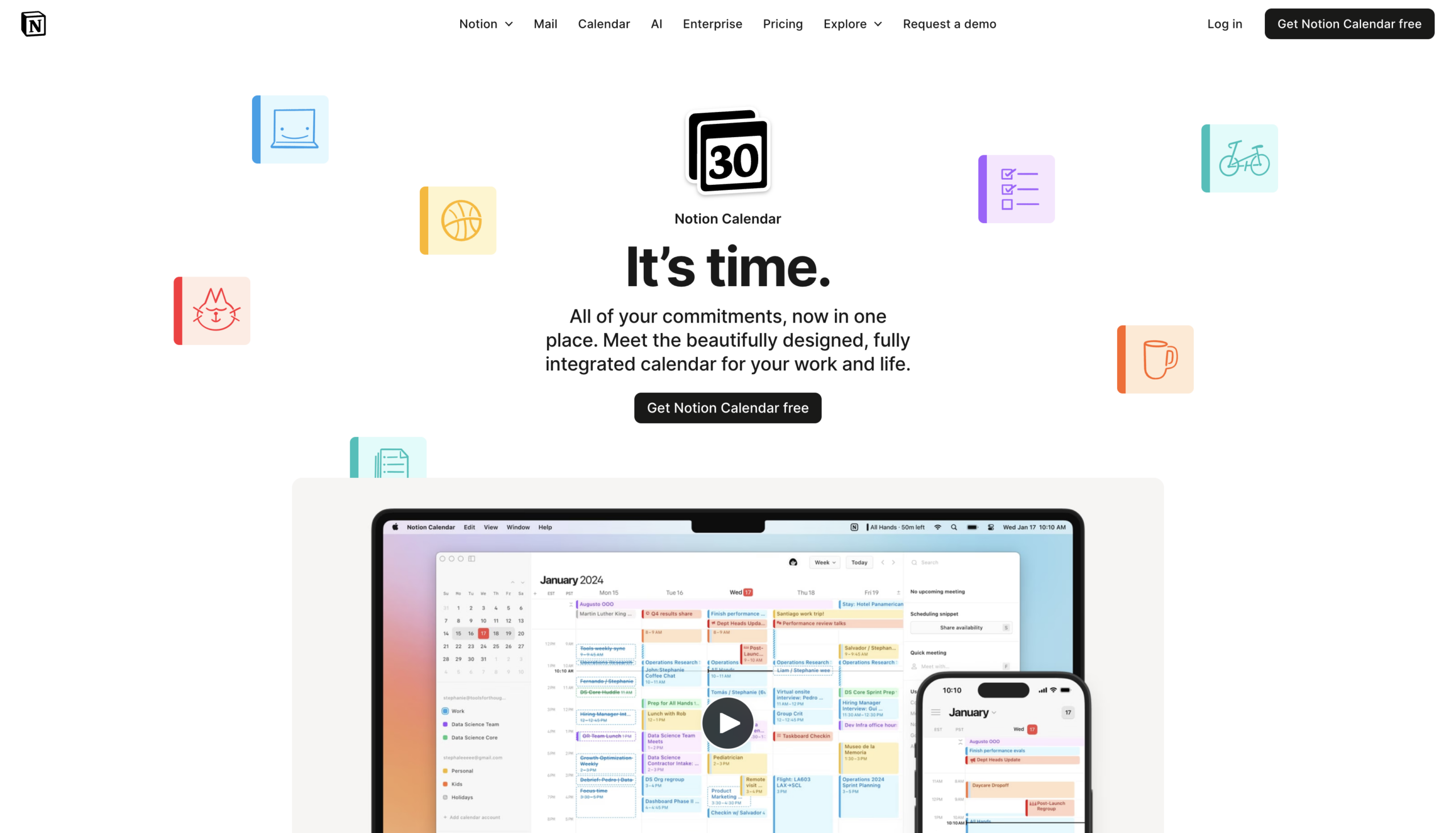
A Notion database is an adaptable editorial calendar example because it can act as both a calendar and a content repository. You can store briefs, outlines, assets and checklists in one place. You can also switch between calendar view, board view and table view depending on what you need that day.
It works well for planning that requires documentation. It can feel heavy for teams that only need scheduling and publishing.
Best for: documentation-heavy teams, writers who want one workspace
Watch out for: setup time, maintaining consistency across views
5. WordPress Plugin Calendar for in-dashboard Publishing Control
If WordPress is where content is created and published, a WordPress-first editorial calendar example can save time. Instead of planning in external tools and then switching back to WordPress to schedule, you plan inside your site.
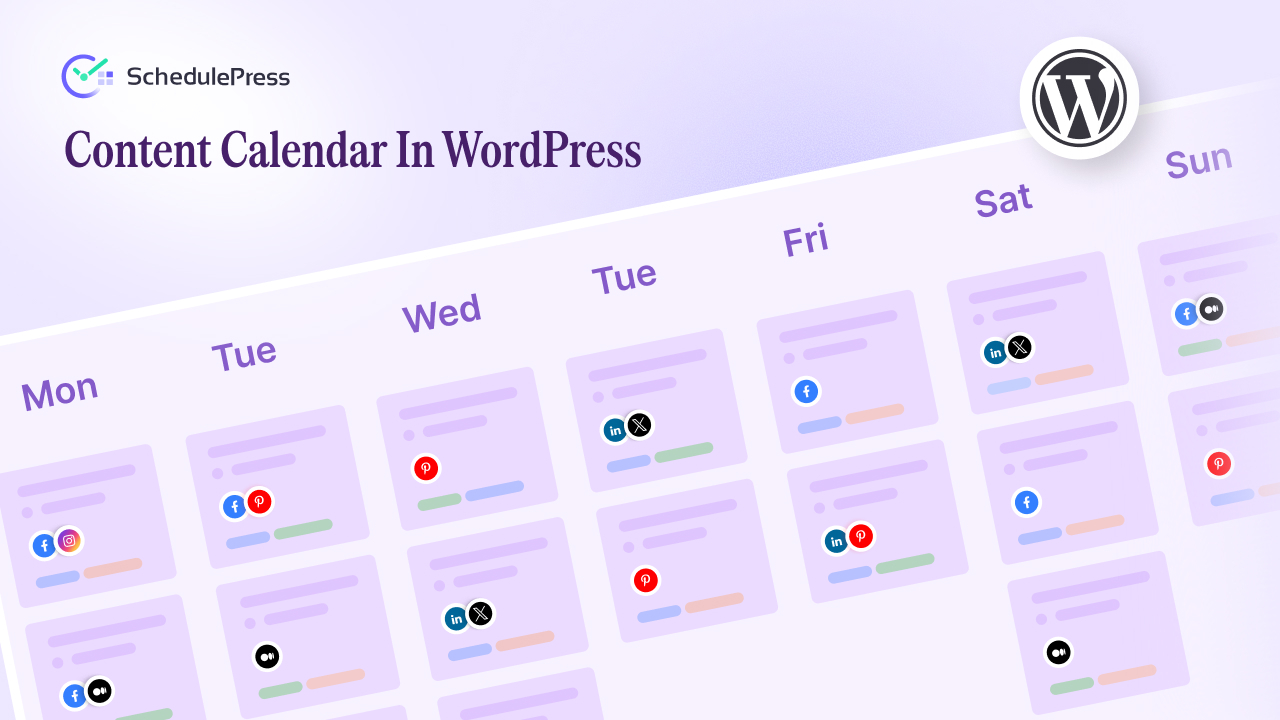
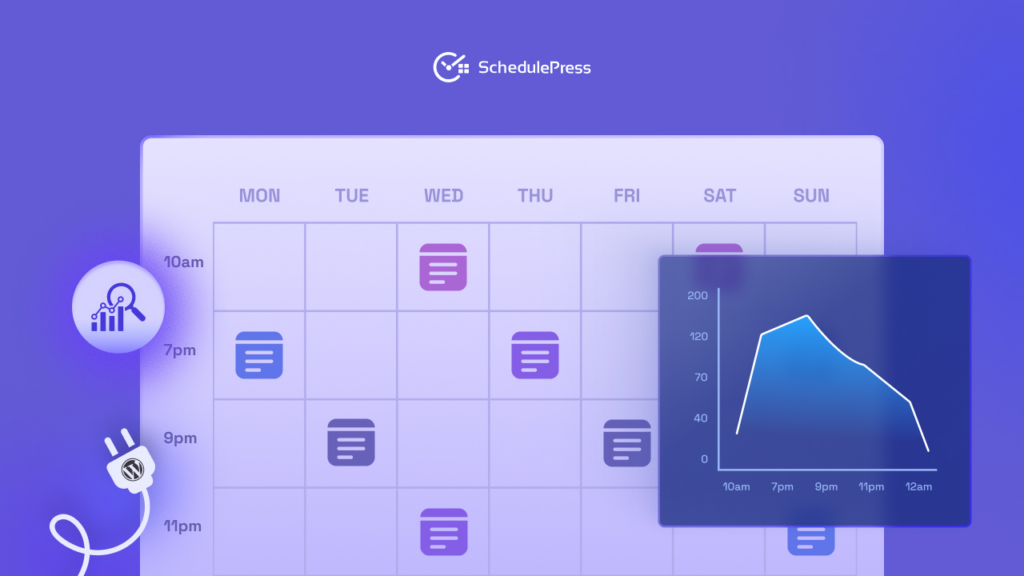
SchedulePress provides a visual content calendar inside WordPress so you can manage drafts, scheduled posts and publishing dates from one place. This keeps content planning close to execution and reduces tool switching.
Best for: WordPress publishers, teams that want one dashboard
Watch out for: relying on external plans instead of using the calendar consistently
6. Social Media Content Calendar for Cross-channel Consistency
A social media-focused editorial calendar example helps you map what goes out on each platform and how it supports your main content. It prevents gaps, avoids repeating the same message and makes campaigns easier to coordinate.
This format becomes more effective when it connects to your blog publishing schedule. When your posts go live on time, your social plan becomes easier to execute.
Best for: brands running campaigns, creators publishing on multiple channels
Watch out for: treating social as separate from the editorial workflow
7. Team Pipeline Calendar with Roles and Approvals
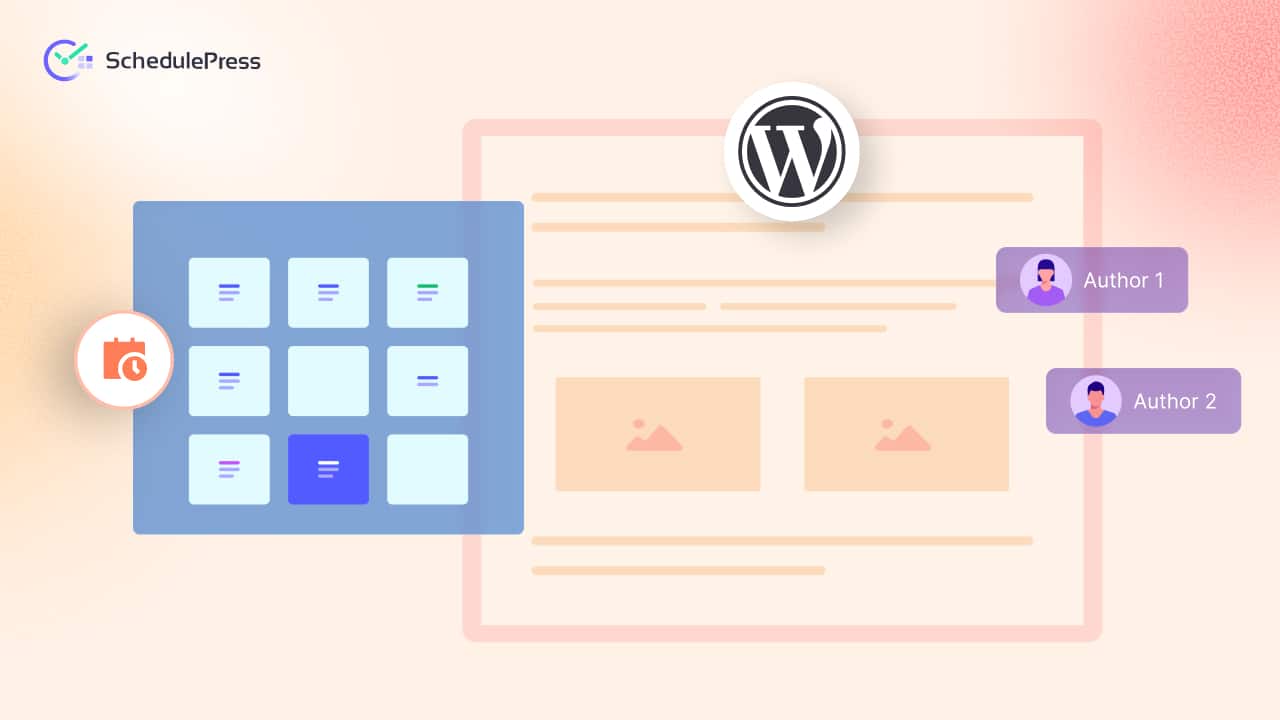
When multiple people write and edit, you need an editorial calendar example that shows ownership. This format typically includes status stages like Draft, Review, Approved and Scheduled, plus assigned owners and due dates.
It improves accountability and reduces confusion. Your publishing schedule becomes more reliable because blockers appear earlier, not on the day a post should go live.
Best for: multi-author teams, agencies, editorial teams
Watch out for: unclear role rules, too many approval steps
8. SEO Planning Calendar Tied to Keywords and Clusters
An SEO-focused editorial calendar example connects each post to a target keyword, search intent and internal linking plan. It helps you build topical authority instead of publishing random standalone articles.
This format works best when paired with consistent planning and a predictable publishing schedule. Without consistency, even the best keyword plan will not deliver results.
Best for: SEO teams, niche sites, publishers building topic clusters
Watch out for: chasing keywords without editorial direction
9. Campaign Calendar for Product Launches and Seasonal Pushes
A campaign-based editorial calendar example maps content around a timeline: pre-launch education, launch announcements and post-launch follow-ups. It keeps your messaging aligned and helps you avoid publishing content that conflicts with the campaign story.
This format often includes blog posts, landing pages, emails and social posts. When you coordinate it well, your editorial workflow becomes smoother and your promotion becomes consistent.
Best for: SaaS brands, ecommerce sites, event marketers
Watch out for: last-minute changes without a calendar that can adjust fast
10. Integrated WordPress Editorial Calendar that Moves from Plan to Publish
The most practical editorial calendar example for WordPress teams is one that connects planning to publishing. Static plans are useful, but dynamic workflows are better when deadlines shift. This is where an in-dashboard editorial calendar can become the central hub.
With SchedulePress, you can plan content in a visual calendar, schedule posts ahead and keep your post publishing schedule stable. When content goes live consistently, your content planning becomes easier because you trust the system to execute.
Best for: WordPress publishers who want reliability and visibility
Watch out for: not standardizing how the team uses statuses and dates
Strategic Breakdown: Why SchedulePress Can be the Practical Solution in WordPress
Many tools can help you plan content, but WordPress publishing introduces an extra layer: scheduling reliability. If a post misses its publish time, your social plan, email plan and campaign plan can break. That is why it helps to keep planning and scheduling close to WordPress itself.
SchedulePress is built around a WordPress editorial calendar experience that supports visual planning, scheduling and workflow control. When you use it as your central content calendar, you reduce tool switching and keep your editorial workflow connected to what actually publishes.
From Static Plans to Dynamic Workflows
A spreadsheet can tell you what you want to publish. A dynamic system helps you adapt when reality changes. When a draft is delayed or a campaign shifts, you need to move posts quickly while keeping the post publishing schedule balanced.
A WordPress editorial calendar inside your dashboard makes that adjustment easier because the plan and the publish action stay connected. When your team can drag dates, review statuses and schedule content without leaving WordPress, planning becomes more resilient.
A Quick Comparison to Choose Your Setup Faster
Instead of trying every tool, compare formats by what you truly need. If your biggest pain is visibility, choose a calendar-based content calendar view. If your biggest pain is consistency, prioritize a system that strengthens your post publishing schedule. If your biggest pain is teamwork, prioritize roles, approvals and a clear editorial workflow.
Most WordPress publishers start with a simple calendar, then move toward an integrated WordPress editorial calendar when the workflow becomes more serious.
| Tool | Implementation complexity | Resource requirements | Expected outcomes | Ideal use cases | Key advantages |
|---|---|---|---|---|---|
| Spreadsheet-Based Editorial Calendar (Google Sheets/Excel) | Low | Minimal (spreadsheet app, basic skills) | Basic scheduling & manual tracking | Startups, small agencies, bloggers, nonprofits | Low cost, customizable, easy collaboration |
| Content Marketing Platform Templates | High | Significant cost, onboarding, integrations | Automated multi-channel publishing, advanced analytics | Enterprise marketing teams, large agencies | Automation, analytics, centralized workflows |
| Asana Editorial Calendar Template | Medium | Project management subscription, training | Clear task dependencies and timeline visibility | Mid-sized agencies, cross-functional marketing teams, publishers | Timeline/Gantt, workload balancing, dependency tracking |
| Monday.com Editorial Calendar Template | Medium | Subscription, setup for automations and boards | Visual planning with automation; flexible views | Creative teams, agencies, marketing departments | Visual interface, multiple views, strong automations |
| Trello-Based Editorial Calendar | Low | Minimal (free tier available, quick setup) | Lightweight Kanban workflow and simple tracking | Small teams, indie creators, startups | Very easy to use, fast setup, visual workflow |
| Notion Editorial Calendar Database | Medium–High | Notion workspace, time to build relations/templates | Centralized, customizable workflows and knowledge management | Tech-savvy teams, agencies, digital publications | Highly customizable, relational DBs, all-in-one workspace |
| Editorial Calendar with Content Pillars Template | Medium | Strategic planning time, editorial governance | Strategic alignment, balanced topic coverage, SEO gains | Enterprise marketers, B2B SaaS, publishers | Ensures strategy alignment, identifies content gaps |
| Editorial Calendar with Content Batching Template | Low–Medium | Planning time, production resources, storage | Higher production efficiency; consistent publishing cadence | YouTubers, podcasters, teams doing content sprints | Efficiency, reduced context-switching, consistent quality |
| Social Media Content Calendar Template | Medium | Platform expertise, scheduling tools, asset prep | Optimized posting and platform-specific performance tracking | Ecommerce brands, influencers, social agencies | Platform optimization, consistent cross-channel posting |
| Integrated Editorial Calendar with SEO Planning Template | High | SEO tools (Ahrefs/SEMrush), analyst time, ongoing research | Improved organic visibility, keyword-driven traffic growth | SEO-focused publishers, B2B SaaS, e-commerce sites | Keyword tracking, search intent alignment, long-term ROI |
Frequently Asked Questions (FAQs)
These FAQs address the common questions people ask when they are trying to choose an editorial calendar example that fits their workflow and when they are planning content inside WordPress. Use them to refine your setup and remove confusion before you commit to a format.
1) What is the best editorial calendar example for beginners?
For beginners, the best editorial calendar example is the simplest one you will actually update. A spreadsheet or a basic calendar view is often enough to start because it helps you plan dates, titles and status without extra setup. After you build the habit, you can move to a WordPress editorial calendar or a workflow tool that supports more stages.
2) How far ahead should I plan my content calendar?
Most publishers plan 2 to 4 weeks ahead for stability and then keep a longer list of ideas for future months. Planning too far ahead can make your calendar feel rigid, while planning too short can lead to last-minute publishing stress. A rolling monthly view is a practical middle ground for planning and publishing schedules.
3) What columns or fields should I include in an editorial calendar?
A strong editorial calendar example should include publish date, title, status and owner. If you also care about SEO, add target keyword, search intent and internal link notes. For promotions, add distribution notes so your content calendar supports the full and clear editorial workflow.
4) Should an editorial calendar include social media posts too?
Yes, if social is part of your content plan. A social media content calendar helps you keep messaging consistent and avoids gaps in promotion. Many teams link social posts to their blog publishing schedule so they can plan distribution right after a post goes live.
5) How do I manage a multi-author editorial workflow without confusion?
Set clear rules for statuses and ownership. Use stages like Draft, Review, Approved and Scheduled and assign one owner to each piece at a time. An editorial calendar that shows these stages makes it easier to spot blockers early and keep the publishing schedule reliable.
6) What is the difference between a content calendar and an editorial calendar?
A content calendar is often focused on dates and what goes live. An editorial calendar includes the workflow behind the content such as planning, drafts, reviews, approvals and who is responsible. In practice, many teams combine both into one editorial calendar example that shows dates plus stages.
7) Can I manage an editorial calendar inside WordPress?
Yes. If WordPress is where you create and publish content, using an editorial calendar can reduce tool switching. A plugin like SchedulePress offers a visual calendar view so you can plan, schedule and manage publishing directly from your dashboard.
8) How do I keep an editorial calendar from becoming outdated?
Make it part of your weekly routine. Review the calendar on a fixed day each week, move posts that are delayed and update statuses. Keep your content planning realistic and maintain a small buffer so one delay does not break the entire publishing schedule.
Chhose Your Actionable Path Forward
Pick one format and commit to it for one month. Build a content calendar that shows your next four weeks and assign clear owners and statuses. Then review weekly and adjust based on what was realistic and what was not.
When your clear editorial workflow becomes consistent, everything else improves: writing becomes easier, promotion becomes smoother and readers learn to trust your post publishing schedule.
If you have found this blog helpful, share your opinion with our Facebook community. You can subscribe to our blogs for valuable tutorials, guides, knowledge, tips, and the latest WordPress updates.