Publishing on social media without a plan feels productive at first. You post regularly, try new ideas and stay active. But over time, results feel inconsistent. Engagement drops, traffic fluctuates and it becomes hard to explain what is working and what is not.
That is where a solid content strategy for social media changes everything. It brings structure to creativity, connects social posts with your WordPress content and turns random posting into a repeatable growth system. In this guide, let us walk through how to build a content strategy for social media that scales and how SchedulePress helps you execute it directly from WordPress.
Why a Content Strategy for Social Media Matters More Than Ever
A content strategy for social media is not about posting more. It is about posting with intention. Each post should serve a purpose, whether that is driving traffic, building authority or sparking conversations.
Without a strategy, social media becomes reactive. You post when you remember, reuse ideas without direction and struggle to measure impact. With a documented content strategy for social media, every post fits into a larger plan that supports your business goals and your WordPress publishing workflow.
A clear strategy also makes consistency easier. When you know what to post and why, you stop second-guessing and start building momentum across platforms.
Core Elements of a Strong Content Strategy for Social Media
Before jumping into tools or platforms, you need a foundation. A content strategy for social media rests on a few essential pillars that guide every decision.
First, goals. Decide what success looks like. Traffic, engagement, leads or brand awareness all require different approaches.
Next, the audience. Understand who you are speaking to and where they spend time. Finally, content direction. Define the themes and formats that support your goals consistently.
This foundation ensures your social media marketing plan aligns with your WordPress content rather than running parallel to it.
Aligning Your WordPress Content With Social Media Planning
Your blog should be the backbone of your content strategy for social media. Long-form WordPress posts provide depth, authority and SEO value. Social platforms then act as distribution channels that extend the life of that content.
When WordPress content planning and social planning work together, you stop creating content in silos. A single blog post can fuel multiple social updates across platforms, each tailored to audience behavior. This alignment makes your workflow efficient and scalable.
SchedulePress is designed for this exact connection, allowing your WordPress content calendar and social schedule to live in one place.
Choosing the Right Platforms for Your Strategy
Not every platform deserves equal attention. A strong content strategy for social media focuses on platforms that match your goals and resources.
LinkedIn works well for professional insights and long-form discussions. X supports fast-paced updates and conversation-driven posts. Instagram and Facebook reward visual storytelling and engagement-focused content. Choosing fewer platforms and executing well often outperforms trying to be everywhere. This selective approach keeps your social media marketing plan realistic and sustainable.
Content Pillars That Support Long-Term Growth
Content pillars are recurring themes that shape your content strategy for social media. They provide structure without limiting creativity. For example, you might focus on educational posts, behind-the-scenes insights, product updates and evergreen blog highlights. These pillars ensure variety while keeping your message consistent. Once defined, these pillars guide content creation, repurposing and scheduling across platforms.
Repurposing Content Without Repeating Yourself
Repurposing content is one of the most effective ways to scale a content strategy for social media. It allows you to extract multiple ideas from a single WordPress post.

A guide can become a LinkedIn insight post, a short X thread, a Facebook discussion and a carousel summary. Each version delivers value without feeling repetitive. This approach saves time and reinforces key messages across channels.
SchedulePress supports this workflow by letting you prepare platform-specific captions directly from the WordPress editor.
Building a Content Calendar That Supports Execution
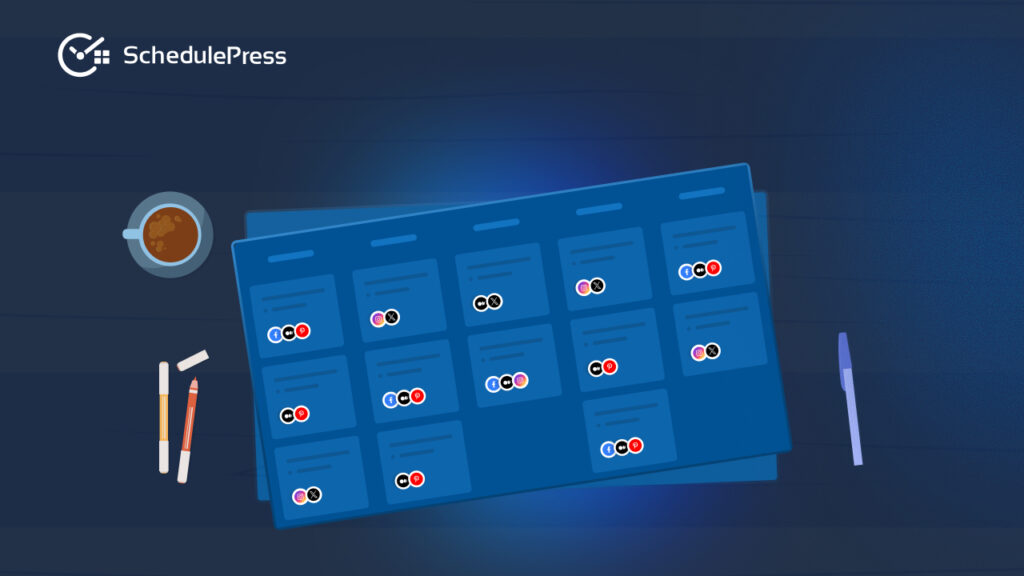
A content calendar turns strategy into action. It shows what you are publishing, when it goes live and how it supports your overall plan. With a clear content calendar, you reduce last-minute decisions and maintain consistency. It also makes collaboration easier, especially for teams managing multiple contributors.
Using a WordPress content calendar keeps planning close to execution, eliminating the gap between strategy and publishing.
How SchedulePress Powers Your Content Strategy for Social Media
This is where strategy becomes operational. SchedulePress acts as the engine that runs your content strategy for social media inside WordPress.
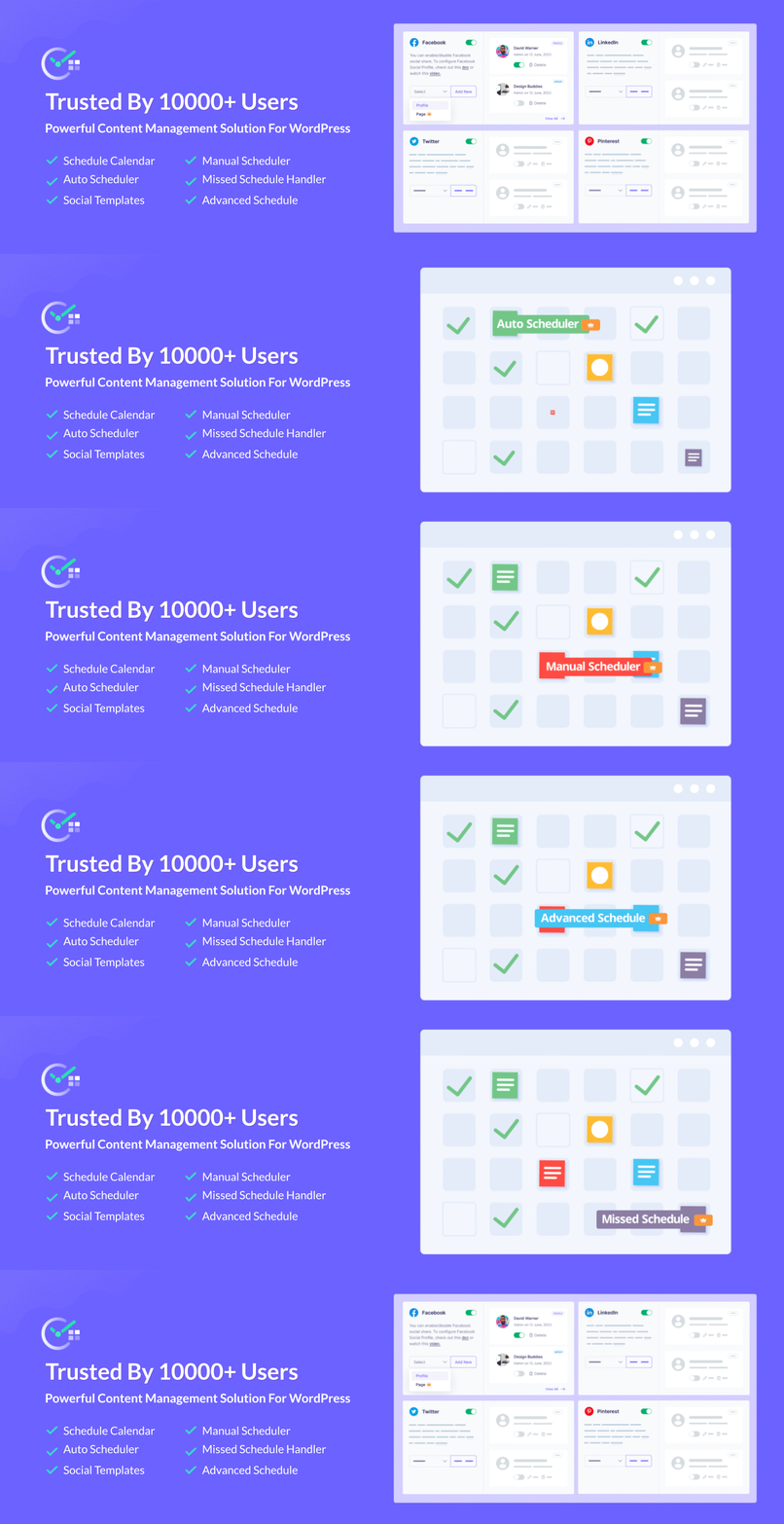
Instead of juggling spreadsheets, reminders and external tools, you manage everything from your dashboard. Posts, schedules and social sharing all connect to your existing workflow. This centralized approach simplifies editorial workflow management and reduces manual effort.
Step-by-Step: Implementing Your Strategy With SchedulePress
Start by installing SchedulePress from the WordPress plugin directory. Activation takes only a few clicks and the setup wizard guides you through essential settings. This initial step connects your publishing workflow with content scheduling automation, preparing your site for structured planning.
Connect Social Profiles
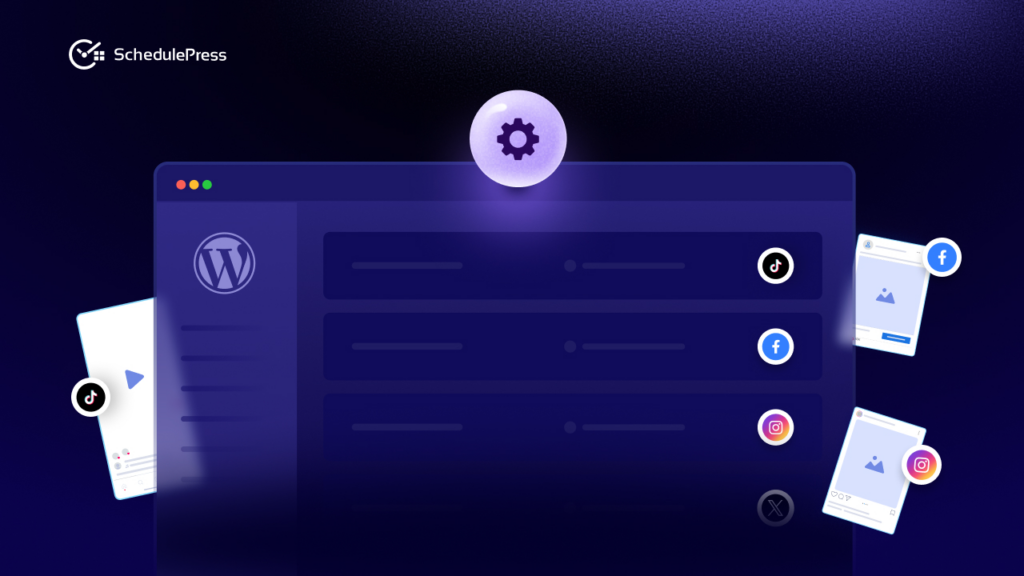
Next, connect your social profiles from the SchedulePress settings panel. Supported platforms include Facebook, X, LinkedIn, Pinterest and others.
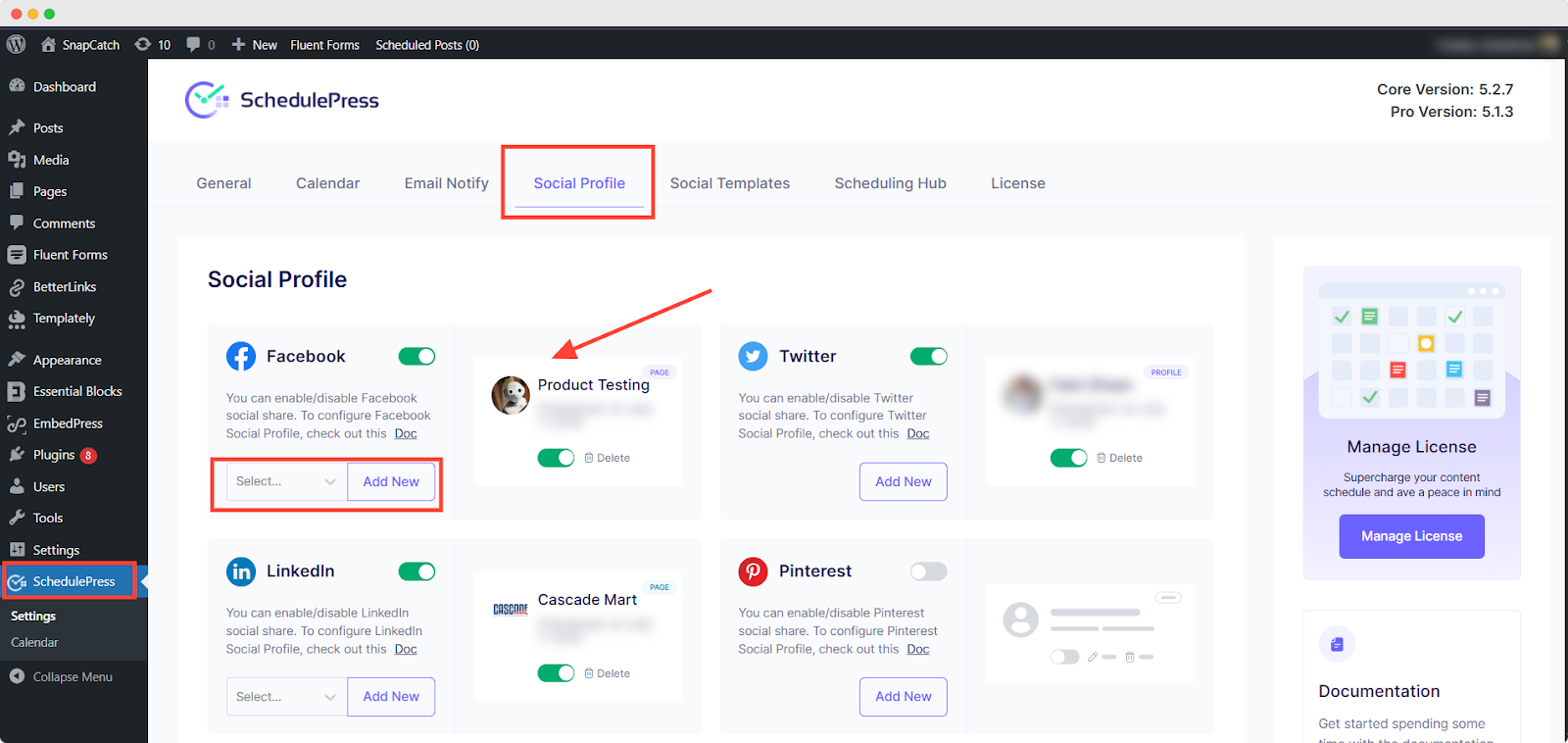
Once connected, SchedulePress remembers these profiles, allowing seamless social media auto-sharing for every post you publish.
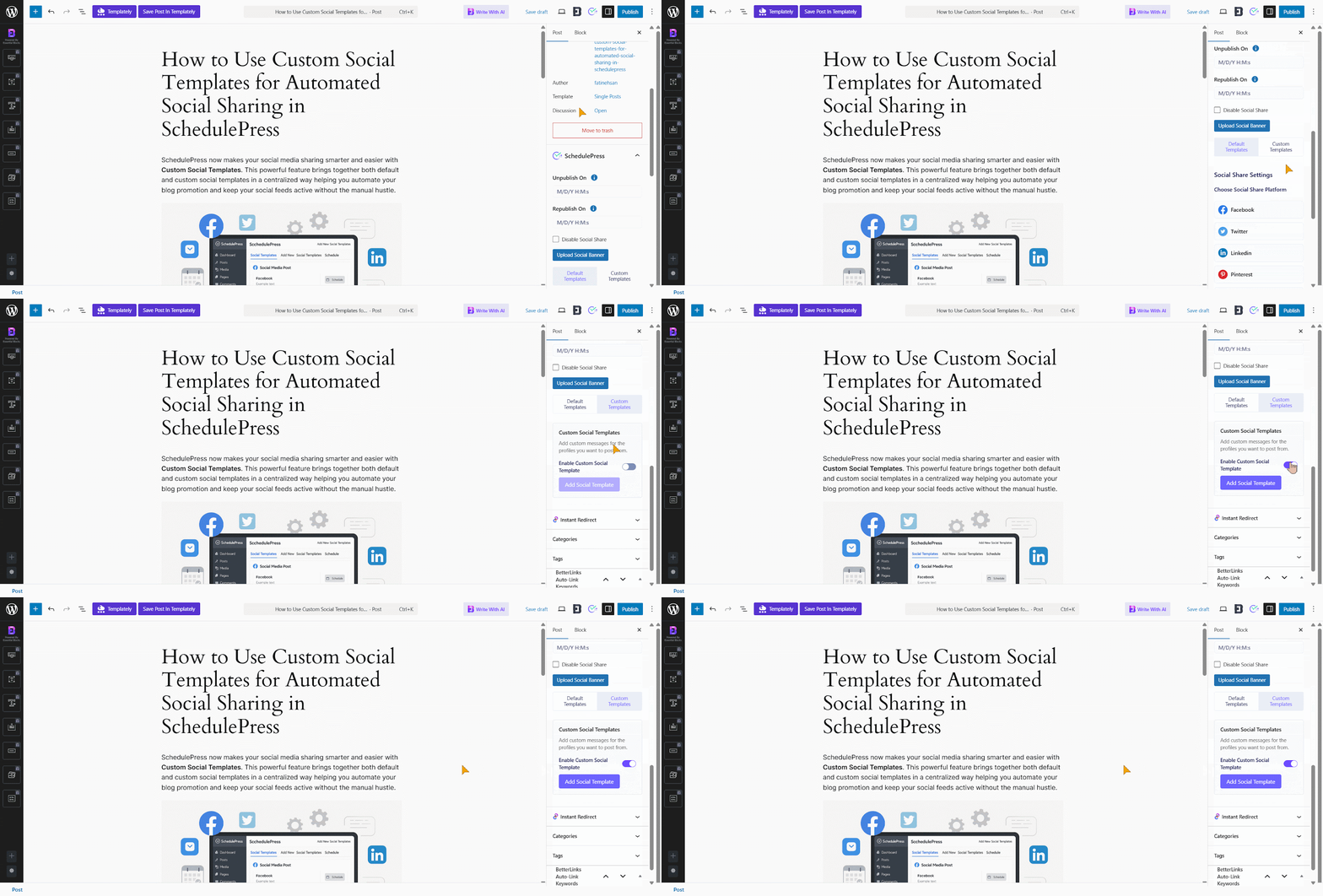
Create Platform-Specific Social Templates
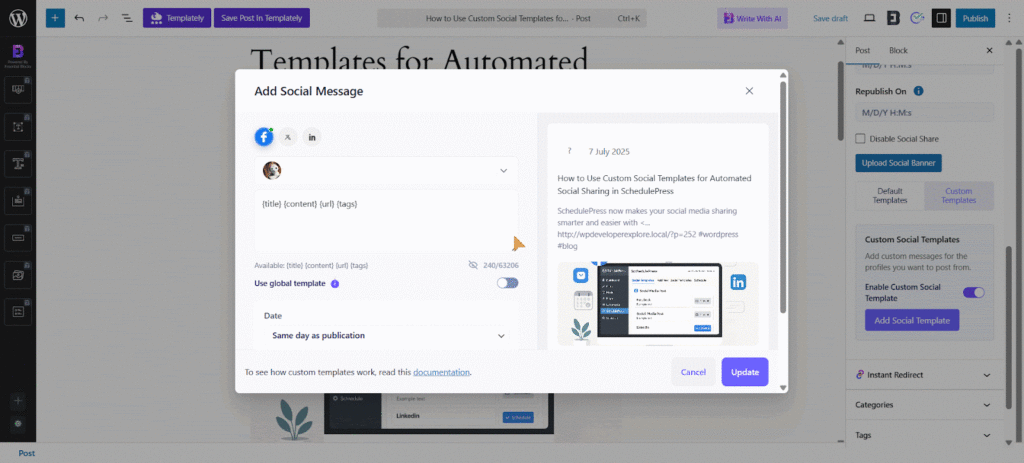
Social templates save time and maintain consistency. You can define reusable caption formats using dynamic tags like post title, excerpt and URL. These templates ensure every platform receives tailored messaging without rewriting captions for each post.
Schedule and Visualize Content
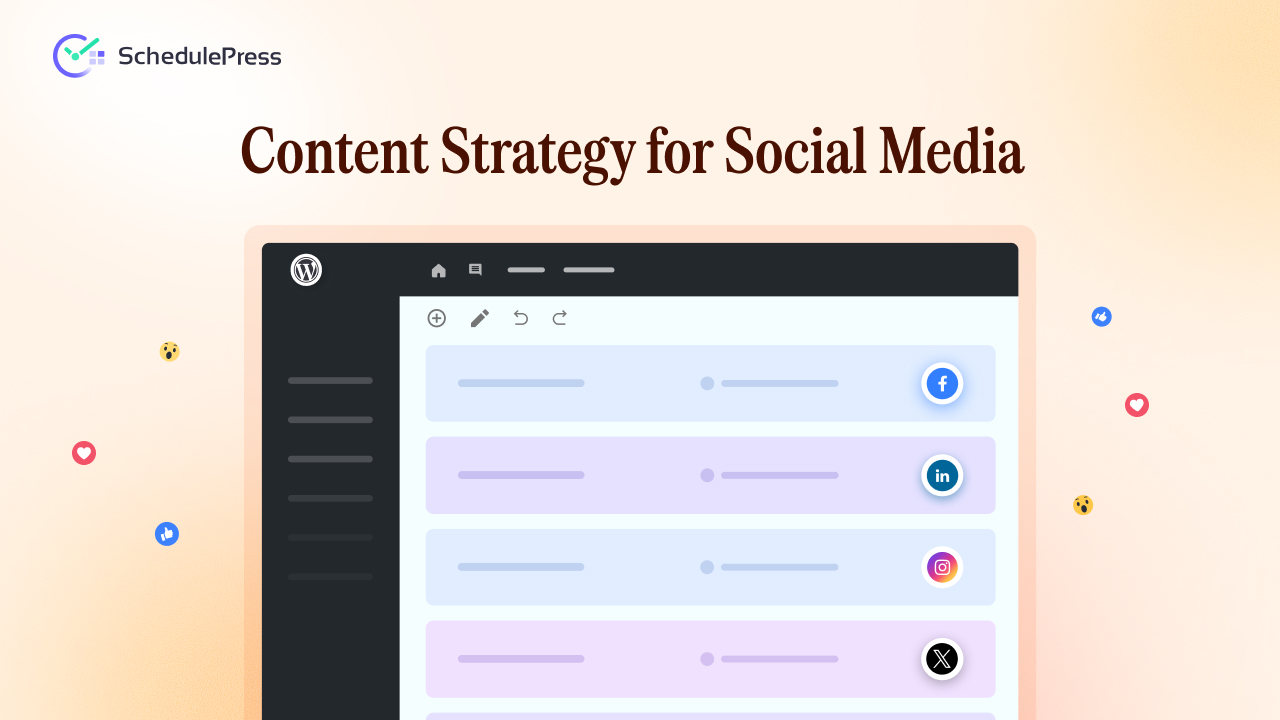
With templates in place, schedule your WordPress posts as usual. The SchedulePress calendar shows upcoming content in a clear visual layout.
This visibility helps you balance publishing frequency and adjust plans quickly when priorities change.
Building a Sustainable Content Strategy for Social Media
A content strategy for social media is not about chasing trends or posting constantly. It is about building a system that supports creativity, consistency and growth.
When your WordPress content planning, social media marketing plan and publishing tools work together, your workflow becomes predictable and scalable. SchedulePress helps close the gap between planning and execution, turning strategy into measurable results.
If you want your social media presence to support long-term growth rather than daily stress, start with a strategy, support it with structure and let automation handle the rest. If you have found this blog helpful, share your opinion with our Facebook community. You can subscribe to our blogs for valuable tutorials, guides, knowledge, tips, and the latest WordPress updates.