Does your website feel bloated with content that is not pulling its weight? It may sound illogical, but sometimes less content can actually drive more SEO benefits. This is the idea behind content pruning – trimming away underperforming, outdated pieces so that your best content can shine. Many site owners struggle with less organic traffic and poor SEO performance despite hundreds of posts. For them, pruning can be a perfect solution to reverse that trend.
The Hidden Cost of ‘More Content’
Think of your website as a tree. Over time, dead branches (outdated or low-value pages) can slow its growth. Content pruning means trimming those dead branches so the healthy parts can grow stronger.
In simple terms, content pruning is the process of reviewing all your existing pages and removing, consolidating or updating content that no longer serves your audience or aligns with your content strategy.
When done correctly, this practice boosts your site’s overall quality and relevance. It helps eliminate thin content, outdated articles and duplicate topics that might be dragging your SEO down.
The ultimate goal is to enhance your website’s quality, improve user experience and give a boost to your SEO performance by ensuring only valuable, relevant content remains. In other words, content pruning makes your site concise and more focused on what truly matters to your readers.
Where Content Pruning Helps: Improving SEO & More
Believe it or not, having too many low-value pages can hurt your SEO. It is common for sites to accumulate loads of posts that barely anyone reads. In fact, over 90% of all published pages get no organic traffic from Google! These pages are basically unnecessary clutter that lowers your site’s overall quality and hurts its search rankings.
By trimming them, you allow search engines and your human visitors to focus on your best content, which can boost your rankings. Here are some key ways of pruning that lead to SEO gains:
Better Crawl Efficiency
Search engines have a limited crawl budget (the number of pages they crawl on your site each day). If that budget is wasted on low-value pages, your important content might get less attention. Pruning removes those distractions so crawlers can focus on the pages that really matter.
Higher Average Content Quality
Removing thin or irrelevant posts raises the overall quality bar of your site. By deleting weak pages, your site’s average authority and engagement metrics go up – search engines see a more authoritative site overall.
Reduced Keyword Cannibalization
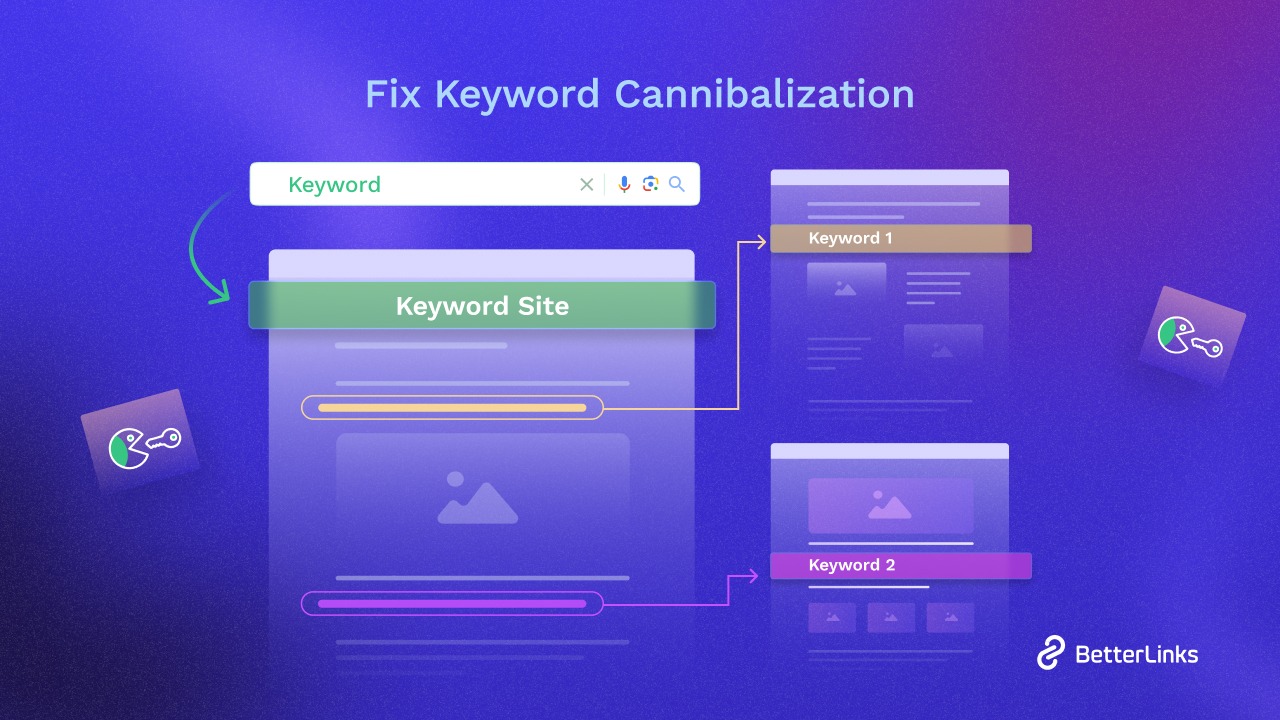
If you had multiple posts targeting similar topics or keywords, they might have been unintentionally competing with each other. This is called keyword cannibalization. Pruning lets you reduce these issues, so you are no longer competing with yourself.
Improved User Experience
Imagine a new visitor lands on your site and finds an old, irrelevant article – they would probably leave disappointed. Removing or updating outdated content ensures visitors only see up-to-date, relevant posts. This leads to a better user experience, keeping readers engaged longer and building trust in your site.
Consolidated Link Equity
Link equity distribution refers to the process of how authority or “link juice” flows from one webpage to another through hyperlinks. This concept is central to search engine optimization (SEO) as it determines how value is passed between pages, influencing their rankings in search engine results.
When you prune by merging or removing pages, make sure to redirect the old URLs to your remaining relevant content. This concentrates the backlinks’ value on the pages you care about most.
How to Know It Is Your Time for Content Pruning
Not every piece of content needs to be removed the moment it underperforms. However, there are clear red flags that suggest a page is doing more harm than good. Here are a few indicators that it might be time to go for the pruning it deserves:
- No traffic in ages – If a page has not attracted any meaningful visitors in six months to a year (and it is not a seasonal topic), it might no longer be useful.
- Isolated content (no links) – Content with zero backlinks and no internal links from your own site is likely not valuable.
- Outdated information – Content based on very old data, expired offers or topics that no longer reflect your business can kill the trust you already have. Nobody wants to read advice from 2010 on a tech blog today.
- Thin or duplicate content – Pages with very low word count or pages that cover almost the same topic as other posts on your site are not adding value. This thin content and duplicate topics can hurt your SEO.
However, keeping all the list above aside, if a page is still useful to users, consider updating it rather than removing it. The pruning is about cutting the fat, not the muscle.
How to Prune Your Content (Step-by-Step)
Ready to cut the extra content? Do not delete posts randomly – content pruning should be done carefully and with a clear plan. You can follow these steps to do it the right way:
Step 1: Conduct a Content Audit
It is better to begin with a complete inventory of your site’s content. You can not prune what you do not know you have. List out all your pages or blog posts (a spreadsheet export from your CMS). Then, gather key performance data for each URL – think of metrics like page views, organic traffic, bounce rate and backlinks.
This comprehensive content audit gives you a bird’s-eye view of what is performing and what is not.
[Tip: Tools like Google Analytics, Google Search Console or BetterLinks Link Scanner can speed up this analysis by showing which pages get traffic or have backlinks. Also, for embedded content by EmbedPress, you can utilize its own Analytics tool.]
Step 2: Identify Underperformers
With your audit data in hand, pinpoint which pages are underperforming. Look for the red flags we mentioned: zero or very low organic traffic, no recent engagement, outdated info, etc. These are your initial pruning targets. It helps to prioritize – for example, pages that have some SEO value might be worth updating rather than deleting.
Step 3: Decide on Actions
For each low-performing page, decide the best course: Does it have potential if updated, or is it beyond saving? Some content just needs a refresh – the topic is solid, but the info is old, so an update could revive it.
Other pieces might be very similar to something else you have written; those could be combined into a single, more comprehensive article instead of competing against each other. Categorize each page on your list into one of these buckets: Keep, Update, Merge or Remove.
Step 4: Update & Improve the Keepers
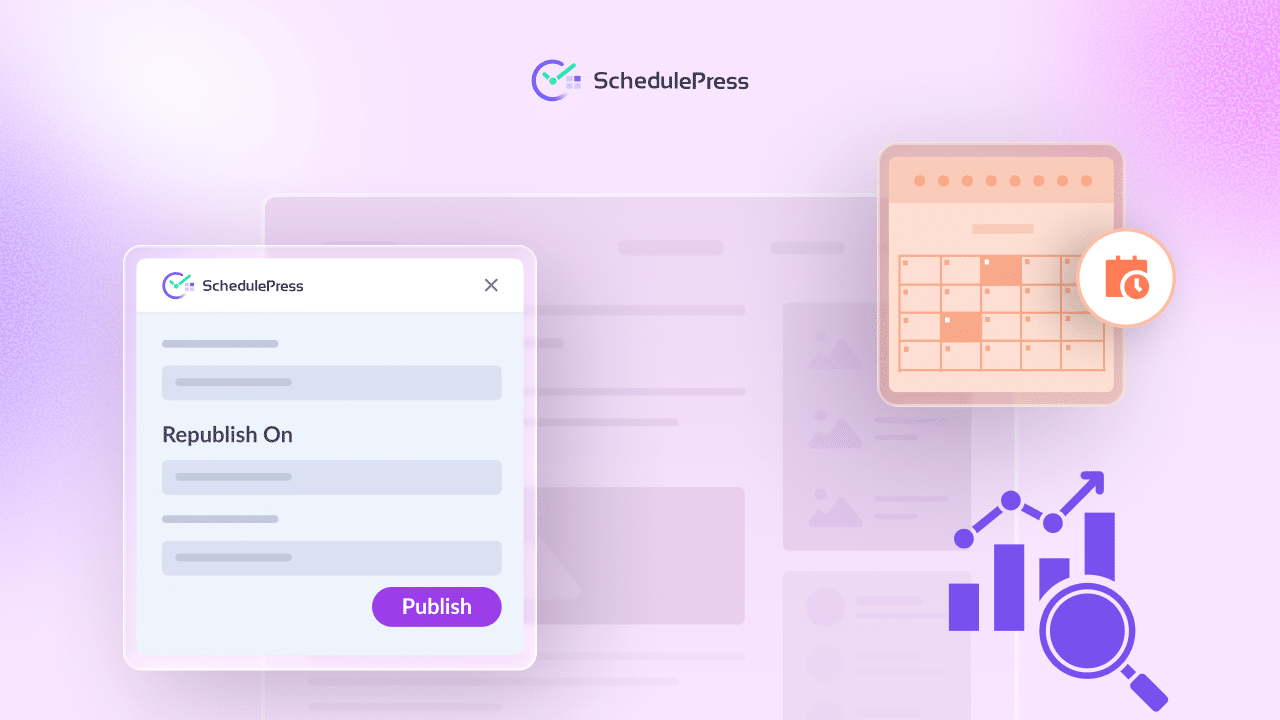
For the pages you chose to update or merge, now is the time to do it. Rewrite portions of the content, add missing information, refresh old statistics and improve the SEO elements (like meta tags, headers, internal links). With SchedulePress, you can schedule any update with its advanced scheduling feature. If you have multiple small posts on closely related topics, consider combining them into one ultimate guide and redirecting the old URLs to this new page.
Step 5: Remove & Redirect the Rest
When you decide a page truly has no future on your site, it is time to remove it. In WordPress, this could mean trashing the post or unpublishing it (setting it to draft). But do not just delete and forget. Make sure to set up a 301 redirect from that URL to a related page on your site.
For example, if you remove an outdated tutorial, redirect its URL to a newer tutorial or to a relevant category page. This way, any stray visitors or Googlebot crawling that old link will be sent to something useful instead of a 404 error.
Step 6: Monitor Results & Iterate
After you have pruned and updated your content, keep an eye on how your site responds. Did your overall organic traffic rise in the next few weeks or months? Are your remaining pages seeing better rankings or engagement? Use Google Analytics and Search Console to track improvements in SEO performance.
You might notice, for example, that your average time on site improves or certain keywords climb higher now that low-quality pages are not holding you back. Take note of these wins (or any unexpected drops) and adjust if needed.
Streamlining Your Content Strategy with SchedulePress
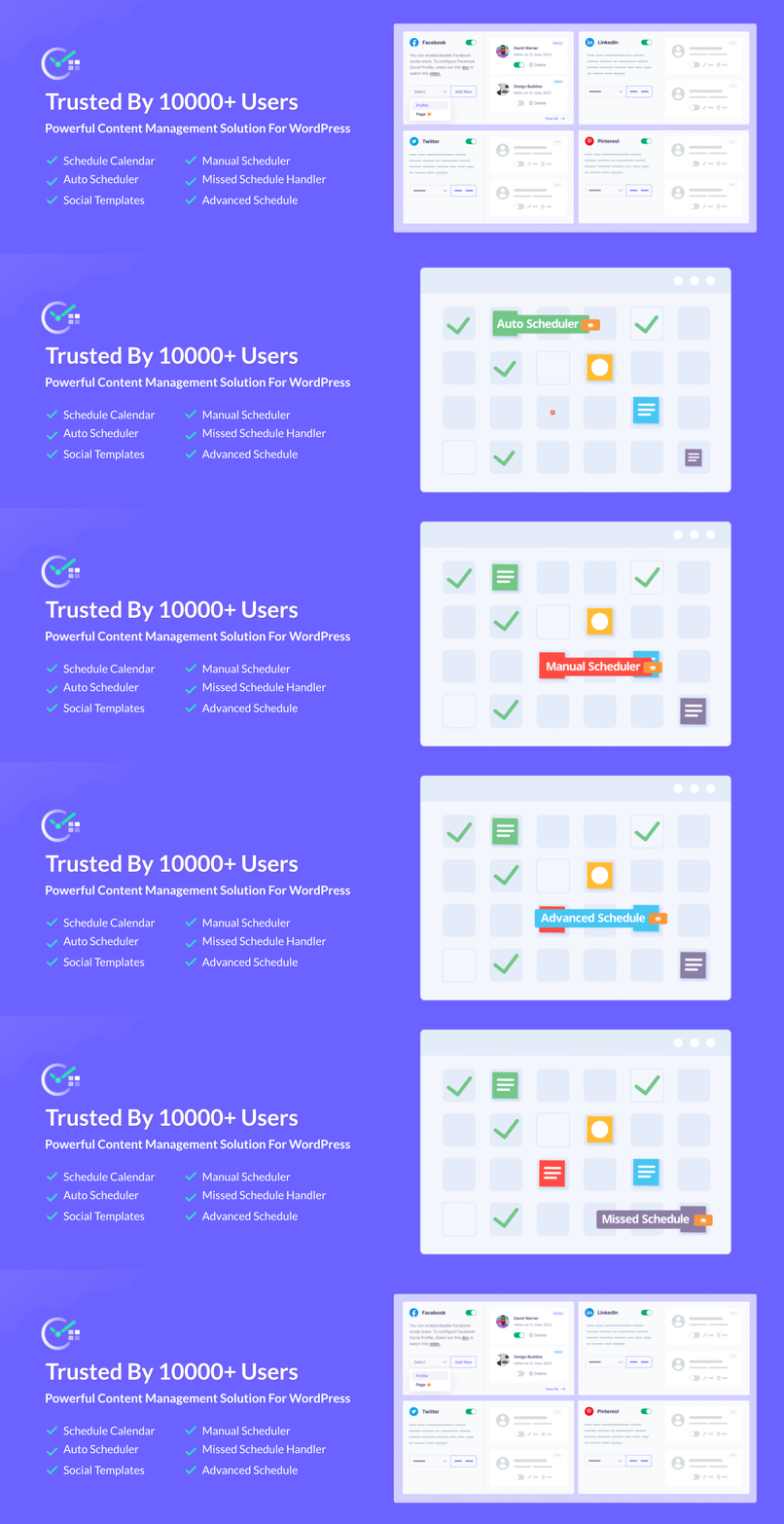
After pruning, you will want to keep your content strategy on track so your site stays lean and mean. This is where content scheduling tools come in. If you are a WordPress user, a plugin like SchedulePress can complement your content pruning efforts.
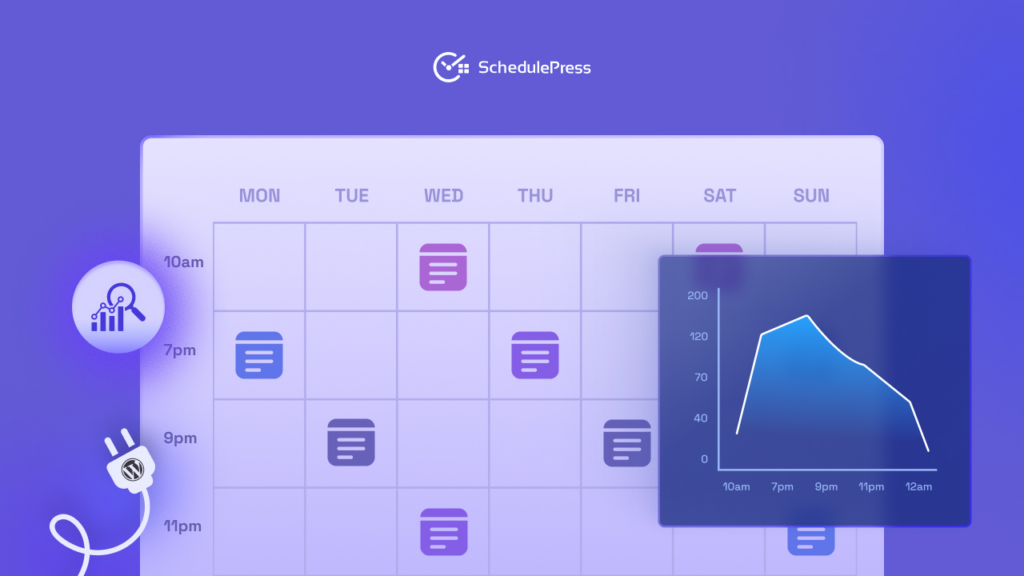
SchedulePress helps you plan and automate your content calendar, ensuring every piece of content is published at the right time and given the attention it deserves. It provides a handy visual editorial calendar (with drag-and-drop scheduling) to organize your posts. You can map out upcoming articles and updates, which helps avoid the trap of dumping a bunch of low-quality posts just to meet a quota.
On top of that, this content management tool allows you to republish or unpublish WordPress posts automatically whenever you want – you can literally schedule when a post should be taken down or refreshed. This means after you update an old post (as part of your pruning process), you can schedule it to republish on a future date so it appears as new again. Plus, you can also set a date for an outdated announcement post to unpublish itself.
Another neat perk is the built-in social media auto-sharing. The moment you publish (or republish) content, SchedulePress can automatically share your posts to Facebook, Twitter, LinkedIn and other platforms to extend their reach. This is a great way to make sure your freshly pruned and updated content gets in front of your audience without you having to manually promote it.
Utilize Content Pruning & Grow Your Reach Smarter
Nowadays, when it is easy to keep adding more and more content, content pruning is the strategy that reminds us that sometimes less is more. By regularly auditing and trimming your site’s content, you ensure every page is adding value.
The result? A cleaner website with better SEO performance, a better user experience and content that truly resonates with your audience. Instead of fearing the idea of deleting content, let us embrace it strategically.
If you want more tips and tutorials like this, be sure to subscribe to our blog and join our friendly Facebook Community to stay updated with the latest WordPress trends and social media marketing insights.