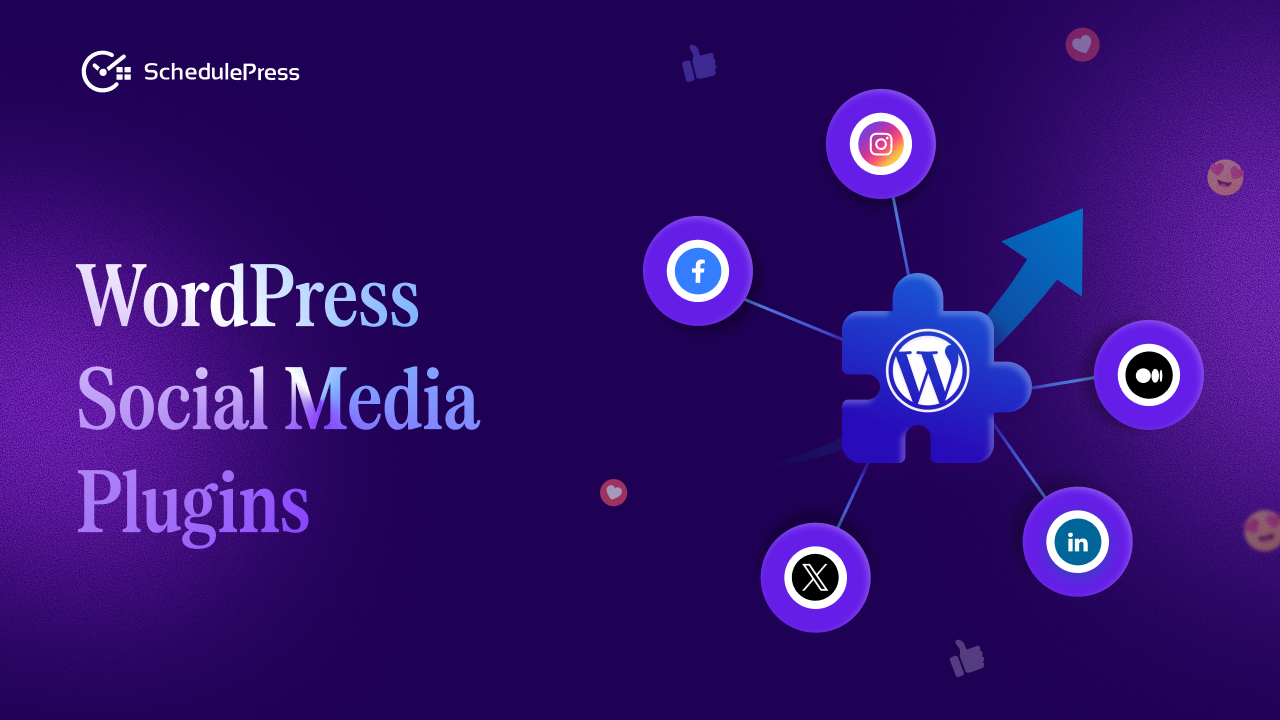
Publishing great content is only half the job. The real challenge begins after you hit publish. Without a reliable system to distribute your content across social platforms, even your best posts can disappear without traction. This is exactly why choosing the best WordPress social media plugins matters more than ever.
A strong social sharing setup helps you stay consistent, visible and relevant without turning promotion into a daily manual task. In this guide, we break down how the best WordPress social media plugins work, what to look for when choosing one and how tools like SchedulePress help you automate sharing directly from WordPress.
Why You Need WordPress Social Media Plugins in the First Place
Managing social media manually becomes unsustainable for WordPress users as your content grows. Logging into multiple platforms, rewriting captions and remembering posting times quickly leads to burnout. This is exactly where WordPress social media plugins create real value by turning promotion into a structured process instead of a daily chore.
The best WordPress social media plugins help you centralize everything inside WordPress so publishing and sharing work together, not separately. Instead of reacting after a post goes live, you plan distribution ahead of time and let automation handle the rest.
Here is what WordPress social media plugins help you achieve:
- Reduce time spent on repetitive copy and paste tasks
- Maintain consistent posting across multiple social platforms
- Eliminate missed sharing opportunities after publishing new content
- Keep social promotion aligned with your content calendar
- Scale your content output without increasing workload
What Makes the Best WordPress Social Media Plugins Stand Out
Not all plugins are built the same. Some focus only on sharing links while others offer deeper automation and planning capabilities.
The best WordPress social media plugins usually combine three things: scheduling, automation and visibility. They integrate directly with your WordPress content calendar, support multiple platforms and give you control without unnecessary complexity. More importantly, they fit naturally into your editorial workflow instead of forcing you to adopt a new system.
Core Features to Look for in the Best WordPress Social Media Plugins
Before choosing a plugin, it helps to understand the features that actually matter.
- Native WordPress Integration: A plugin should work inside the WordPress dashboard without relying on external dashboards. Tight integration ensures your WordPress content calendar and social sharing stay in sync.
- Content Scheduling Automation: Automation allows posts to be shared automatically when they go live or at scheduled times. This is where content scheduling automation removes repetitive work.
- Platform-Specific Customization: Each platform has a different audience and format. The best WordPress social media plugins allow you to customize messages for Facebook, X, LinkedIn and others without rewriting everything.
- Editorial Workflow Support: If you work with a team, features that support editorial workflow management help assign authors, track progress and manage approvals.
Why SchedulePress Fits Perfectly Into This Category
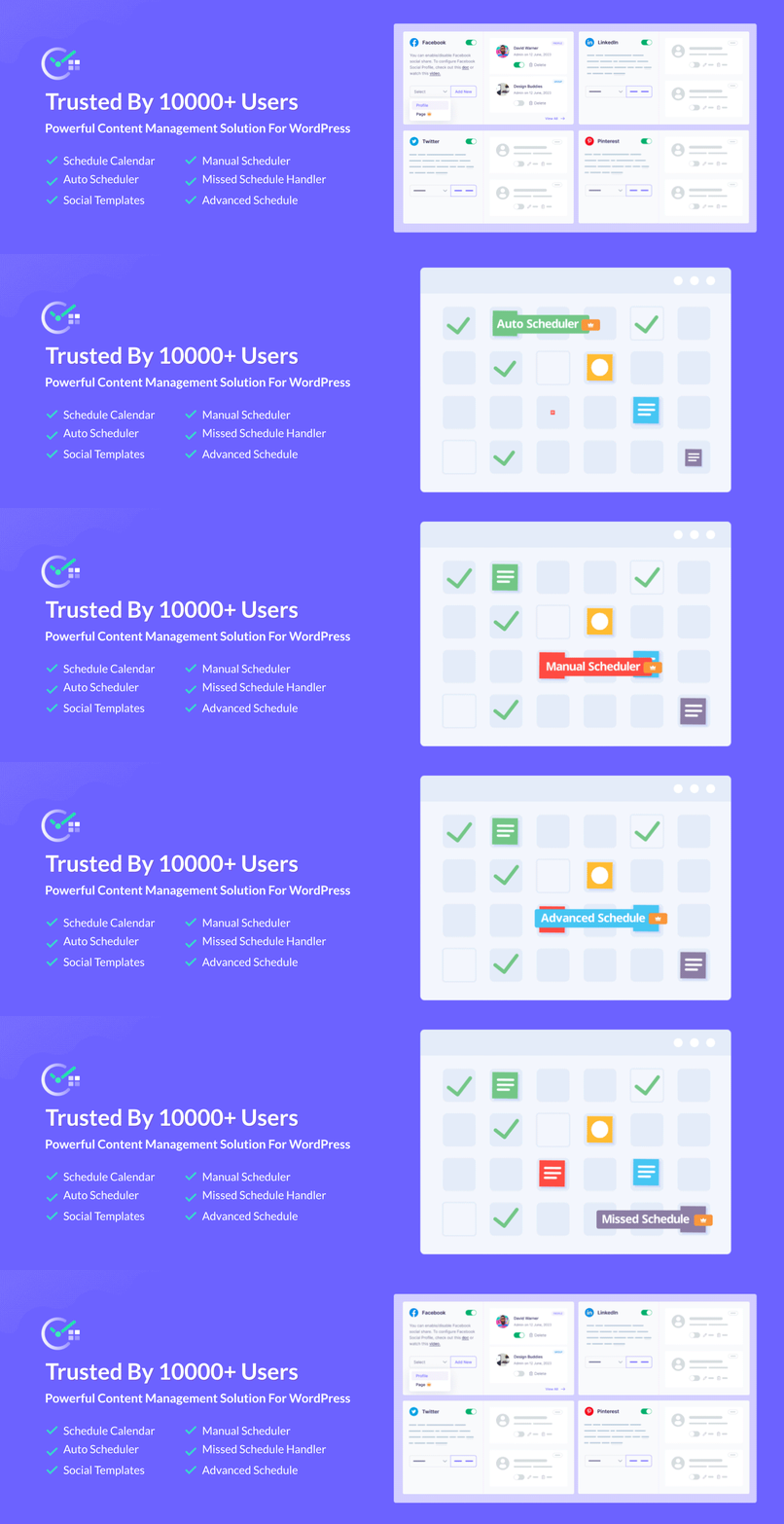
SchedulePress is designed for WordPress users who want structure without complexity. It goes beyond basic sharing and acts as a complete content and social planning tool.
Among the best WordPress social media plugins, SchedulePress stands out by combining content scheduling, social automation and calendar-based planning in one place. You plan once and execute consistently without switching tools.
How SchedulePress Handles Social Media Auto Sharing
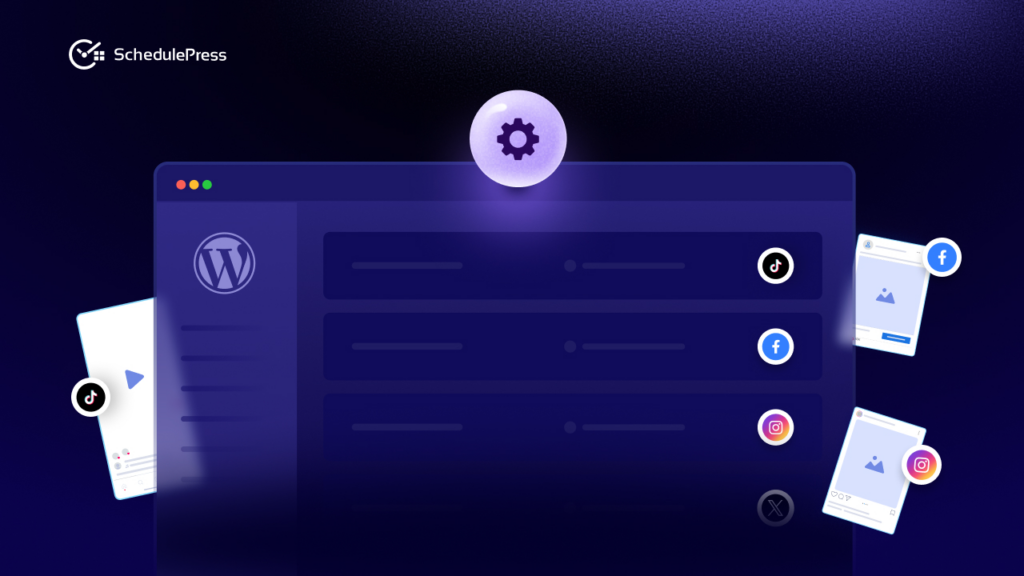
Social media auto sharing should feel invisible. You set it up once and it works in the background. With SchedulePress, you connect your social accounts directly from WordPress. From there, every new post can be shared automatically using predefined templates. This social media auto sharing approach ensures consistency while keeping your messaging aligned with each platform.
Below are the core steps to put your strategy into motion.
Step 1: Install and Activate SchedulePress
Start from your WordPress dashboard and go to Plugins → Add New. Search for SchedulePress, install it, and hit Activate. From this point, your site is equipped to handle both post scheduling and social media automation without extra juggling between plugins.
If you already follow a WordPress content strategy, this is the moment where scheduling and sharing finally join forces.
Step 2: Connect Your Social Profiles
Next, go to SchedulePress → Settings → Social Profiles. Here you can connect your main social channels in just a few clicks: Facebook Pages & Groups, X (Twitter), LinkedIn Profiles & Company Pages, Pinterest, Instagram, Threads and Google Business Profile.
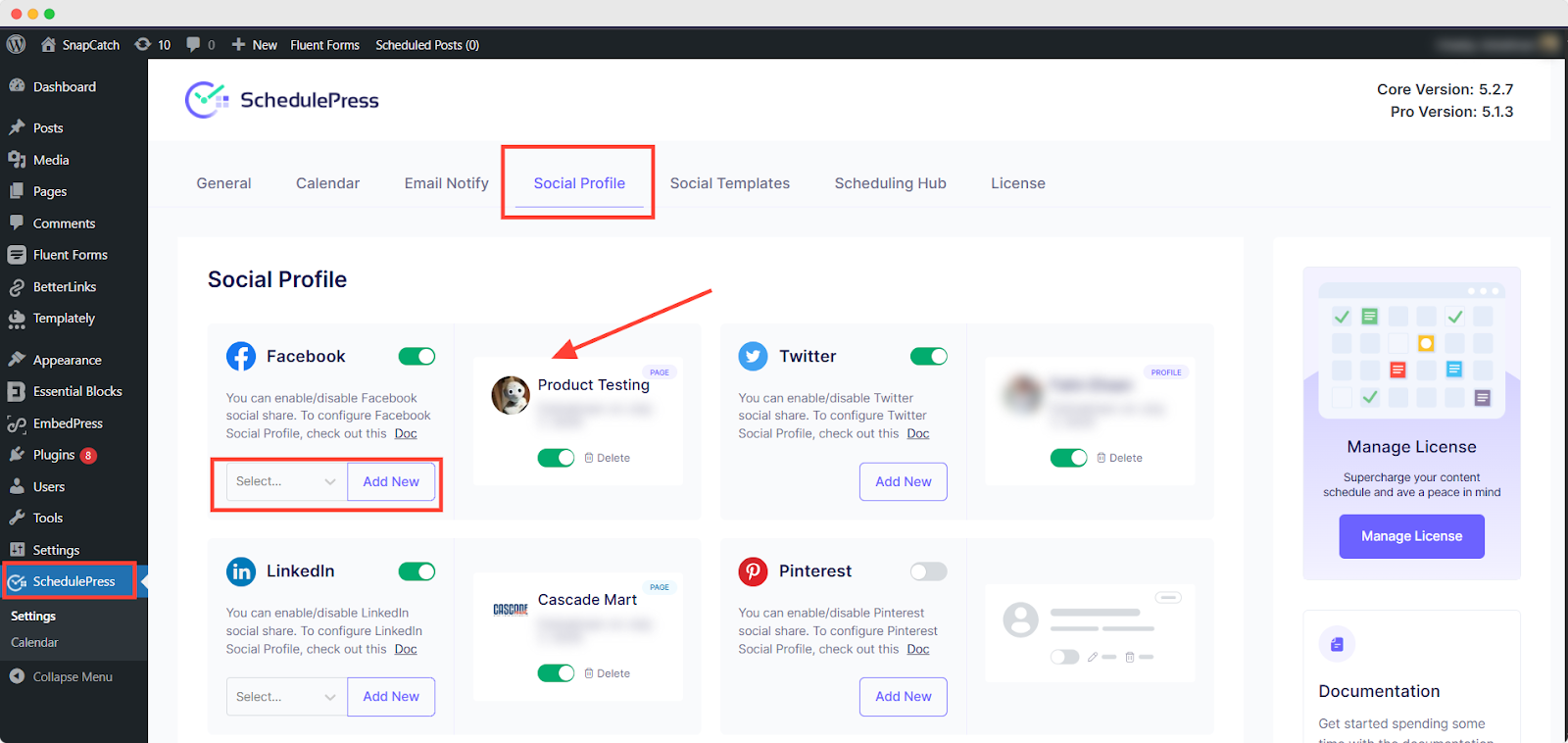
Authorize each platform once and SchedulePress remembers your connections for future posts. No more logging into five tabs every time you publish. This is where your multi-platform publishing workflow starts to feel real. One piece of content. Several channels. One control center.
Step 3: Plan and Create Content Around Your Blog Posts
With SchedulePress installed, your content planning becomes more intentional. Start with your upcoming blog posts — the core of your WordPress content strategy — and build your social ideas around them.
Ask yourself:
- What key takeaway can become a single post?
- Which section could be a multi-slide carousel?
- Is there a stat or quote that could work well on X or LinkedIn?
Document these ideas in your calendar or planning sheet. This is classic content repurposing: one article fueling multiple social posts. It keeps your feed active and lets your best content live longer.
Step 4: Add Platform-Specific Content in the WordPress Editor
Open a post in the WordPress editor and scroll down to the SchedulePress sharing box. This is where, with custom social templates, you prepare platform-specific content so every network gets its own tailored message.
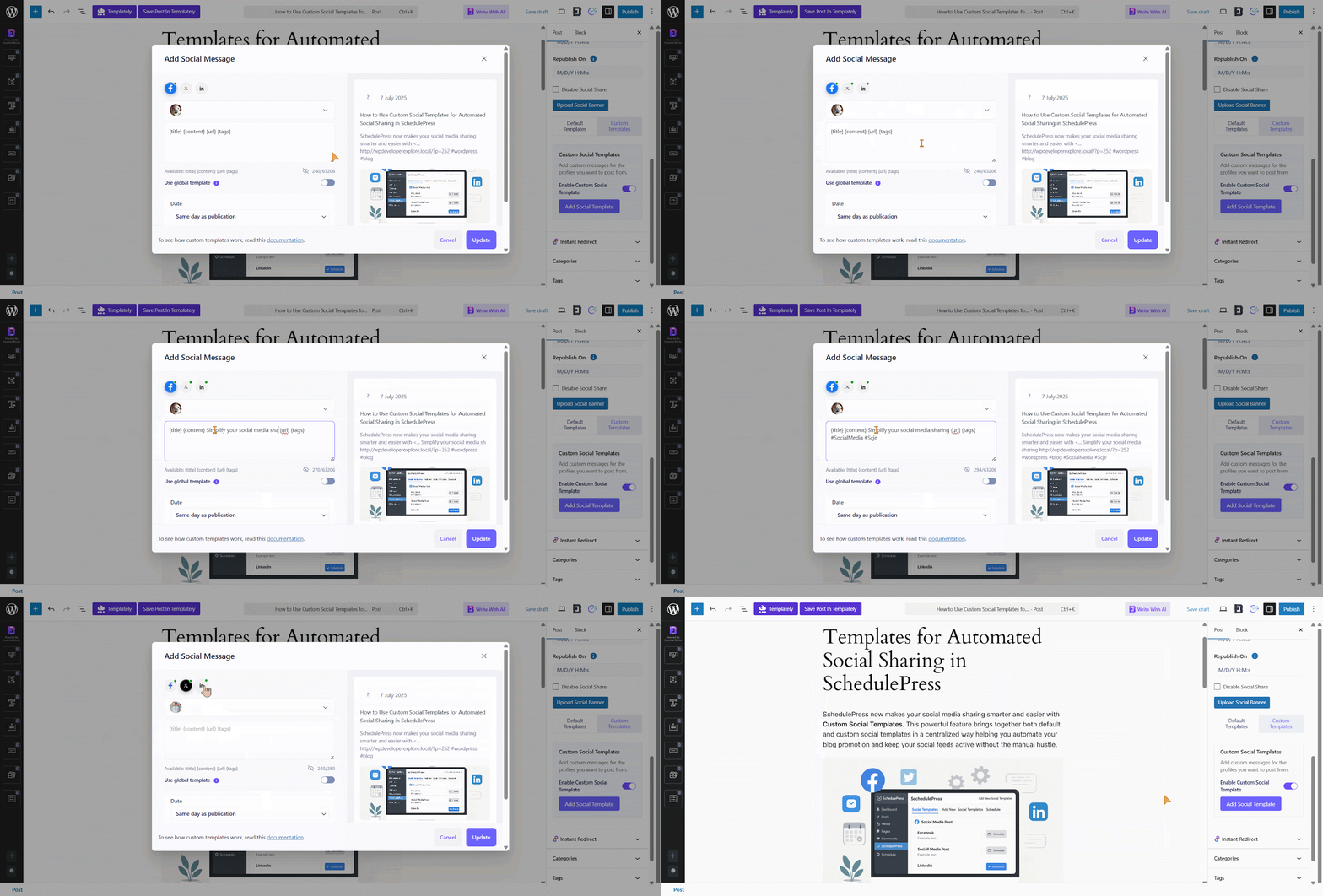
You might write a punchy one-liner for X, a more thoughtful paragraph for LinkedIn and a conversational caption for Facebook. All tied to the same blog post, all managed from one screen.
Step 5: Use Dynamic Social Templates to Save Time
If you post frequently, typing out similar captions again and again gets old fast. That is where SchedulePress social templates come in. Inside the settings, you can create reusable templates that use dynamic tags such as:
{title}– pulls the post title{excerpt}– inserts the post excerpt{url}– adds the permalink{tags}– converts selected tags into hashtags
For example, a template for X might look like: {title} — new on the blog 🔗 {url} #{tags}
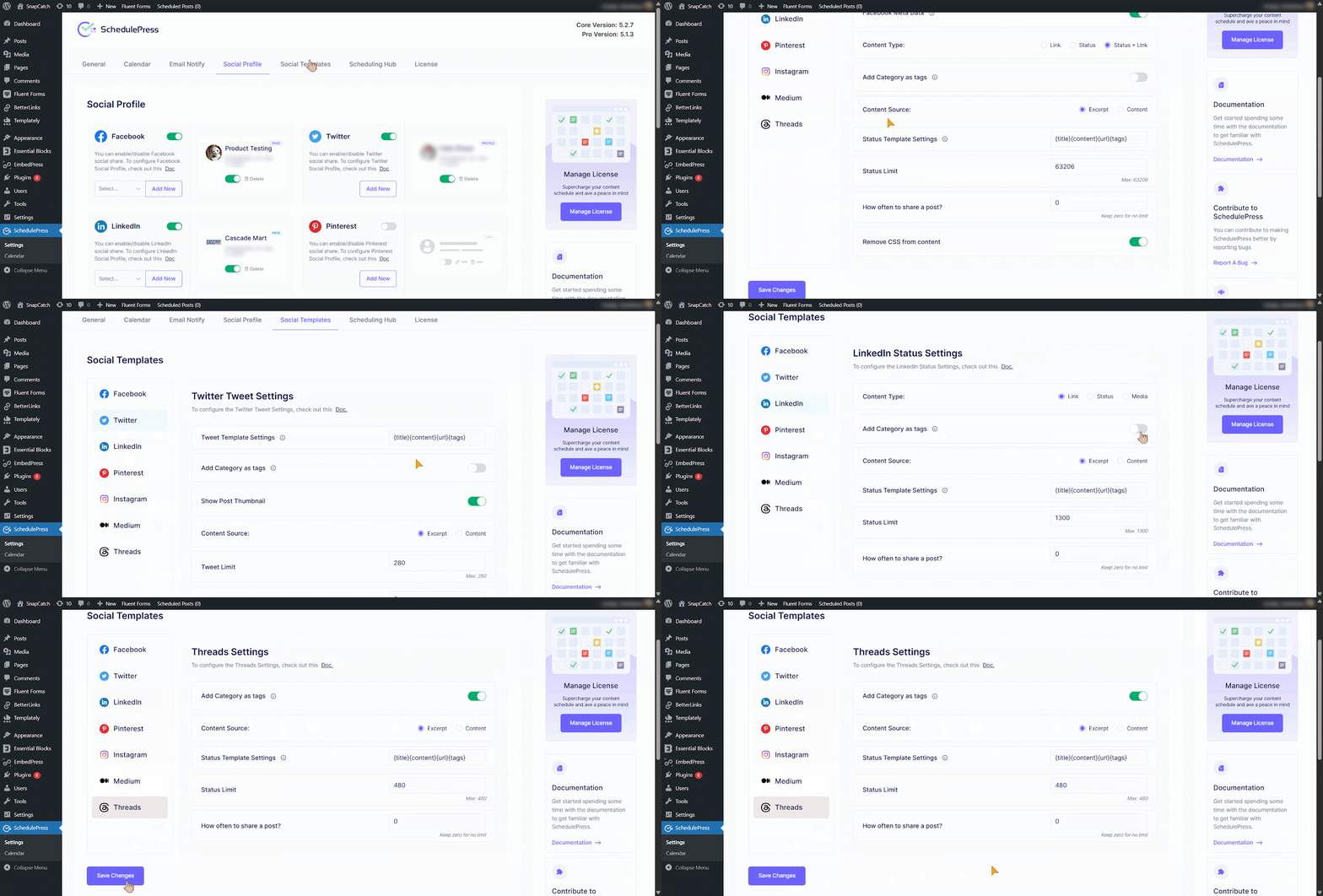
Every time you publish, SchedulePress automatically generates a caption based on that structure. The repetitive work is handled by social media automation, not your keyboard.
Step 6: Schedule Posts and Visualize Everything in the Calendar
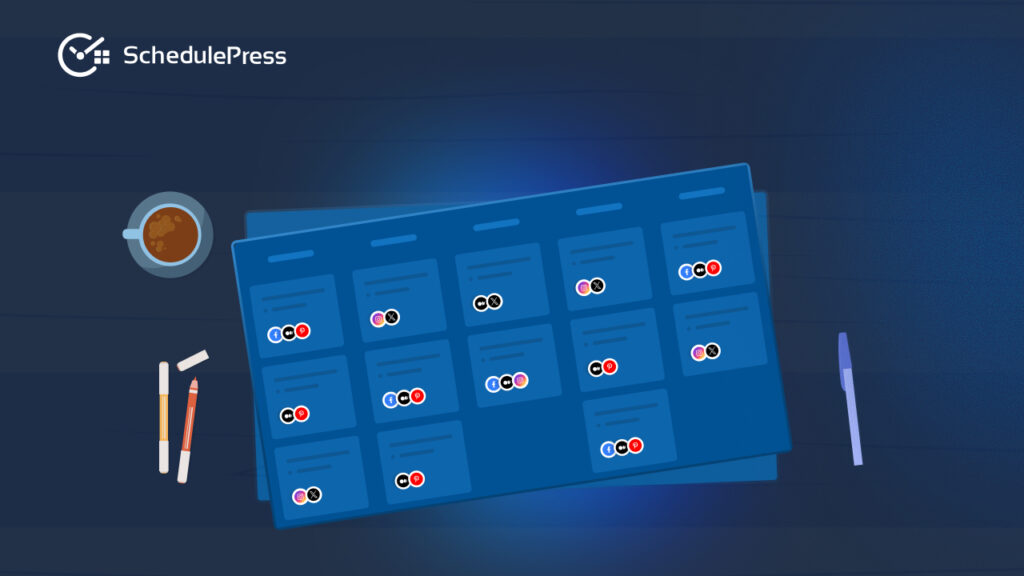
Once your content and captions are ready, you can schedule your posts as usual in WordPress — choosing specific dates and times that line up with your content calendar planning. The real magic appears in the SchedulePress Calendar. This visual calendar shows:
- All upcoming and published posts
- Which days are content-heavy or content-light
- Where you might need more posts to support a campaign
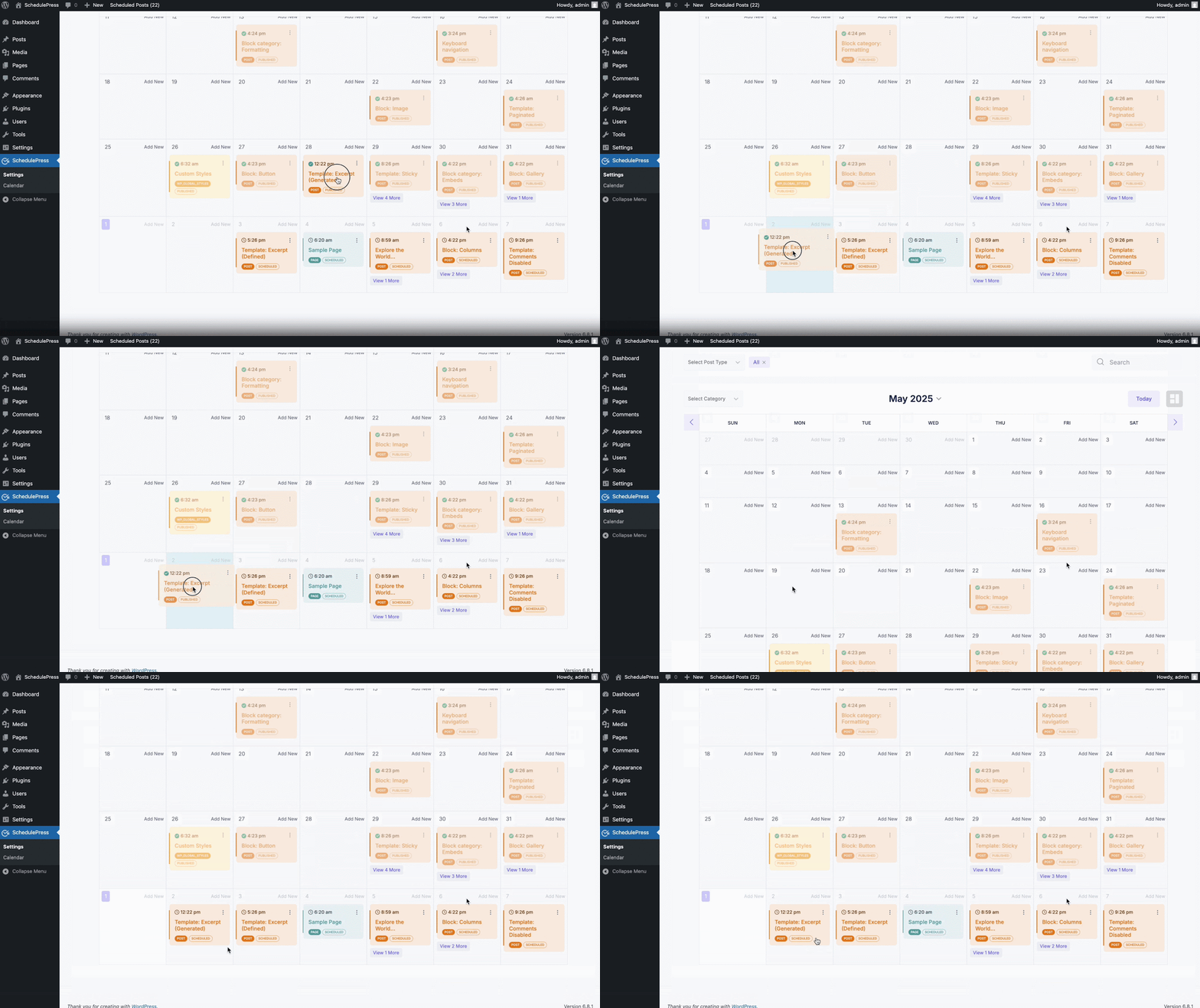
You can drag and drop posts to new dates if your plans change. Launch moved? No problem. Slide the post to match the new timeline and your multi-platform publishing schedule adapts with it.
Measure, Learn and Refine Your Strategy Over Time
A social media strategy is not something you set once and forget. It evolves as your audience, platforms and goals change. That is a good thing. It means you are paying attention. Use your analytics — from social platforms and tools like Google Analytics — to find the patterns:
- Which posts bring the most traffic to your site?
- What type of platform-specific content gets the most engagement?
- Which days or times perform best for your audience?
- Which formats (threads, carousels, short videos) tend to work?
Armed with this data, you can adjust your content calendar planning, shift priorities between networks, or double down on high-performing themes. SchedulePress helps here simply by keeping your publishing consistent, making it easier to compare results week over week.
Choosing the Right Plugin for Long-Term Growth
The goal is not just to share content faster. It is to build a system that supports growth without adding stress. The best WordPress social media plugins help you move from reactive posting to intentional distribution.
By combining a visual calendar, WordPress content calendar planning, content scheduling automation and social media auto sharing, SchedulePress creates a workflow that scales with you. When planning and execution live in one place, consistency becomes effortless and growth becomes sustainable.
If you have found this blog helpful, share your opinion with our Facebook community. You can subscribe to our blogs for valuable tutorials, guides, knowledge, tips, and the latest WordPress updates.