If you publish on a schedule, you already know the difference between “I will post on Tuesday” and “the post actually goes live on Tuesday.” Planning is easy. Reliability is the part that breaks when you are busy, your team is waiting for approvals or WordPress decides to miss a scheduled publish. That is why people search for the best WordPress scheduling plugin: they want a calmer workflow, not another place to click dates.
SchedulePress is designed to solve the practical problems behind consistent publishing. It adds a drag-and-drop schedule calendar, automated scheduling options, a missed schedule handler and auto social-sharing so your publishing plan does not fall apart at the finish line. So, we are calling it one of the best WordPress scheduling plugins out there.
What You Should Expect from the Best WordPress Scheduling Plugins
The best WordPress scheduling plugin is not defined by a long list of features. It is defined by fewer surprises. If you can see your pipeline in an editorial view, publish on time even when WP-Cron is not perfect and share new posts without manual copy-paste, your content operation becomes predictable.
It also needs to fit how you work. A solo blogger wants speed and clarity. A marketing team wants a shared editorial calendar that keeps campaigns aligned. A business site wants tight control over time-sensitive updates. The right scheduling tool supports these needs without adding extra complexity.
Why Default Scheduling Breaks and What a Plugin Must Fix

Native WordPress scheduling relies on WP-Cron. WP-Cron runs when the site receives visits, so publishing can be delayed if traffic is low or if the server misses background tasks. That is how posts end up “missed” even though the date was set correctly.
A plugin worth using should address three gaps: visibility, automation and protection. Visibility means you can see upcoming content in a calendar view. Automation means you can queue drafts in bulk and publish at a consistent cadence. Protection means a missed schedule handler checks what should have published and fixes it. Those are the basics you should demand from the best WordPress scheduling plugin.
A Quick Way to Judge the Best Scheduling Plugins in 30 Minutes
Instead of reading marketing pages for an hour, run these practical tests. You will learn more from using the interface for half an hour than from any feature table.
Test 1: Can You Plan the Month without Opening Ten Editor Screens?
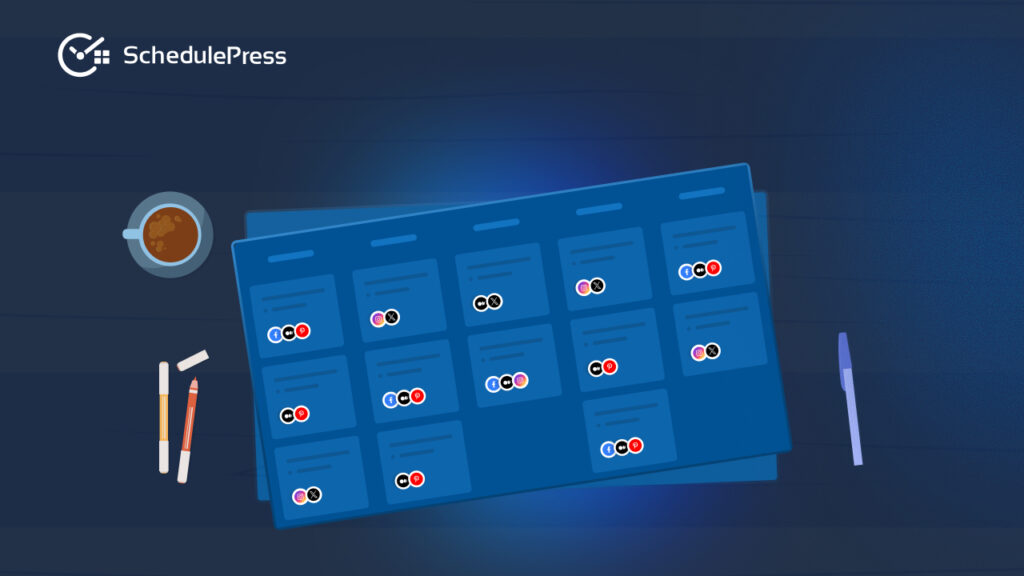
A strong editorial calendar shows drafts, scheduled posts and published posts in one view. You should be able to drag and drop posts to new dates and understand your month at a glance. If you cannot move content easily, the tool will not help when priorities change. SchedulePress includes a schedule calendar designed for drag-and-drop planning so you can rearrange dates quickly.
Test 2: Can You Queue Posts in Bulk with an Auto Scheduler?
If a plugin makes you set dates one by one, it is not saving real time. A proper auto scheduler lets you define a rhythm and then distributes posts across that rhythm from a queue. This is how you turn a writing sprint into weeks of consistent publishing.
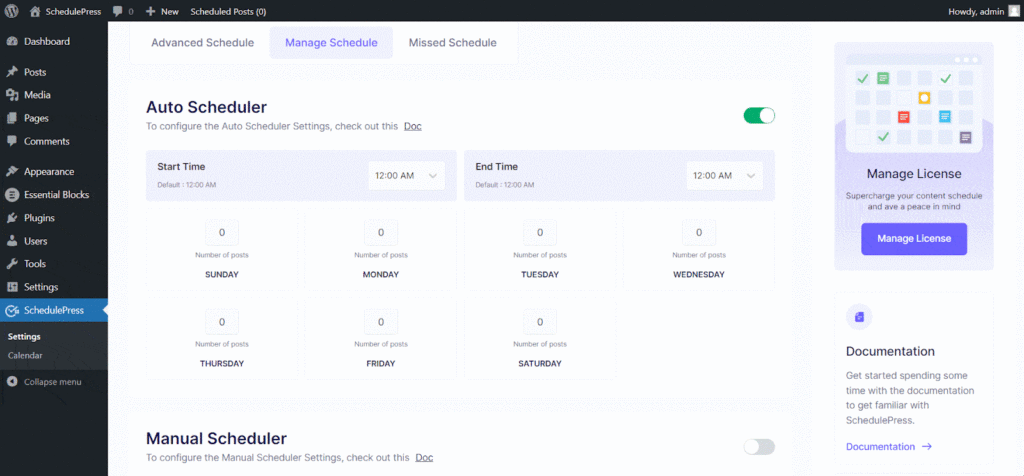
SchedulePress offers Auto Scheduler settings in its Scheduling Hub so you can automate publishing based on your chosen pattern.
Test 3: Does It Protect You from Missed Publishes?
The most painful failure is a post that does not publish. Missed scheduling handlers should be visible in settings and it should be easy to enable. If the tool cannot protect scheduling reliability, it cannot be your long-term solution.
SchedulePress highlights missed schedule protection as a core capability and places it inside the Scheduling Hub alongside Auto Schedule and Advanced Schedule.
Test 4: Can It Reduce Promotion Work with Auto-Social Sharing?
Publishing is only half the workflow if you promote content. Auto social sharing should allow you to connect accounts and use templates so each post is shared consistently. If you still need to open three social dashboards after every publish, the workflow is incomplete.
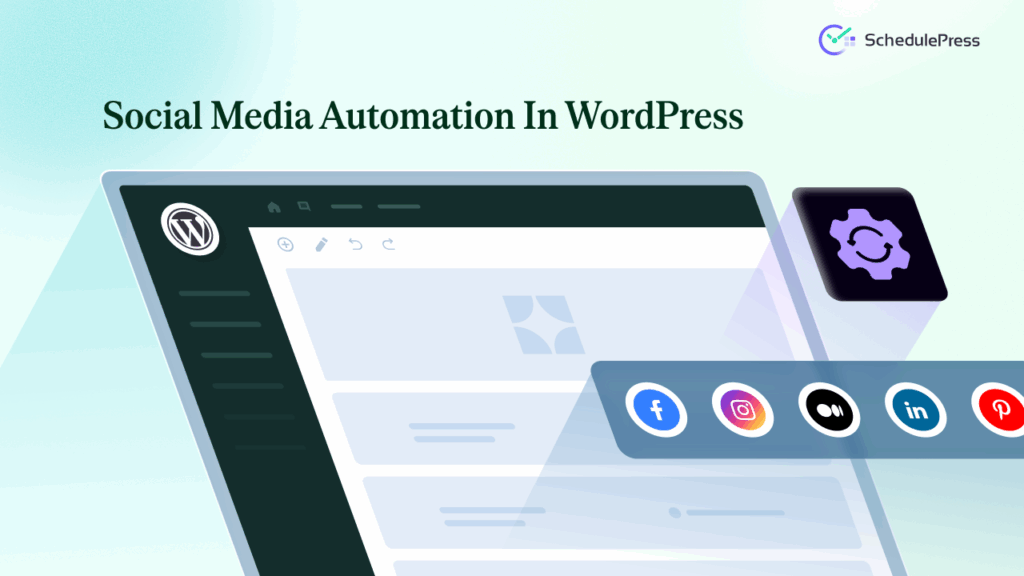
SchedulePress positions Automatic Social Sharing as a core feature and its docs include platform-specific guidance such as posting to Google Business Profile.
Five Pillars of the Best WordPress Scheduling Plugins
Most publishers do not fail because they lack ideas. They fail because the workflow has weak links. The five pillars below map directly to the features that matter most.
Pillar 1: A Usable Editorial Calendar
A clear editorial calendar is not decoration. It is a decision tool. When you can see your schedule visually, you can spot gaps, avoid publishing conflicts and keep campaigns cohesive. You also stop guessing which draft is next because the calendar makes it obvious.
SchedulePress uses a calendar-first approach, so planning stays inside WordPress and you can move content with drag and drop.
Pillar 2: An Auto Scheduler that Keeps Cadence Steady
A consistent cadence is easier than a heroic push. With an auto scheduler, you can write in batches, queue drafts and let the system publish at the rhythm you defined. This reduces the mental load of choosing dates and helps you maintain momentum. SchedulePress provides an Auto Scheduler and controls through the Scheduling Hub.
Pillar 3: A Missed Scheduling Handler that Prevents Silent Failures
A missed schedule handler is a safety net. It matters most on low-traffic sites, on sites with caching layers and on sites that publish at odd hours. When it is enabled, you spend less time checking whether a post went out.
If you are evaluating the best WordPress scheduling plugin, treat missed publish protection as non-negotiable. SchedulePress includes a missed schedule option as part of its scheduling system.
Pillar 4: Automatic Social Sharing for Consistent Distribution
Auto social sharing helps you deliver the same consistency on social that you deliver on your site. Templates prevent “empty” shares and help you keep messaging aligned with the platform. When sharing is automated, promotion becomes a habit rather than a task you do only when you remember.
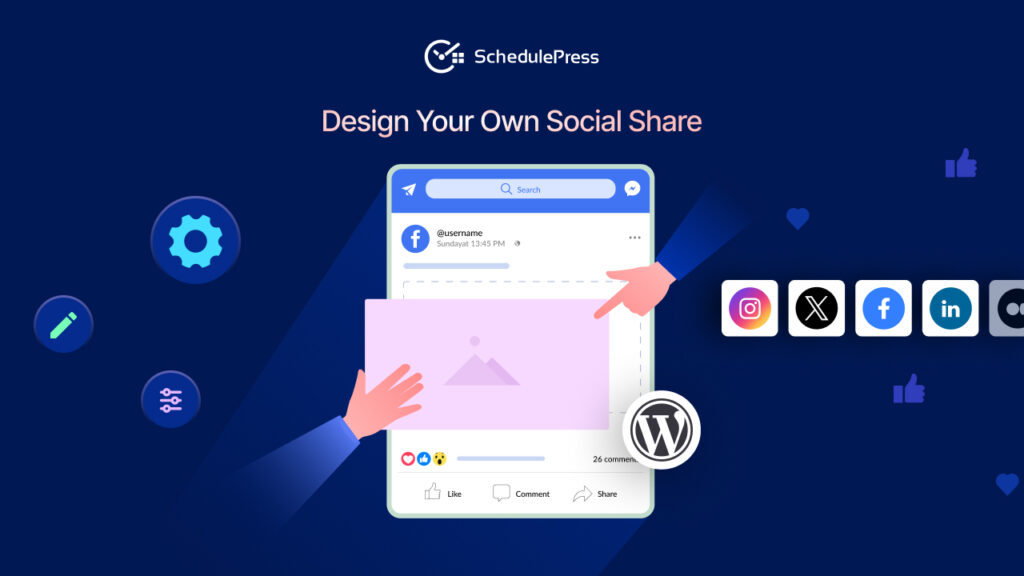
SchedulePress includes social sharing options and templates as part of the plugin feature set and supports channels that matter for different strategies.
Pillar 5: Advanced Scheduling for PUpdates, Republishing and Unpublishing
Content is not a one-time event. You may need to update a published page later, republish an evergreen guide or unpublish a time-limited offer. Advanced scheduling makes these tasks predictable.
SchedulePress documentation covers the Advanced Schedule for updating published posts and supports republish or unpublish actions.
Why SchedulePress Is a Strong Candidate
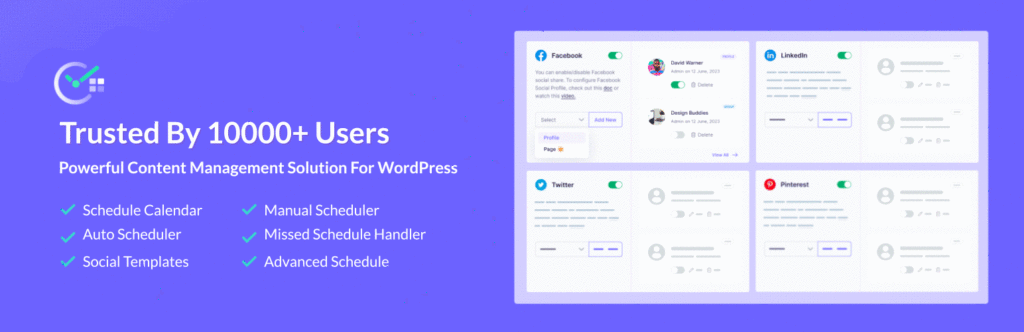
At this point, you can already see the pattern. A scheduling tool should help you plan, automate, protect and promote. SchedulePress is built around those foundations, not around a single “schedule this post” button.
The plugin is also designed to grow with your workflow. You can start with the editorial calendar for visibility. Then add an auto scheduler when you are ready to publish at a steady cadence. Then enable missed schedule protection for reliability. Finally, connect social profiles for automated distribution.
That progression is what most publishers actually need. This is why many users describe SchedulePress as the best WordPress scheduling plugin for building a repeatable routine instead of a one-off scheduling trick.
A Setup that Prevents Common Mistakes
If a scheduling tool feels unreliable, it is often because the setup is incomplete. Use these steps to avoid the most common issues.
Step 1: Confirm Timezone Settings
Scheduling depends on time. Before you schedule anything, confirm your WordPress timezone and ensure it matches your publishing plan. If you publish for an audience in a different region, decide which timezone your schedule should follow and keep it consistent across your team.
Step 2: Use the Scheduling Hub Intentionally
SchedulePress organizes scheduling tools inside the Scheduling Hub so you can manage Auto Schedule, Advanced Schedule and Missed Schedule in one place. This makes configuration easier because you do not have to hunt for settings across multiple pages.
Step 3: Build Templates Before you Enable Automatic Social Sharing
Auto social sharing is most useful when the message is predictable. Create a short template for each platform and include the post title plus a clear benefit. If you support local marketing, follow the Google Business Profile guide so your posts can be shared there automatically.
Three Workflows You Can Follow Today
Tools are only helpful when they become habits. Here are three workflows that match common WordPress publishing styles.
Workflow 1: The Solo Creator Rhythm
Publishers working alone often struggle with consistency because everything depends on one person. The easiest fix is batching. Write two to four posts in one session, place them into the editorial calendar, then let the auto scheduler publish them over the next few weeks.
This approach turns occasional writing energy into steady output. It also reduces guilt because you know content is already scheduled. Many solo creators call this the simplest way to build a sustainable publishing routine.
Workflow 2: The Campaign Timeline
Marketing teams should plan around events: launches, seasonal pushes and webinars. Start by placing your cornerstone content into the editorial calendar. Then schedule supporting posts before and after the event so the narrative is consistent.
Use automatic social sharing to keep distribution aligned with the campaign plan. Templates help you keep messages consistent across channels and reduce last-minute scrambling.
Workflow 3: The Business Reliability Workflow
Business sites publish announcements, policy changes and time-sensitive updates. For these, use Advanced Schedule to prepare changes early and schedule the update for the exact time it must go live.
Keep the missed scheduling handler enabled so you do not risk a silent failure. For business publishing, reliability is part of brand trust and that is exactly what your scheduling setup should protect.
FAQ: Questions People Ask Before Switching
Does a Scheduling Plugin Help SEO?
A plugin does not directly improve rankings. What it improves is consistency, planning and your ability to publish helpful content on a steady rhythm. A clear editorial calendar also helps you build topic clusters rather than random one-off posts.
Can I Schedule Pages and Custom Post Types?
Yes, many sites need scheduled pages and custom post types. SchedulePress documentation covers scheduling pages and custom post types using Auto Scheduler or Manual Scheduler, which is helpful if your site publishes more than blog posts. This is useful for landing pages and resource hubs that must go live at a specific time.
Do I Need Pro to Get Value?
Many publishers start with the free version for calendar visibility and basic scheduling. Then they add Pro features like Manual Scheduler and additional scheduling tools when their workflow demands more control.
What Should I Prioritize First?
Start with visibility. If you can see your month clearly, planning improves immediately. Next, add automation through the auto scheduler. Then enable missed schedule protection. After that, connect social profiles for automatic social sharing.
Strengthen Your Workflow with the Best WordPress Scheduling Plugin
The best WordPress scheduling plugin is the one that makes publishing feel stable. Look for a clear editorial calendar, an auto scheduler that supports bulk cadence, a missed schedule handler that prevents silent failures and auto social sharing that keeps distribution consistent.
SchedulePress covers those core pillars and keeps them inside WordPress, where your content already lives. If you want a scheduling system that feels like an editorial command center, it is worth considering.
If you want more tips and tutorials like this, be sure to subscribe to our blog and join our friendly Facebook Community to stay updated with the latest WordPress trends and social media marketing insights.