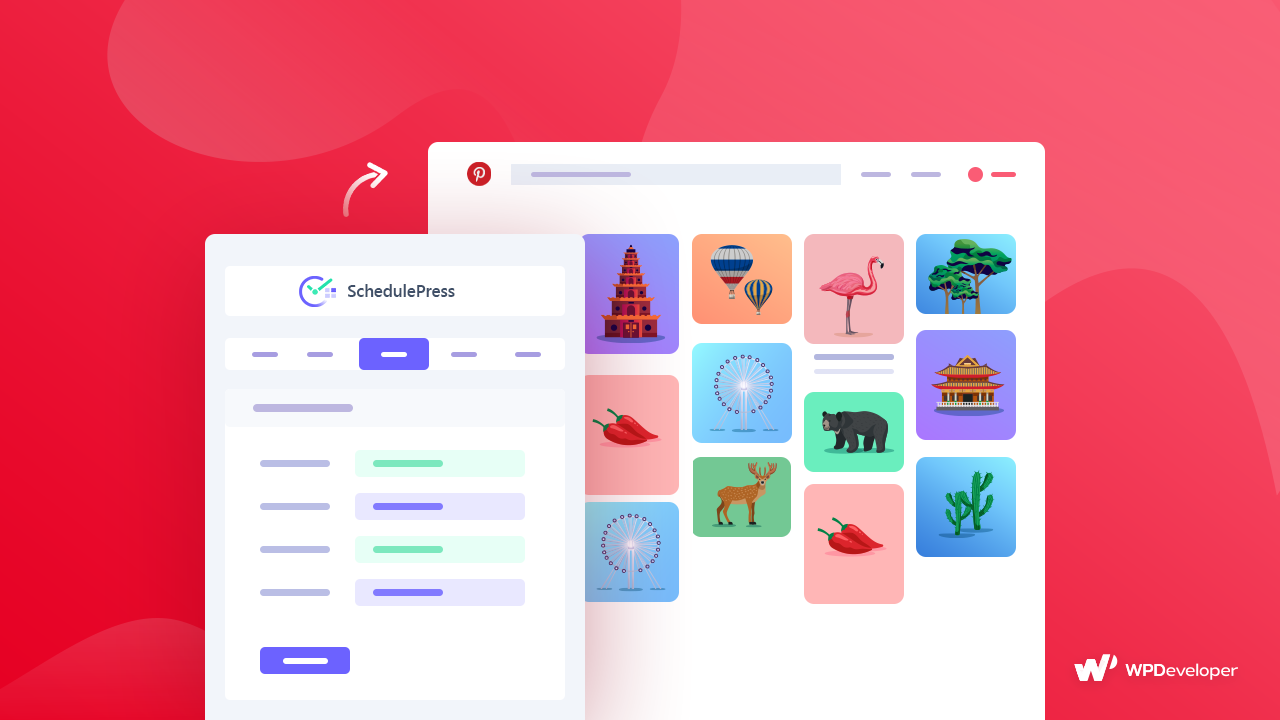
Finding the best times to post on Pinterest is one of the most powerful ways to boost your reach without increasing your workload. Pinterest behaves differently from other platforms because users come to plan, search and save ideas rather than scroll passively. That means timing matters a lot. When your content appears at the right moment, it gets discovered faster, saved more often and shared across more boards. And once a Pin gains traction, its visibility snowballs for months.
In this guide, we will explore the best times to post on Pinterest, why timing influences performance so strongly and how you can automate everything using SchedulePress. You will also learn how Pinterest engagement rates differ by niche, how global time zones affect your posting windows and how a smart Pinterest marketing strategy transforms your entire workflow into something more predictable and scalable.
Why the Best Times to Post on Pinterest Matter
Understanding the best times to post on Pinterest is not just about choosing convenient publishing slots. It is about aligning your content with user behavior so your Pins appear right when people browse, plan and save ideas. Pinterest is built for intentional discovery. Unlike algorithm-driven feeds on other networks, users often arrive with clear objectives, whether they are planning a project or exploring trends.
When your posting schedule matches these behavior patterns, your Pins have a higher chance of being seen and saved. Over time, this directly improves your Pinterest engagement rates and strengthens board visibility. This also reduces the need for posting more content because timing does part of the heavy lifting for you.
Here are a few reasons timing matters:
- Pinterest users browse with strong intent and this creates natural traffic peaks
- Pins posted at peak times get saved more often, which extends their lifespan
- Better timing leads to better Pinterest traffic growth, even without increasing volume
- A consistent timing strategy signals reliability, which improves overall reach
When you combine these insights with automation, you get a system that works around the clock while you focus on creativity.
Understanding Pinterest User Behavior in 2025
Pinterest’s behavior has evolved significantly over the past few years. Users are spending more time researching projects, comparing ideas and planning purchases. This creates multiple micro-moments during the day where engagement naturally spikes.
Most users treat Pinterest like a visual search engine rather than a social network. That is why the best times to post on Pinterest revolve around planning habits, weekday routines and weekend project preparation. People browse early mornings for inspiration, afternoons for research and evenings for deeper project planning.
You must also consider that the Pinterest marketing strategy must adapt depending on the niche. For example:
- Food content receives spikes around late afternoons
- Home improvement surges during weekends
- Fashion and beauty trends peak during evening hours
- Blogging and creator niches perform well in weekday mornings
In 2025 and beyond, Pinterest algorithm trends strongly reward Pins that appear during active browsing windows. That means timing alone can elevate your long-term visibility.
Best Times to Post on Pinterest: Full Breakdown for 2025 & Beyond
The best times to post on Pinterest vary based on daily habits, niche behavior and content type. Below, we break down the core windows of engagement and explain why they matter.
1. Morning Inspiration Window (6 AM – 9 AM Daily)
Early morning is one of the most reliable windows for Pinterest exposure. People often start their day with quick browsing sessions while having breakfast or commuting. During this window, users save ideas for projects or meals they want to revisit later. This makes it an ideal time for SEO-friendly Pins, inspirational graphics and content that sparks curiosity.
Why this window works:
- The Pinterest algorithm trends favor early posts because they gather momentum throughout the day
- Users are in a planning mindset, which increases intent
- Ideal for creators who want long-term ranking and steady Pinterest traffic growth
With SchedulePress, you can prepare these Pins the night before and let the system publish automatically at the perfect time.
2. Afternoon Research Window (2 PM – 4 PM Weekdays)
Afternoon hours are perfect for research-heavy niches. Pinterest users often search for tutorials, guides, product comparisons and recipe ideas during their mid-day breaks. This window works especially well for:
- Food and recipe bloggers
- Home organization creators
- Shopping and product recommendation Pins
- Blogs offering deep-dive tutorials
The best times to post on Pinterest for informational content often fall within this slot because users have more time to explore ideas in depth.
3. Evening Discovery Window (6 PM – 10 PM Daily)
Evenings remain one of the highest engagement periods on Pinterest. People relax, browse at length and plan upcoming projects or purchases. This is also where long-term visibility begins because evening Pins often generate more saves. You should use this window for:
- Fashion inspiration
- Home decor ideas
- DIY crafts
- Holiday planning Pins
The best times to post on Pinterest for lifestyle content often revolve around evening discovery because users are more engaged and willing to save ideas.
4. Friday Activity Boost Window (3 PM – 6 PM)
Fridays consistently show higher engagement because people prepare their weekend projects. They look for recipes, shopping lists, craft ideas and home improvement guides. If you are in any of these niches, Friday afternoons are essential:
- DIY home improvement
- Crafts and creative projects
- Meal planning and recipe content
- Gift ideas and shopping guides
Pins posted on Fridays tend to accumulate saves faster, which improves overall Pinterest engagement rates.
5. Weekend Planning Window (Saturday and Sunday 8 AM – 12 PM)
Weekends create a unique posting opportunity. People browse Pinterest with more intention and more time. Engagement does not always spike as intensely as weekday evenings but the saves generated during weekends can boost long-term performance. This window is ideal for:
- Home decor rearrangement ideas
- Party planning
- Gardening and outdoor inspiration
- Recipe collections
- Travel planning content
These are also among the best times to post on Pinterest for evergreen boards because weekend saves keep your content circulating for longer.
6. Seasonal Posting Windows (Holiday and Event Cycles)
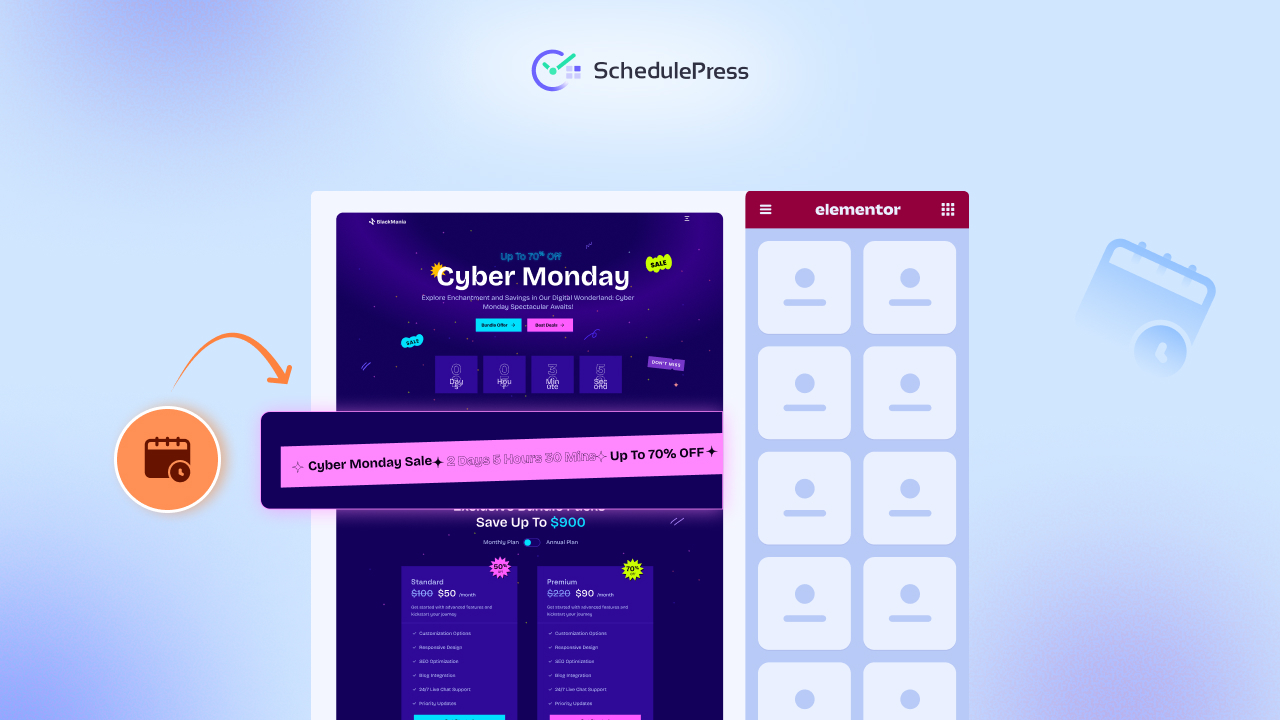
Seasonal periods behave differently from typical weekly patterns. Pinterest users begin searching for seasonal ideas earlier than you might expect. For example, Black Friday content starts trending in November, while Halloween trends ignite by early August.
If you publish seasonal content, the best times to post on Pinterest depend heavily on early discovery. Posting too late reduces your visibility because other creators have already captured the top spots. You can use SchedulePress to plan seasonal campaigns months in advance, ensuring content stays ahead of trends.
Global Time Zone Considerations
Pinterest is used worldwide and that means your audience may not browse in the same window you do. If you have international traffic, time zone research is essential. Consider these factors:
- Identify where most of your traffic originates
- Adjust your posting schedule for those peak zones
- Use Pinterest scheduling tools to manage publishing across multiple regions
Creators often underestimate how much time zone alignment boosts engagement.
Automate the Best Times to Post on Pinterest with SchedulePress
Knowing the best times to post on Pinterest is valuable, but manually posting at those exact times is not sustainable. Pinterest requires consistency to maintain visibility. Most creators struggle because posting at optimal times every day becomes overwhelming.
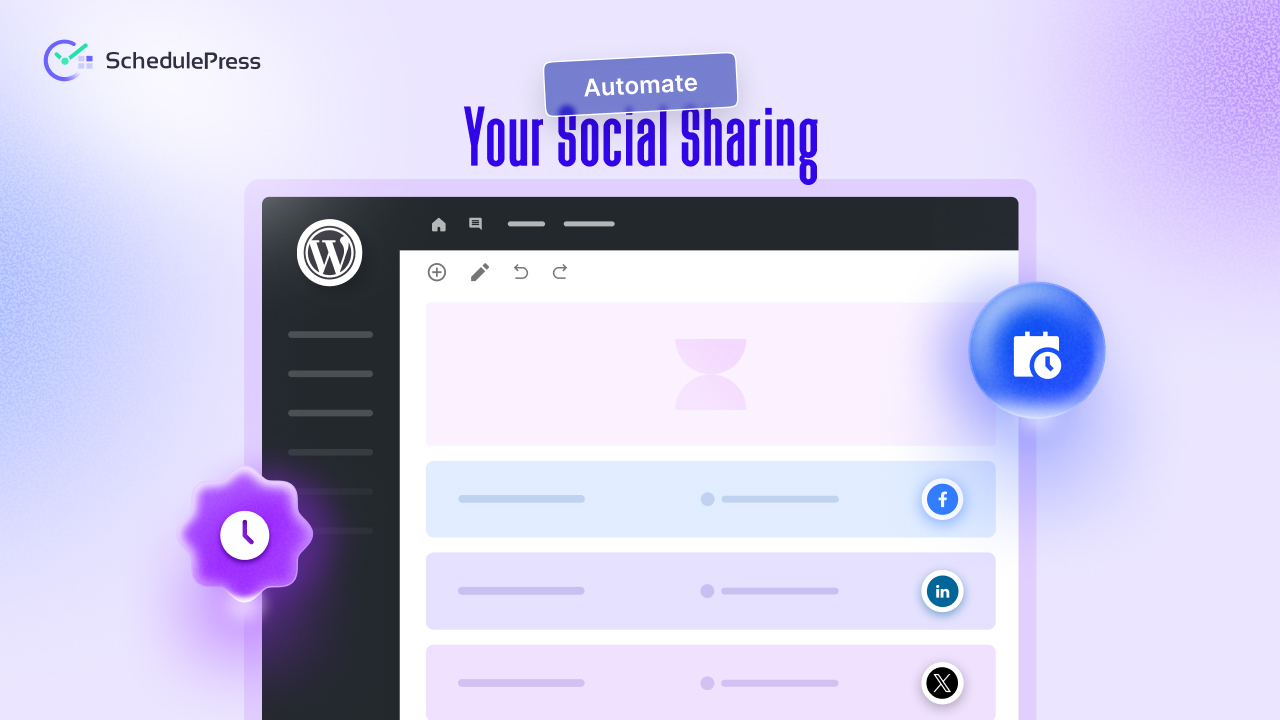
This is where SchedulePress transforms your workflow. It integrates your Pinterest strategy directly inside WordPress so you can plan content, build custom messages and publish automatically across multiple boards. Automation ensures your Pins are posted at peak times even if you are offline. It also reduces the manual burden of balancing content creation with content promotion.
Map Your Editorial Calendar
Use the SchedulePress editorial calendar to visualize your content pipeline. Add your upcoming posts, campaigns and repurposed Pins then align them with the best posting windows. This makes your Pinterest marketing strategy more predictable and easier to scale.
Create Custom Social Templates
SchedulePress allows you to create templates using dynamic tags such as {title} {excerpt} {url}. You can also utilize custom social templates to align captions with your brand guidelines. This ensures every Pin description is optimized with relevant keywords without rewriting captions each time. You save hours while maintaining consistency.
Build a Multi-Platform Posting Plan
Pinterest may be your main channel but your content benefits from a coordinated approach. With SchedulePress, you can schedule content for Pinterest, Facebook, Twitter and LinkedIn in one unified workflow. This ensures your content reaches all platforms at their strongest engagement windows.
Auto-Publish Everything
Once everything is mapped out, SchedulePress handles the rest. It publishes Pins at the best times to post on Pinterest and pushes your content across multiple boards. This guarantees that your posts appear exactly when your audience is most active which boosts your Pinterest engagement rates and improves long-term Pinterest traffic growth.
Use Best Times to Post on Pinterest & Maximize Reach
The best times to post on Pinterest give you a strategic advantage when competing for user attention. When you understand browsing patterns and niche behavior, your Pins become more discoverable and more impactful. Pair those insights with automation and you build a Pinterest marketing strategy that works consistently without adding more work to your day.
SchedulePress ensures your content posts automatically at peak times so you never miss a visibility window. It is the simplest way to manage Pinterest scheduling tools while keeping everything inside your WordPress workflow. If you are ready to build a more powerful Pinterest system, explore how SchedulePress can streamline your entire process and help your content reach the right audience at the right moment.
If you have found this blog helpful, share your opinion with our Facebook community. You can subscribe to our blogs for valuable tutorials, guides, knowledge, tips, and the latest WordPress updates.